To Separate the NP with the P in Steps 4
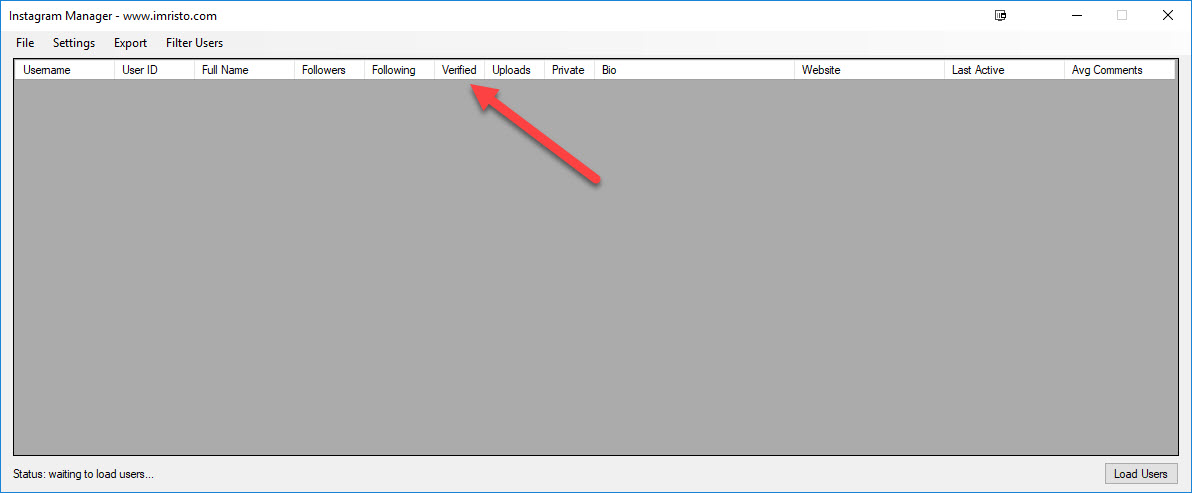
At the Instagram Manager program and once the program has loaded all the list. This will take some time if you have 10k+ names.
Click on the Verified tab to sort all the false and true together.
Export > All Data > CSV
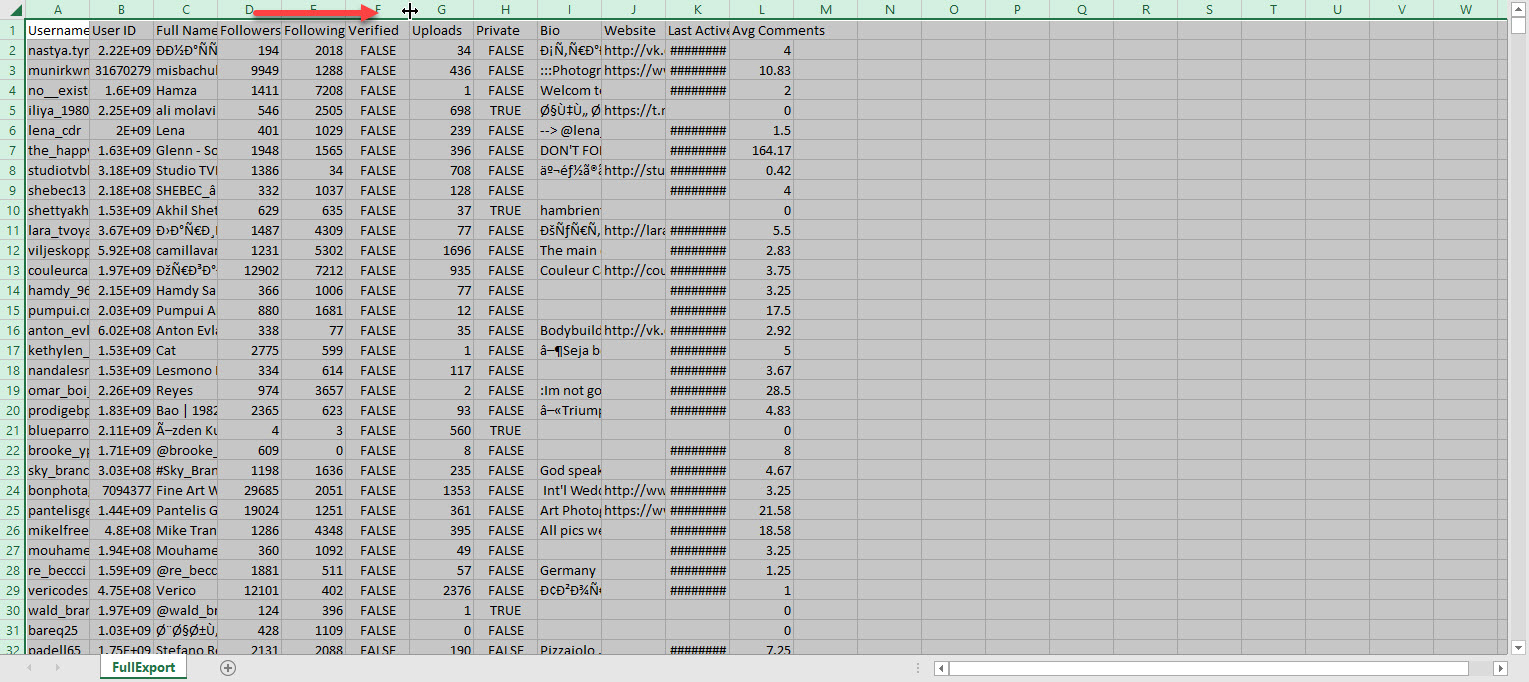
Open the saved file in Excel and highlight the Verified column.
Ctrl F and type 'true' to find the first row with true.
From that row, select all the rows with true and ctrl X.
Open a new sheet and paste. This new sheet will be your P (true) list and the first sheet will be your NP (false) list.
Delete the rest of the column except username column.
Expand the username column so that the names isn't hidden for both sheets.
Save each sheet and label as P and NP with extension .csv
Import the P list into your bot as a blacklist or ignore these users.
Import the NP list into your bot and like 2 or 3 images.
Hope this helps for some that are confused on how to complete this step.


 .
.