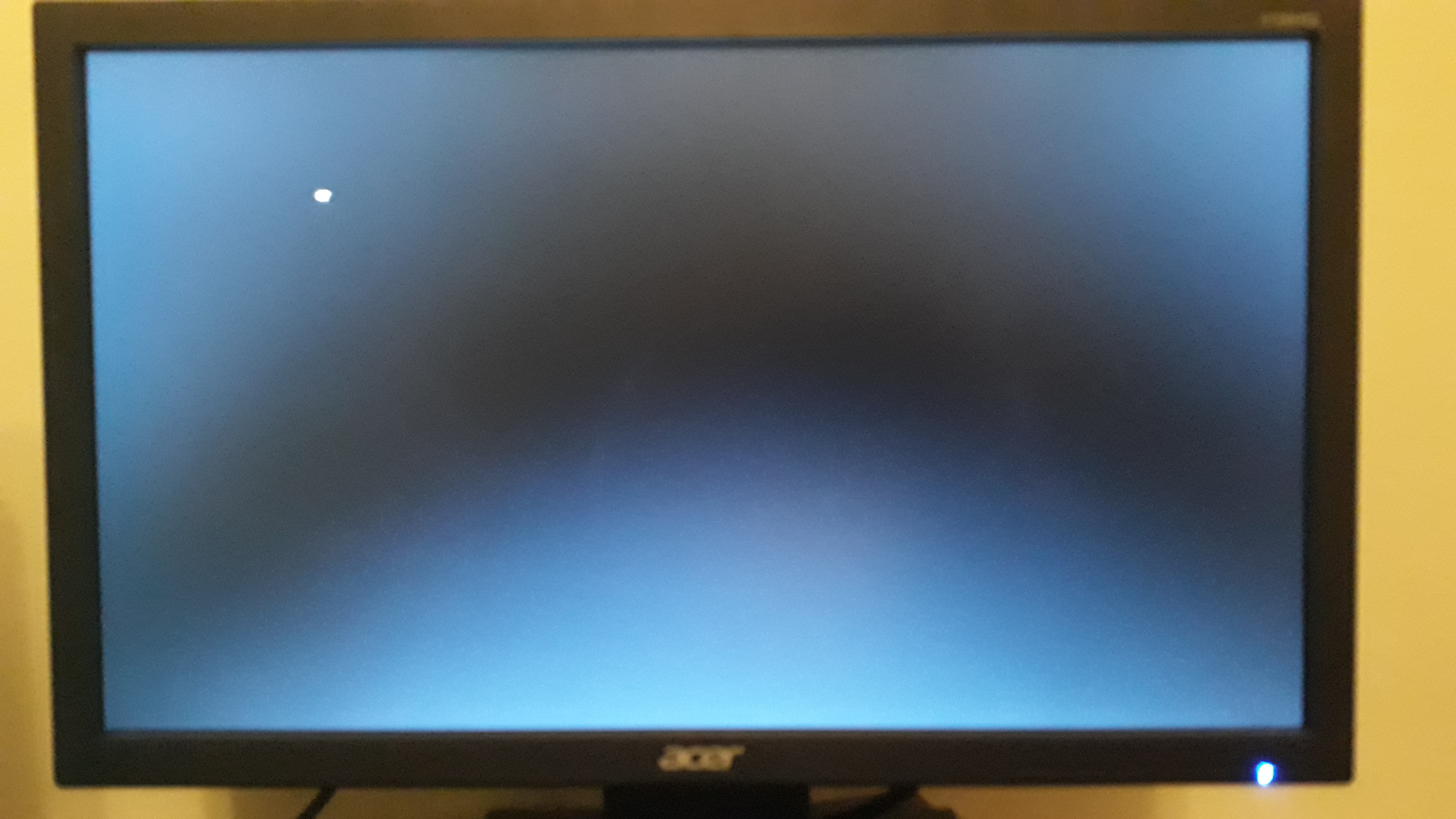
New PC after turn on nothing happens

Scorpion Ghost

Elite Member
Executive VIP
Jr. VIP
Joined
Mar 22, 2013
Messages
9,153
Reaction score
10,492
Putting this here as a reference: https://www.blackhatworld.com/seo/new-pc-monitor-dvi-vga.1154445/page-5

I made a new PC. When I turn it on I get to this page:

KisQR2P


But no matter what I press, nothing happens.

The keyboard works for sure. I tested it on another computer.

What could be the problem?
Use a different keyboard,

Some keyboards don't work without the operating system being booted.
 
Use a different keyboard,

Some keyboards don't work without the operating system being booted.

I don't have a different keyboard.

Now I turned it off and on again, and from that page in my previous message it jumped straight to this (without me doing anything):

aXR83G4
 
It could be a million things sadly.
Do you have other PC where you can install OS?
Edit:
I mean install OS on ssd, than move this ssd to new PC.
 
Your only solution will be to try another keyboard or run the motherboard with the cmos battery removed.
It works on lots of motherboards with cpu socket 775 nd above
 
It could be a million things sadly.
Do you have other PC where you can install OS?
Edit:
I mean install OS on ssd, than move this ssd to new PC.

Man, I'm just gonna mount the OS on the USB from the official Microsoft download thing, and see if that works.

But unfortunately I'm facing another weird issue. Sometimes I start the PC, and the monitor doesn't turn on at all (and I don't hear the beeping sound when that happens). Other times I start the PC and the monitor does turn on, and I also hear the beep sound when it works. Why?
 
I'm just gonna mount the OS
Burn it on CD if you can.
Also edit your original post (or make new one) and write down all your hardware parts - PSU, CPU, Mobo, Ram, SSD, etc - just for evidence.
 
I don't have a different keyboard.

Now I turned it off and on again, and from that page in my previous message it jumped straight to this (without me doing anything):

aXR83G4
This is because you have no operating system installed on your hdd.
Try my suggested solution to configure your booting sequence.
Then install your operating system.

Another solution is to remove your hdd and install windows 7 using another pc. Once done, you can put back the hdd in your new pc and it will work fine. Sometimes you will need to install drivers manually such as audio, etc
 
Your only solution will be to try another keyboard or run the motherboard with the cmos battery removed.
It works on lots of motherboards with cpu socket 775 nd above

I tried installing Windows before, downloaded the ISO and burned with Rufus, and a few seconds after the initial windows installation screen booted up, I managed to move the mouse for a few seconds, it got stuck, then unstuck, then stuck, then unstuck, then it got stuck for good.

Then I restarted and tried again, and got some error when the PC started up like:

"the file is possibly corrupt. The file header checksum does not match.. something something..."

I'll try to install windows again using the official windows download tool to mount the OS on the USB and the whole thing. See if that works...
 
So maybe check your BIOS settings. Are you booting in UEFI or Legacy? Is your drive set first in the boot order? Sometimes old records stay in that boot order list.
 
Set your boot order to wherever you're trying to boot from. The PC won't know this initially. While you're at it, go into your BIOS and make sure your stuff is all reading correctly. CPU, RAM speed, and it's detecting your SSD's, or whatever storage medium you're using.
 
Burn it on CD if you can.
Also edit your original post (or make new one) and write down all your hardware parts - PSU, CPU, Mobo, Ram, SSD, etc - just for evidence.

Can't burn it on a CD. I mean I could, but the PC doesn't have a cd/dvd rom, so it won't do any good.

I just edited my OP and listed all the components.

This is because you have no operating system installed on your hdd.
Try my suggested solution to configure your booting sequence.
Then install your operating system.

Another solution is to remove your hdd and install windows 7 using another pc. Once done, you can put back the hdd in your new pc and it will work fine. Sometimes you will need to install drivers manually such as audio, etc

Ok not having an OS that would explain that screen maybe.

It could even explain why I can't move around in my BIOS with the F9 and F12 and DEL buttons.

But what about the PC booting on and off... I mean the screen sometimes turns on and other times it doesn't. When it does I hear a beep when the PC boots, and when it doesn't there is no beep sound.

Sell it on ebay and advertise it as a boat anchor.

You'll get bids.

These are dark times. You shouldn't be making me laugh :D
 
could be bios problem

Could be. But I can't get into my BIOS because when I press the keyboard to enter BIOS nothing happens.

So maybe check your BIOS settings. Are you booting in UEFI or Legacy? Is your drive set first in the boot order? Sometimes old records stay in that boot order list.

I can't check my BIOS settings because I can't get to the BIOS.

Set your boot order to wherever you're trying to boot from. The PC won't know this initially. While you're at it, go into your BIOS and make sure your stuff is all reading correctly. CPU, RAM speed, and it's detecting your SSD's, or whatever storage medium you're using.

I can't set the boot order or any of that stuff because I can't get to the BIOS.
 
Box and power supply -
Your case have built in power supply?

the file is possibly corrupt
It may happen because your usb drive is fucked up, thats why it would be best to burn it on cd/dvd.
 
If your machine does not respond to any input your only option as suggested above is to remove CMOS battery and wait for it to clear so factory default settings are restored. On some systems this may be meer seconds others may require longer.
 
Your case have built in power supply?

Yup.

It may happen because your usb drive is fucked up, thats why it would be best to burn it on cd/dvd.

Could be. I'm formatting the USB again, it's just finishing.

Then I'll install Windows 10 on it again using the Windows Media Creation tool, and try again.

Push comes to shove I have one more 8 Gigs USB that I can try to use. But I don't think my USB is corrupt or broken to tell you the truth.

If your machine does not respond to any input your only option as suggested above is to remove CMOS battery and wait for it to clear so factory default settings are restored. On some systems this may be meer seconds others may require longer.

I guess if all else fails, maybe I try this. Thanks :)
 
Check for bent pins on CPU socket and read manual on how you must insert the ram.. It could be that you need em to be either in 1 and 3 or 2 and 4 slot.
 
Back
Top