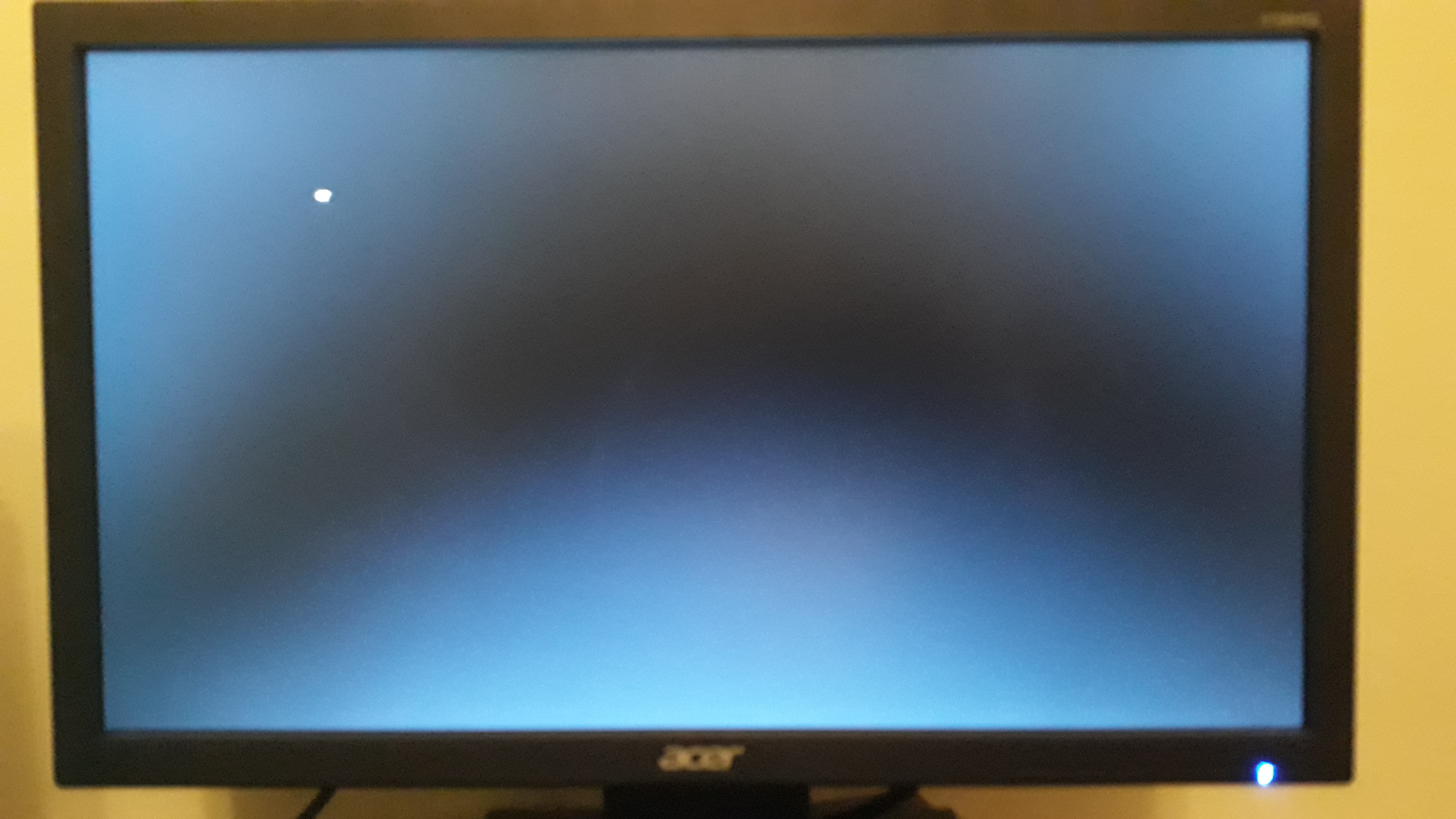
New PC after turn on nothing happens

But I don't think my USB is corrupt or broken to tell you the truth
I've seen USB drives broken many times sadly.

Also i try to download ubuntu desktop here:
http://archive.ubuntu.com/ubuntu/dists/xenial/main/installer-amd64/current/images/netboot/mini.iso
Its very small image (only 64 MB) so you can download it in seconds. Try to install it from usb (just try, not install) and check if its going to work.
Check for bent pins on CPU socket and read manual on how you must insert the ram.. It could be that you need em to be either in 1 and 3 or 2 and 4 slot.

How he can find pins on AM4 socket? There are no pins in AM4 socket. Pins are on CPU.
90
 
Good luck, maybe double check all ur connections too, make sure ur rams in snug, etc.

Thanks

I was very careful putting it together. I double checked and triple checked everything. There is no way anything isn't put in correctly.

I mean I guess I'll check if all else fails, but for now I'll try to install windows next.

So I turned the PC off. I unplugged it. I turned off the power supply with the button. Waited a few minutes. Plugged it back and turned it on. Nothing. The screen won't load and no beep sound.

I restarted it. Nothing.

I turned it off, waited a few seconds. Started it up again. Nothing.

I restarted it. Now the beep sound happened and the monitor turned on.

I'm on the page where it tells me what F9 and F12 and DEL does, and I should be able to press any of those to enter the BIOS/SYSTEM INFORMATION/BOOT MENU, but I can't.

By the way, when I turn it on and the beep sound doesn't happen and the monitor doesn't turn on, my keyboard's light also doesn't turn on. You know the Num Lock light. But when the beep sound happens and the monitor turns on, the Num Lock light on the keyboard turns on as well.
 
Check for bent pins on CPU socket and read manual on how you must insert the ram.. It could be that you need em to be either in 1 and 3 or 2 and 4 slot.

I read the motherboard manual when inserting the ram. It was 1 and 3. I inserted it correctly I'm pretty sure.
 
I'm getting sick and fucking tired of this shit.

I have some money on my hands. It's there to make my life easier. Maybe I'll just call the guy :D

 
So I'm reading on why sometimes the PC turns on and the beep sound is heard (this is called "POST" apparently) and other times nothing.

I ran into this:

A bad, failing, or inadequate power supply is often the cause of this issue. If the hard drive is not getting enough power during the first time the computer starts, it cannot spin the hard drive platters fast enough to start the computer. However, if you restart the computer two, three, or more times, because the platters are already spinning, it can get the drive up to speed and able to boot off the drive.

But my power supply is 500w. Should be more than enough to handle. And the power supply is new, so it can't be failing or going bad or anything.

Also my hard drive is an SSD. Do SSD's spin? I know all my life HDDs and they spin and shit. But do SSDs spin, I don't know.
 
We dont know your power supply. It may be no-name crap.
 
But it's new, and 500w, it shouldn't be causing problems...
No offense bro but you have close to zero experience when it comes to PC hardware - that's why you probably think that new=good. Thats not the case when it comes to power supplies. I would prefer used Seasonic gold power supply instead of new no-name. No-name power supply is like asking for problems. Even branded ones fail sometimes when you first use them but branded ones have OVP (over-voltage protection), SCP(Short circuit protection) and others. If you dont want this PC dead in next 6-12 months buy fucking good power supply.

Edit:
Are you aware that if this power supply is actually broken you can burn mobo, CPU, maybe also ram?
 
No offense bro but you have close to zero experience when it comes to PC hardware - that's why you probably think that new=good. Thats not the case when it comes to power supplies. I would prefer used Seasonic gold power supply instead of new no-name. No-name power supply is like asking for problems. Even branded ones fail sometimes when you first use them but branded ones have OVP (over-voltage protection), SCP(Short circuit protection) and others. If you dont want this PC dead in next 6-12 months buy fucking good power supply.

Edit:
Are you aware that if this power supply is actually broken you can burn mobo, CPU, maybe also ram?

I wouldn't say 0 experience, but close.

I don't think that new=good, but new should equal functional and I would think it's rare something comes broken out of the box. Forget about problems down the road for now. Right now it's new and I expect it to work.

Ultimately if the power supply is causing my problem, when/if I eventually take the PC to the computer shop they'll bring it to my attention. I doubt I can diagnose that myself.

Back in the day I had spare parts for pretty much everything, so I could play and test different rams/power supplies/graphic cards/keyboards/monitors everything. But I don't have shit anymore. I can't test like that unless I start taking apart one of my other PCs, and I'm not gonna do that.

OP list all of the specs - everything

I did. Check my original post.
 
I read the motherboard manual when inserting the ram. It was 1 and 3. I inserted it correctly I'm pretty sure.
My guess is the ram sticks are not compatible. Those 16g ram sticks are known for trouble.
I wouldn't say 0 experience, but close.

I don't think that new=good, but new should equal functional and I would think it's rare something comes broken out of the box. Forget about problems down the road for now. Right now it's new and I expect it to work.

Ultimately if the power supply is causing my problem, when/if I eventually take the PC to the computer shop they'll bring it to my attention. I doubt I can diagnose that myself.

Back in the day I had spare parts for pretty much everything, so I could play and test different rams/power supplies/graphic cards/keyboards/monitors everything. But I don't have shit anymore. I can't test like that unless I start taking apart one of my other PCs, and I'm not gonna do that.


I did. Check my original post.

I don't think you are zero experience, you know the parts and whatnot. That's more than most people. Some guys just stingy I would just bite the bullet and take it to the shop at this point.
 
My guess is the ram sticks are not compatible. Those 16g ram sticks are known for trouble.


I don't think you are zero experience, you know the parts and whatnot. That's more than most people. Some guys just stingy I would just bite the bullet and take it to the shop at this point.

One of the things on my list is to remove one of the Ram sticks and try with just 1 of them, see what that does. Even remove both and take one of the 8 GB rams from one of my other PCs and try with just that. See if the monitor/turning on the PC situation changes.

When I first tried installing Windows hours ago it tried, it went on the first installation page where it asks me to choose language and keyboard language, and then it just got stuck. I suspect maybe the ISO I downloaded was faulty or the way I burned the ISO on the USB using Rufus wasn't done right or something. I am literally finishing mounting Windows on the USB again properly, using the Windows media creation tool. If that doesn't install it for whatever reason, I can rule out a bad USB/mounting problem.
 
Could be. I'm formatting the USB again, it's just finishing.

Then I'll install Windows 10 on it again using the Windows Media Creation tool, and try again.

Push comes to shove I have one more 8 Gigs USB that I can try to use. But I don't think my USB is corrupt or broken to tell you the truth.


I guess if all else fails, maybe I try this. Thanks :)
Did you manage to load windows 10?
 
Did you manage to load windows 10?

I'm totally weirded out.

At first it took 7 restarts for it to actually start and display anything on the monitor.

Then one time it started on this:

aXR83G4


Next time it started on this:

KisQR2P


Next time it started on this:

DWgXKwc


And the next time it started on this:

ckbv0qA


And the keyboard doesn't do anything on that second photo.

I'll try a few more restarts, see what happens. If nothing then I'll open it up and remove one of the RAM sticks, see what that does.
 
It could be a power issue, or anything from above really. An obscure cause of this could be not screwing in all screws that connect the motherboard to the computer case. The computer actually uses these screws to complete the electrical path and if any are missing or loose it can cause some really odd problems like USB devices not working, memory power issues, or boot issues just like this. Make sure and check the foil paths on the motherboard too. A little bending before installation can crack these foils and again cause some really odd problems. Both are rare, but worth looking into. Also, the last picture you posted, that's what I get when I either don't have my bios set to UEFI or my usb installation media is corrupt. Also, if you have a windows genuine key, you can get the USB media tool from Microsoft itself, which bypasses Rufus. I've had issues with some computers simply not taking install media from Rufus.
 
It could be a power issue, or anything from above really. An obscure cause of this could be not screwing in all screws that connect the motherboard to the computer case. The computer actually uses these screws to complete the electrical path and if any are missing or loose it can cause some really odd problems like USB devices not working, memory power issues, or boot issues just like this. Make sure and check the foil paths on the motherboard too. A little bending before installation can crack these foils and again cause some really odd problems. Both are rare, but worth looking into. Also, the last picture you posted, that's what I get when I either don't have my bios set to UEFI or my usb installation media is corrupt. Also, if you have a windows genuine key, you can get the USB media tool from Microsoft itself, which bypasses Rufus. I've had issues with some computers simply not taking install media from Rufus.

I just mounted windows from the USB media tool they offer, and again it wouldn't work.

Frankly, it's almost like the PC won't turn on at all on and off, but if I take out the keyboard and usb and move them around then it loads.

But what worries me most is that the one time it loaded the Windows installation to the first page, it would get stuck for a few seconds then unstuck, then again, then again, until it got stuck completely. And now again it loaded the first page with the AORUS logo or whatever that logo is, and it was loading something, but again the loading was getting stuck/unstuck/stuck/unstuck.

Anyway, someone asked, my power supply is MS-500.

I'm about to remove one of the RAM sticks, see what happens.
 
No OS installed there.
Does keyboard works? I suppose not.
In this case is the usb port where keyboard is plugged.
Bios does not recognize hardware.
You need to switch usb ports till keyboard works.
Then play with bios settings.
And install a fresh OS.
 
Repeatedly restating it thinking it's going to work without changing anything won't do you any good. You might just damage things. Try one stick of RAM at a time and make sure it's securely in place. Some motherboards will do a memory test (PC will boot up and restart itself with nothing displayed on screen). Your goal here isn't to load into windows but to try to press the delete key and see if you can get into the bios.

You also need to look into changing keyboards and seeing if that works. If you don't have another keyboard go buy a cheap one or borrow one.

By the way the number of people who think their RAM is in properly and isn't is staggering!
 
I tried with just 1 ram stick, same behavior.

Now I moved the graphics card from the PCIEX16 to the PCIEX4 slot.

I don't know, the PCIEX16 slot is like Silver, but the PXIEX4 slot is like one of the older ones, black. Maybe the graphics card is old and shitty, it must be put in the old and shitty slot.

If nothing changes I'll try the PCIEX1_2 slot.
 
Could be. But I can't get into my BIOS because when I press the keyboard to enter BIOS nothing happens.


I can't check my BIOS settings because I can't get to the BIOS.


I can't set the boot order or any of that stuff because I can't get to the BIOS.

From this reply it's obvious this BIOS guy is fucking with you.

Kill BIOS and go after his bosses. Kick their ass and find out what's holding your PC.

If they don't talk, set them up and call the cops. Side with them and shoot in the same direction the cops shoot when the cops begin shooting.

Fuck that shit. BIOS needs to do what you tell him to do.
 
Back
Top