

Red Yonko
Senior Member
- Oct 15, 2019
- 819
- 226
Hello BHW,
I'm facing some serious problems here that don't make sense
First of all let's say that I have an article site that is getting loaded from many people that swipe up on my stories of my 17k followers account. So I want to start getting paid from this.
I have installed Google site kit, yea that wordpress plugin.
I have Adsense account + Admob account months now.
So i go to my wordpress admin panel and try to install the google ads from the site kit -> adsense
I connected with my account everything ok. But, it keeps returning me this:
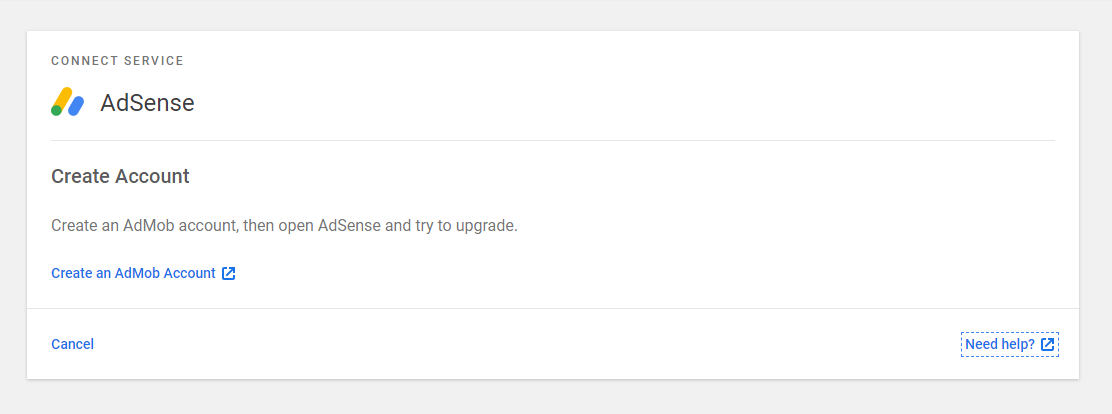
I knew I already had an admob account so I was a bit curious. I clicked on "Create an AdMob account" and it sent me here:

I clicked the "Sign in" and It automatically showed my admob balance:
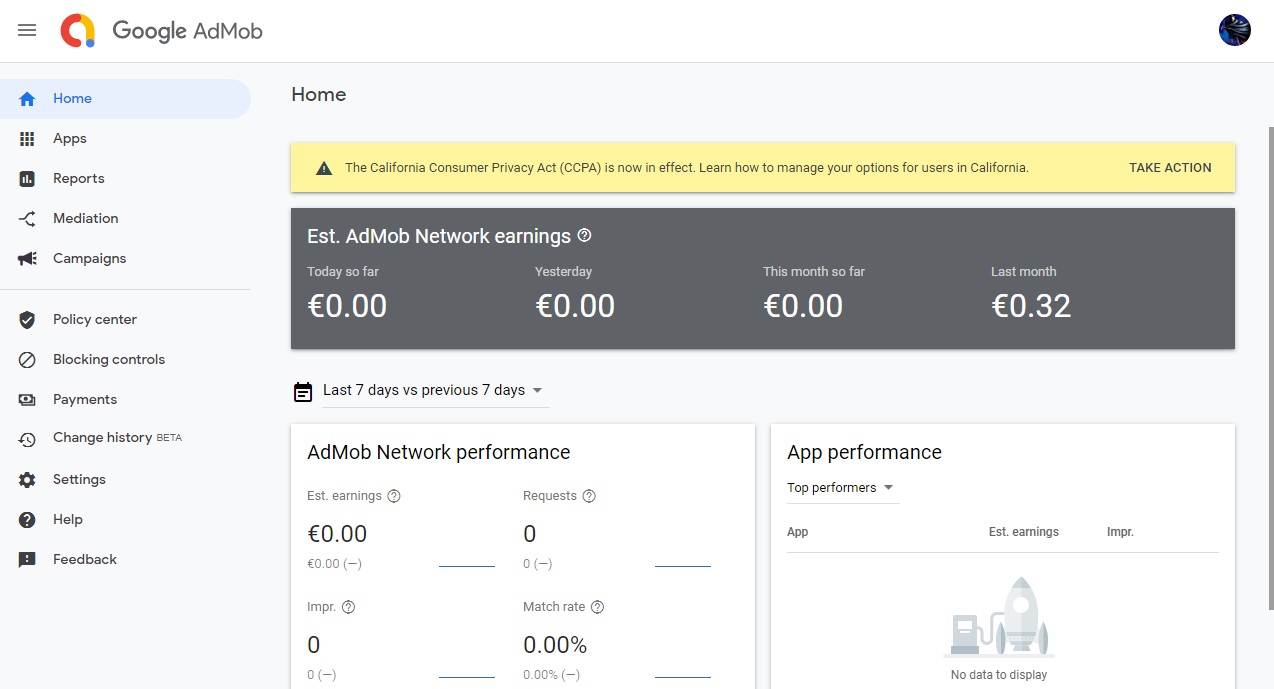
Silence for some minutes so I can understand what is the problem (searching on google forums etc).
I go to my adsense ---> Admob
And this is what it shows me:
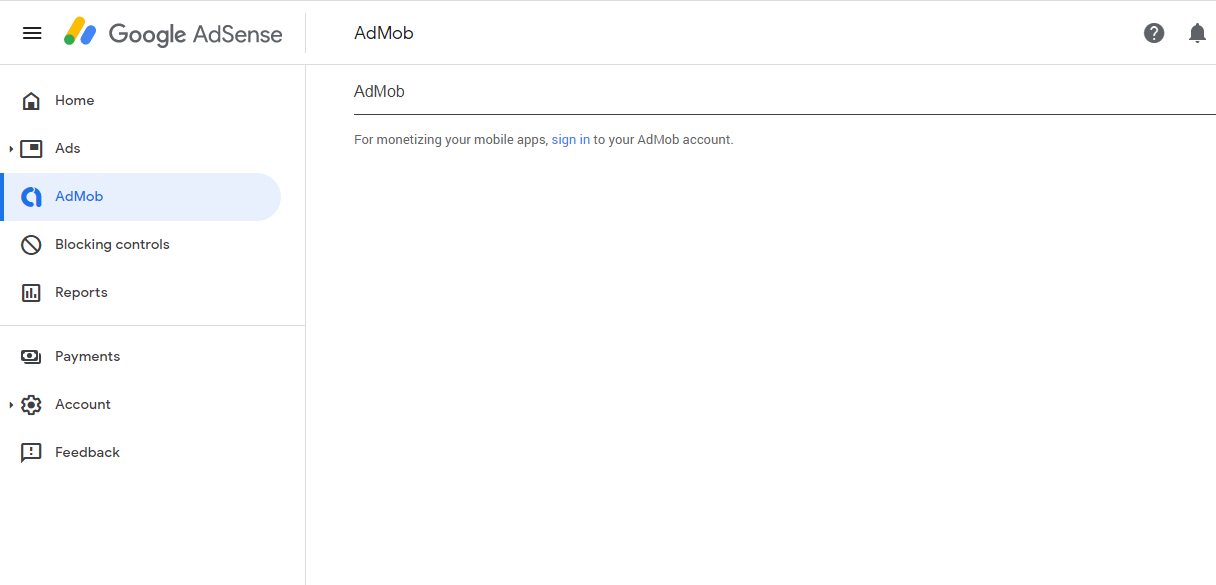
I don't get it, I have an admob account, why do i get this message?
My home adsense page shows this:

I don't need to add any adsense codes right? Im a wordpress user, that's why I installed site kit.
I need someone's hand to guide me. Thank you.
I'm facing some serious problems here that don't make sense
First of all let's say that I have an article site that is getting loaded from many people that swipe up on my stories of my 17k followers account. So I want to start getting paid from this.
I have installed Google site kit, yea that wordpress plugin.
I have Adsense account + Admob account months now.
So i go to my wordpress admin panel and try to install the google ads from the site kit -> adsense
I connected with my account everything ok. But, it keeps returning me this:
I knew I already had an admob account so I was a bit curious. I clicked on "Create an AdMob account" and it sent me here:
I clicked the "Sign in" and It automatically showed my admob balance:
Silence for some minutes so I can understand what is the problem (searching on google forums etc).
I go to my adsense ---> Admob
And this is what it shows me:
I don't get it, I have an admob account, why do i get this message?
My home adsense page shows this:
I don't need to add any adsense codes right? Im a wordpress user, that's why I installed site kit.
I need someone's hand to guide me. Thank you.
