

potah
Regular Member
- Apr 14, 2022
- 248
- 258
Hello! This is my first time creating a guide thread.
I’m inspired by https://www.blackhatworld.com/seo/free-89-dr-backlink-rachmaninoff-style.1596284/ & https://www.blackhatworld.com/seo/guide-get-dr85-do-follow-link-from-web-app.1313066/
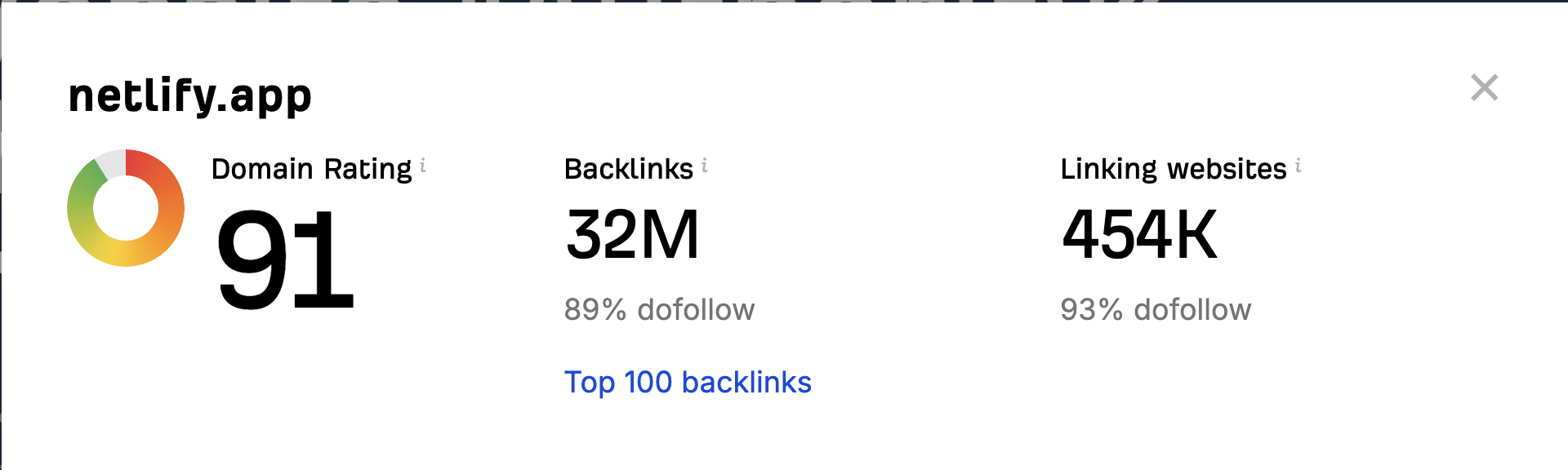
I don’t know much about SEO, but I know some websites that have high DR, like web.app and systeme.io. It isn’t too hard to make from my perspective as a web developer. However, it might be a little too technical for some people. So here’s my simple guide on how to get a DR91 Do-Follow link.
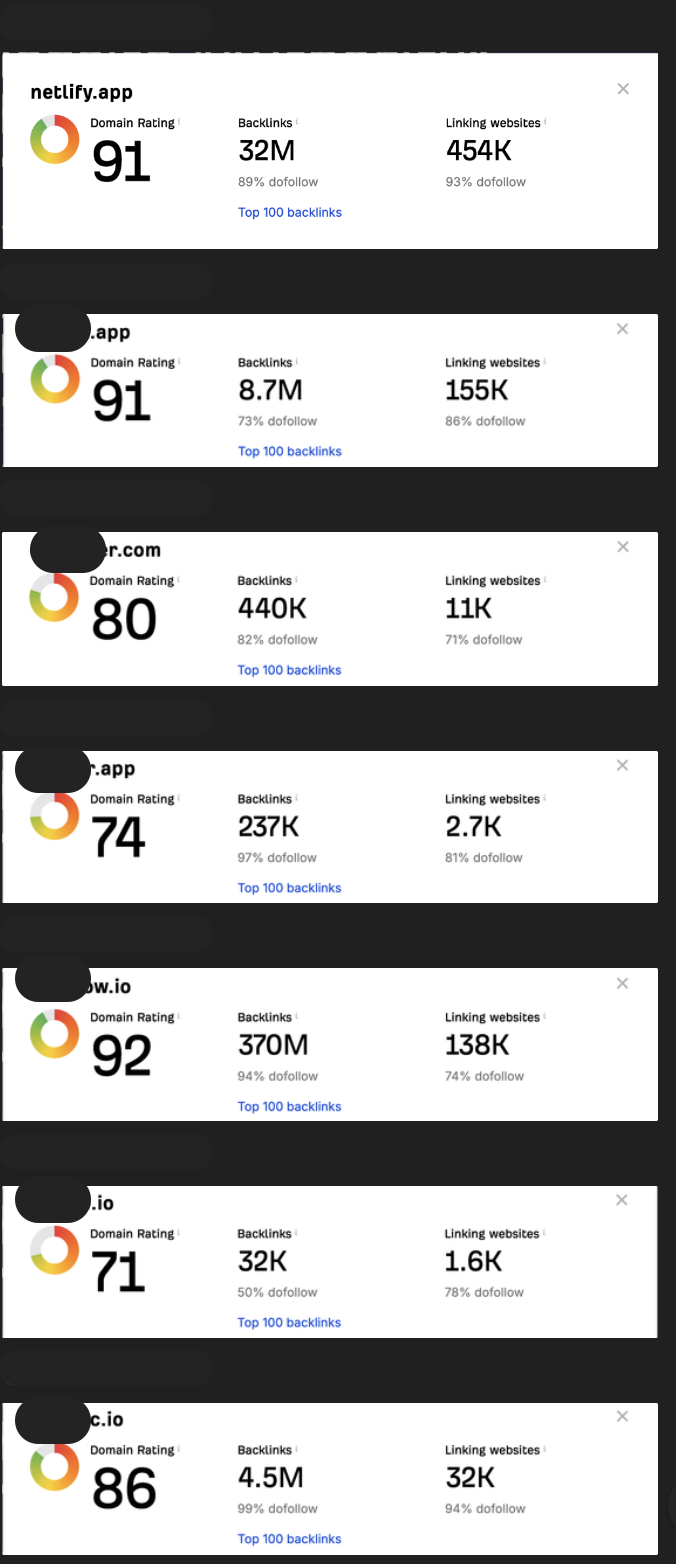
Let me know if you like this type of guide. I still have other high DR websites in mind, and I'm willing to create other guides on how to make them. Here are some other websites that I know:
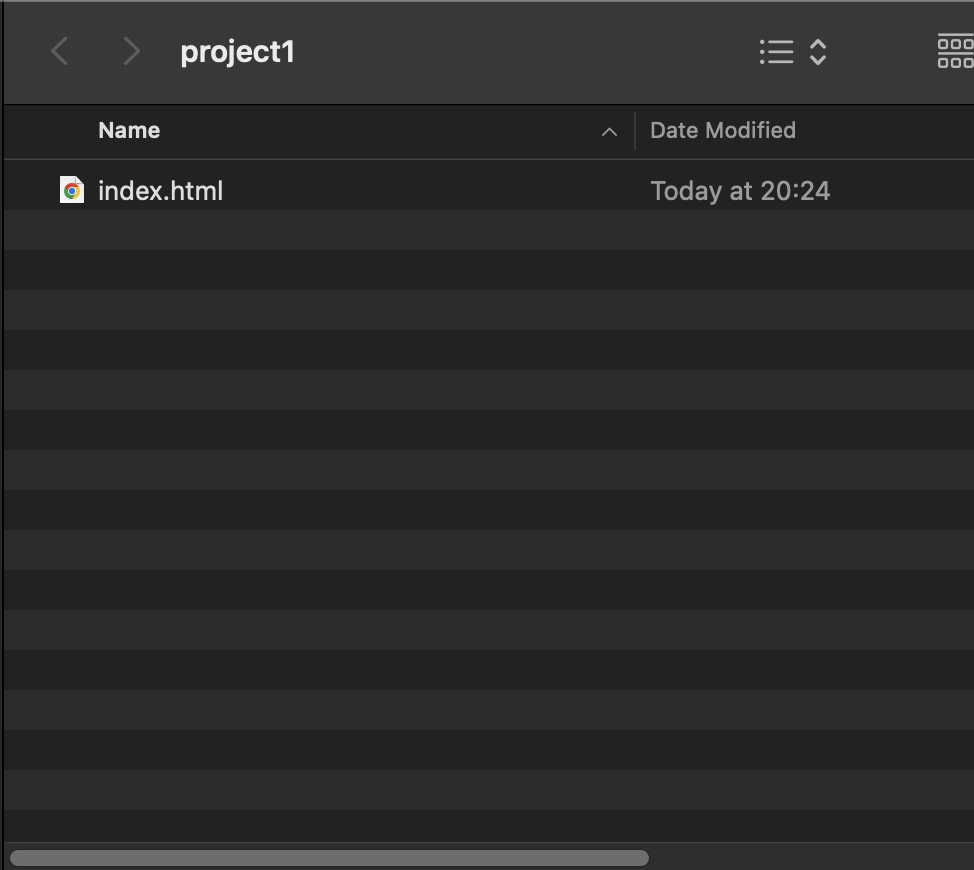
1.2. Open the folder and create a new file named
1.3. Open your

If you're not familiar with HTML, you can download a free HTML template and edit the
Mine is like this:
(Pretty cool huh)
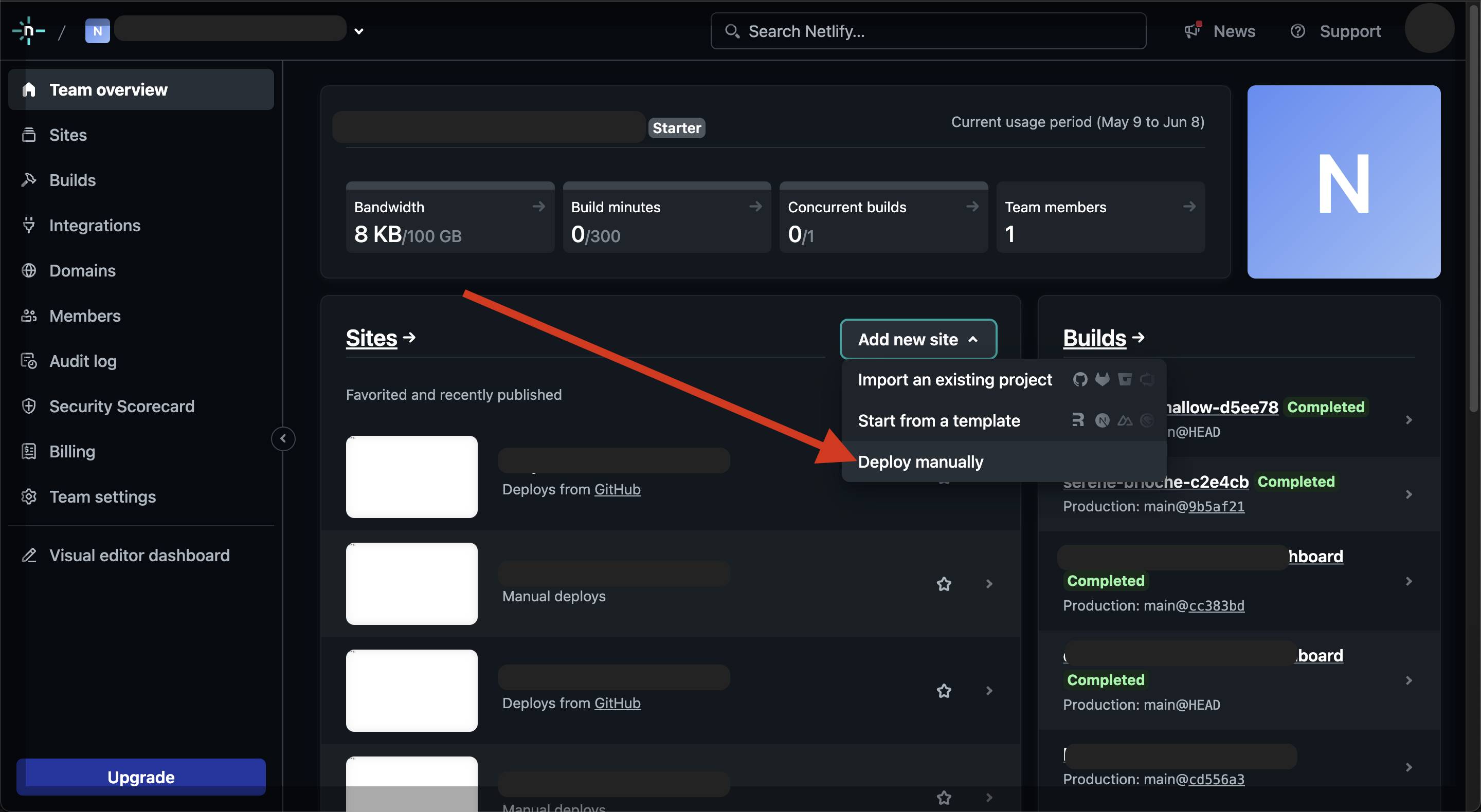
3.2. Click Add new Site → Deploy manually
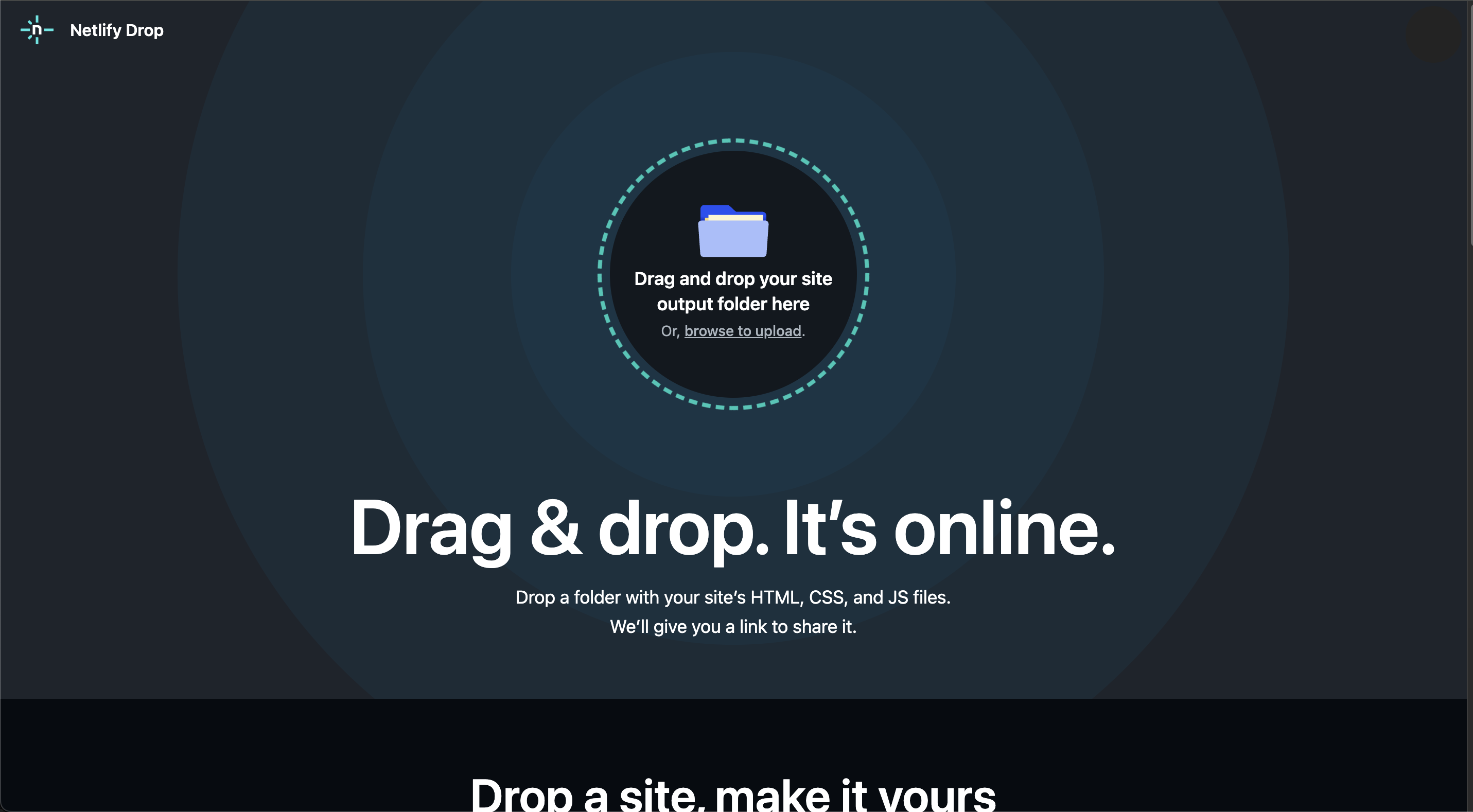
3.3. Now you just need to drag and drop your project folder
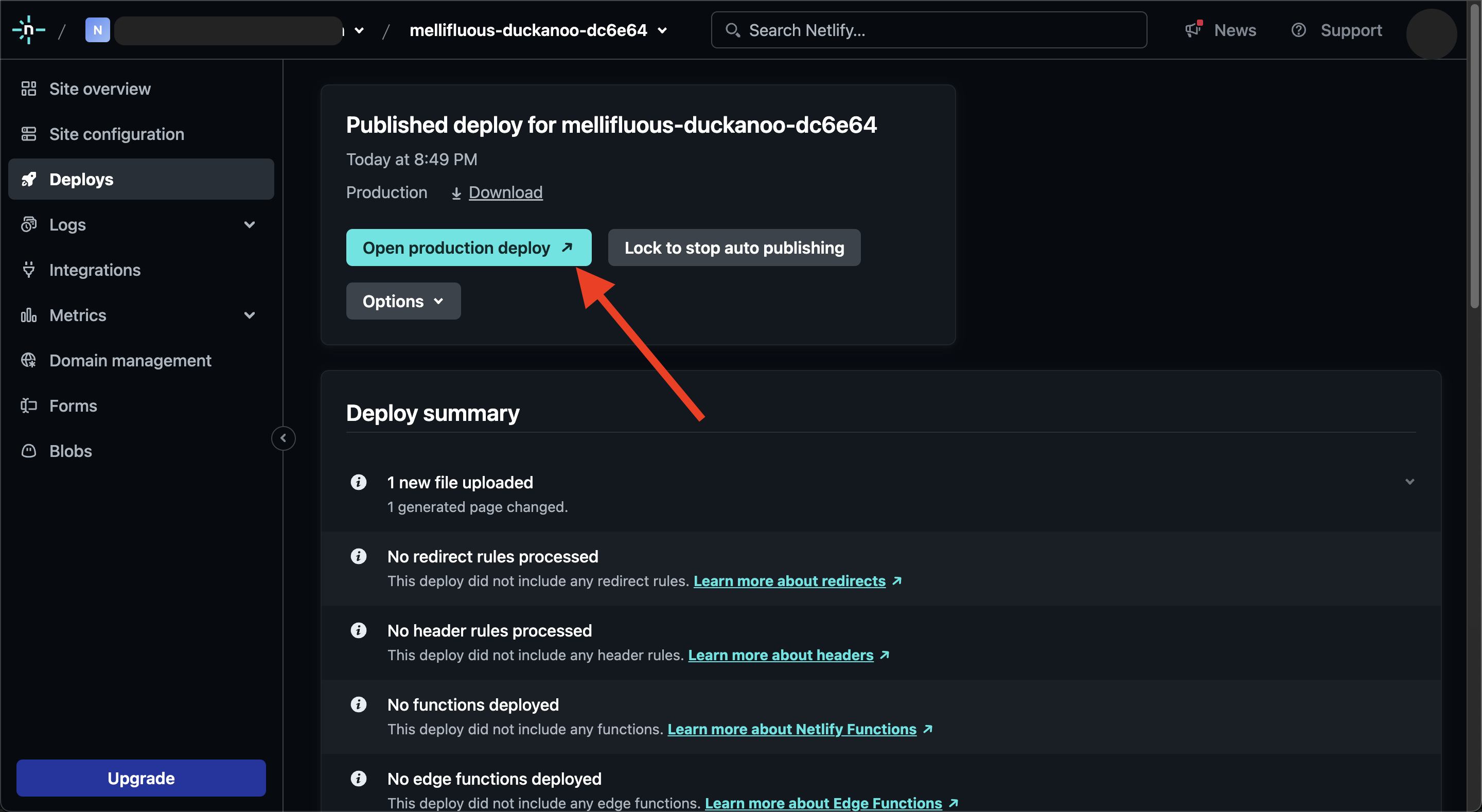
3.4 Wait until the deployment process finish. You will be redirected into site details. If your deployment is success you can immediately access the URL
Voila! Your DR 91 Link has been successfully created. Here’s mine https://663cd47d3a4028008cd13495--mellifluous-duckanoo-dc6e64.netlify.app/
If you want to update your deployed website, just edit your local
I’m inspired by https://www.blackhatworld.com/seo/free-89-dr-backlink-rachmaninoff-style.1596284/ & https://www.blackhatworld.com/seo/guide-get-dr85-do-follow-link-from-web-app.1313066/
I don’t know much about SEO, but I know some websites that have high DR, like web.app and systeme.io. It isn’t too hard to make from my perspective as a web developer. However, it might be a little too technical for some people. So here’s my simple guide on how to get a DR91 Do-Follow link.
Let me know if you like this type of guide. I still have other high DR websites in mind, and I'm willing to create other guides on how to make them. Here are some other websites that I know:
Prerequisite:
- Netlify account
- Basic HTML knowledge
0. Signup to netlify.com
I recommend creating a GitHub account, then signing up for Netlify using your GitHub account.1. Prepare Your Website & Content
1.1. Create a new folder on your local computer and name it after your project.1.2. Open the folder and create a new file named
index.html (this file is mandatory). Your folder structure should look like this:1.3. Open your
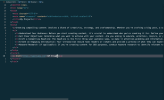
index.htmlfile using a text editor like Notepad or VSCode for easier editing. Then, input your desired content. Don’t forget to add your target link using the following tag: <a href="<https://yourlink.com>">Your Text</a>. Here's an example from me:If you're not familiar with HTML, you can download a free HTML template and edit the
index.html file. Don't forget to add your link!2. Test Your Website
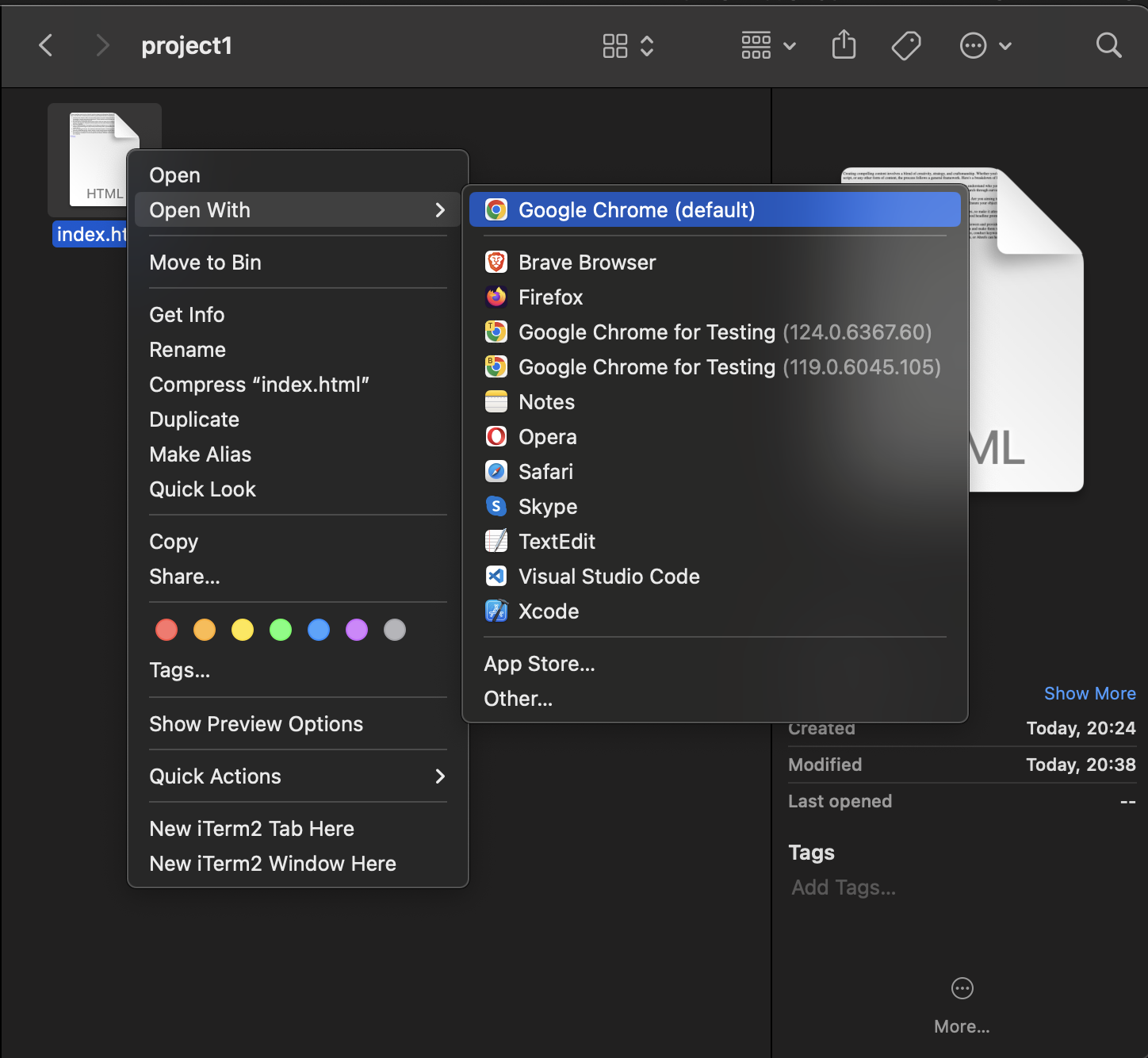
Open yourindex.html file using Google Chrome to ensure that your content and your link are displayed correctlyMine is like this:
(Pretty cool huh)
3. Deploy to Netflify
3.1. Sign in to your netlify account3.2. Click Add new Site → Deploy manually
3.3. Now you just need to drag and drop your project folder
3.4 Wait until the deployment process finish. You will be redirected into site details. If your deployment is success you can immediately access the URL
Voila! Your DR 91 Link has been successfully created. Here’s mine https://663cd47d3a4028008cd13495--mellifluous-duckanoo-dc6e64.netlify.app/
If you want to update your deployed website, just edit your local
index.html in your computer and save it then follow step 3. Deploy to NetlifyAttachments
Last edited by a moderator:


