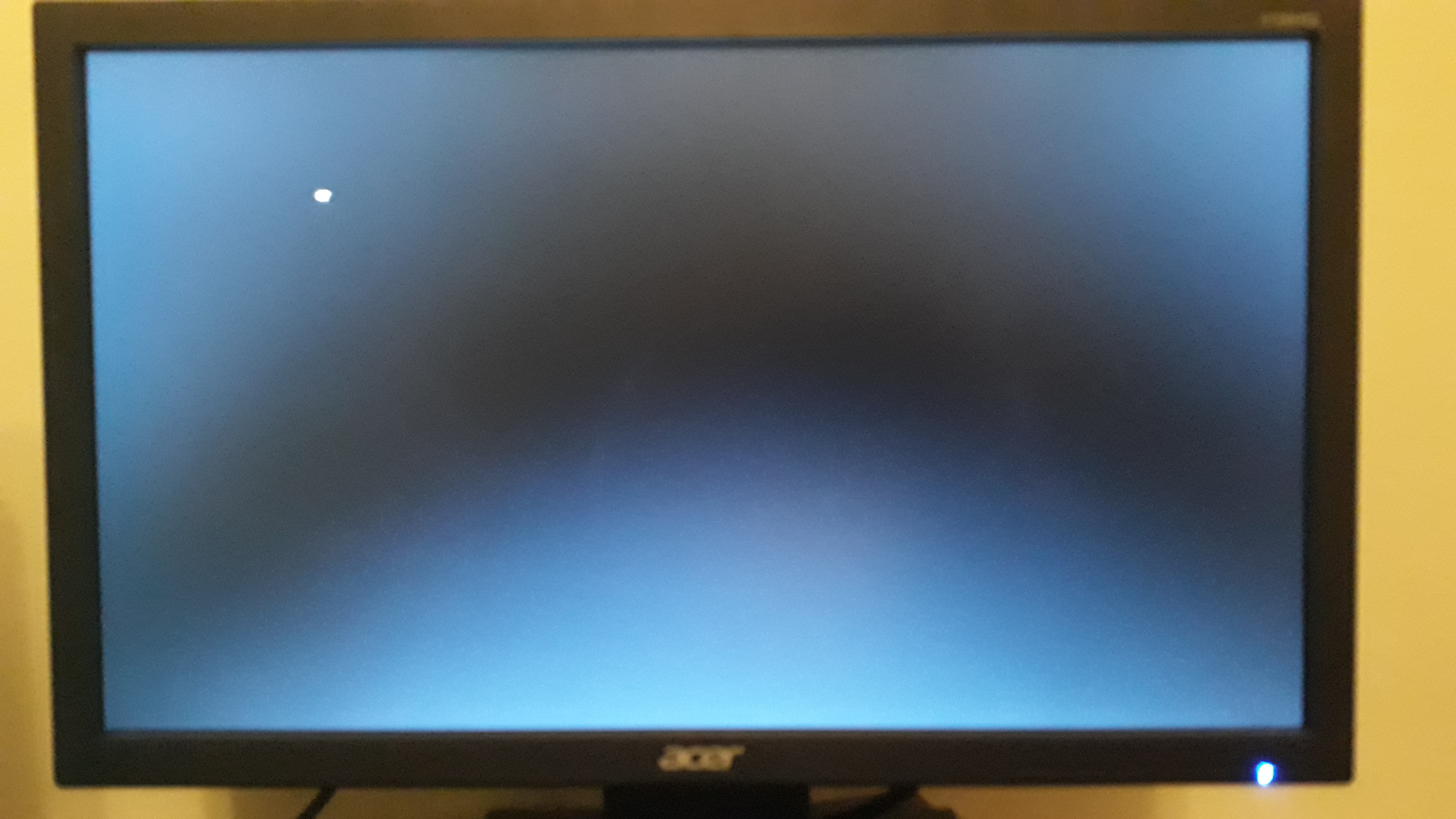
New PC after turn on nothing happens

Holy shit. The keyboard does work! But only if I repeatedly bang on it the second it turns on.

I managed to do it with F9. So I entered system information. All I got on the screen is a notification that says:

"BIOS has been reset. Please re-config your BIOS setup items if needed"

And on the page I have a big mouse pointer. The mouse is connected, the pointer will not move. Also nothing else on the keyboard does anything. Even control+alt+del doesn't do anything.

Guys, honestly, I think the PC starts and gets full stuck after the first few seconds. Seriously...
 
Okay, that's that. The PC works and the keyboard works too. But the PC gets stuck 5-10 seconds after loading.

In the first 3-10 seconds I can enter BIOS using the keyboard, even restart the PC by pressing ctrl+alt+del.

But then it gets stuck and I can't do jack no more.

Goddamnit, this is bad. What's wrong? Motherboard? CPU? What am I looking at now?
 
Okay, that's that. The PC works and the keyboard works too. But the PC gets stuck 5-10 seconds after loading.

In the first 3-10 seconds I can enter BIOS using the keyboard, even restart the PC by pressing ctrl+alt+del.

But then it gets stuck and I can't do jack no more.

Goddamnit, this is bad. What's wrong? Motherboard? CPU? What am I looking at now?

Friend had the same issue. Either fried cpu or mobo is bad if whole pc gets stuck after few seconds of loading.

We changed mobo and it worked foe a while but the same thing happend after.. Turns out it was the cpu that was bad.
 
Okay, that's that. The PC works and the keyboard works too. But the PC gets stuck 5-10 seconds after loading.

In the first 3-10 seconds I can enter BIOS using the keyboard, even restart the PC by pressing ctrl+alt+del.

But then it gets stuck and I can't do jack no more.

Goddamnit, this is bad. What's wrong? Motherboard? CPU? What am I looking at now?

Ok unfortunately if the RAM trick doesn't work this is just always the nightmare with a new PC you just built. Time to go through the old list. I was going to tell you to check the power cables etc but it's going to be useless if you don;t know what I am referring to so I googled and someone did a write up here:


https://forums.tomshardware.com/thr...ng-about-post-boot-no-video-problems.1285536/

It may not automatically be something wrong with the components. It could still be how you built the PC. PSU seems to be a prime culprit though.
 
Getting somewhere...

Indeed.

But there's not much left to do.

The PC turns on whenever it wants. When it does turn on it works for 3-8 seconds, and then freezes.

But it completely freezes. I can't play around the BIOS if I managed to enter them in the 3-8 seconds. I can't restart using ctrl+alt+del. It just freezes. But it does not restart or shut down.
 
Indeed.

But there's not much left to do.

The PC turns on whenever it wants. When it does turn on it works for 3-8 seconds, and then freezes.

But it completely freezes. I can't play around the BIOS if I managed to enter them in the 3-8 seconds. I can't restart using ctrl+alt+del. It just freezes. But it does not restart or shut down.

Time to throw in the towel and bring it to some specialists I'd say.
 
I took an 8 GB ram from one of my other PCs. This RAM works 1000%.

YO... WHAT THE FUCK!?!?!

FUCK youuuuuuuuuuuuuuuuu

FUCK YOUUUUUUUUUUUUUUUUUUUUUU

OH GIVE ME A FUCKING BREAK GOD FUCKING DAMN IT SONS A BITCHES AAARAASRFSRT_IRX($XJP(IEHJA%( RJCEH I(HCW(EHIPHO90
 
It was the ram... it was the fucking ram...

i want to scream... :D
 
Now you can go shoot the person who sold you that RAM. Make sure to kill their family in front of them first. Although I guess I am going easy on them.
 
Now you can go shoot the person who sold you that RAM. Make sure to kill their family in front of them first. Although I guess I am going easy on them.

Bro I bought the rams from a shop, brand new. $220 bucks!!!
 
Okay i have mixed feelings now and am a little lost...

My other 2 PCs have 16GB or ram each (that's 4 x 8 GB)

What if I removed the 4 rams from those PCs, put them all in my new PC = 32 GB ram

And I put these 2 x 16 GB ram slots in my other PCs (1 ram each = 16gb each).

That way things will be as I initially planned them.

That's assuming these 16 GB rams are functional in the first place...
 

You need to go into bios and put overclock to 3200MHz as it seems that is the OC setting or buy less MHz ram like 2667. I doubt motherboard that you have automatically detects and clocks them accordingly but I could be wrong. Never actually owned gigabyte mobo as I always went with ASUS.

  1. Support for DDR4 3200(O.C.)/2933/2667/2400/2133 MHz memory modules
 
I'm totally weirded out.

At first it took 7 restarts for it to actually start and display anything on the monitor.

Then one time it started on this:

aXR83G4


Next time it started on this:

KisQR2P


Next time it started on this:

DWgXKwc


And the next time it started on this:

ckbv0qA


And the keyboard doesn't do anything on that second photo.

I'll try a few more restarts, see what happens. If nothing then I'll open it up and remove one of the RAM sticks, see what that does.
This is your ram, can you confirm the ram is compatible with your motherboard. I have a feeling your FSB (front side bus) is out of sync your MB which will explain your erratic starting issues. This is your solution, your power supply has nothing to do with it.
 
You need to go into bios and put overclock to 3200MHz as it seems that is the OC setting or buy less MHz ram like 2667. I doubt motherboard that you have automatically detects and clocks them accordingly. I doubt there is any other reason as to why it won't boot.

  1. Support for DDR4 3200(O.C.)/2933/2667/2400/2133 MHz memory modules
If you ever have hardware related issues hit me up, i will help you up. Everyone is welcom3 also to send me pm if they have pc related problems.
 
You need to go into bios and put overclock to 3200MHz as it seems that is the OC setting or buy less MHz ram like 2667. I doubt motherboard that you have automatically detects and clocks them accordingly. I doubt there is any other reason as to why it won't boot.

  1. Support for DDR4 3200(O.C.)/2933/2667/2400/2133 MHz memory modules

So I can go into bios and change that and then the ram I have will work? Is that what you're saying?

What does "OC" stand for?

With an 8 GB ram from my old PC, the new PC works like a charm. The problem is the RAM 100,000%! Which is great, found the problem :)

Let me know please?

This is your ram, can you confirm the ram is compatible with your motherboard. I have a feeling your FSB (front side bus) is out of sync your MB which will explain your erratic starting issues. This is your solution, your power supply has nothing to do with it.

I can't confirm if Ram is compatible with the motherboard. That's why I asked.

The problem is the ram.

I'm not sure what you mean about the FSB and the out of sync thing. How do I check it? What's that all about?
 
If you ever have hardware related issues hit me up, i will help you up. Everyone is welcom3 also to send me pm if they have pc related problems.

I know my way around PCs. Always custom-built one myself and helped built for my friends so I doubt I will have any problems. I always say that if you cant figure out what the problem is after testing everything, hit it with a hammer a few times so you will at least know then.

So I can go into bios and change that and then the ram I have will work? Is that what you're saying?

What does "OC" stand for?

With an 8 GB ram from my old PC, the new PC works like a charm. The problem is the RAM 100,000%! Which is great, found the problem :)

Let me know please?

OC = overclock.

Check in your manual on how to overclock ram (should be easy as setting 1 or 2 settings). Maybe also go with an XMP OC profile that the mobo has.
 
I know my way around PCs. Always custom-built one myself and helped built for my friends so I doubt I will have any problems. I always say that if you cant figure out what the problem is after testing everything, hit it with a hammer a few times so you will at least know then.


OC = overclock.

Check in your manual on how to overclock ram (should be easy as setting 1 or 2 settings). Maybe also go with an XMP OC profile that the mobo has.

Hate reading the manual. It's like reading the TOS of Paypal or something. You can rarely find anything and there is most certainly no end to the madness (long long long).

So I have:

System Memory Multiplier - Auto 24.00
Memory Frequency(MHz) - 2400MHz 2400MHz

That's it isn't it?
 
Back
Top