

- Nov 29, 2022
- 2,498
- 285
Together with the ability to generate creatives, it is also important to be able to make it unique. This skill is necessary in order to skillfully use the approaches of other webmasters, as well as update your ads if it is outdated - all this reduces the risk of getting banned.
Metadata
The unique process involves both changing the image itself, but also working with metadata. All this is done to ensure that network algorithms identify files as completely new and unique with an unblemished reputation.Metadata is information about a file, you can say its documents include: title, copyright, date of creation, geolocation, and so on. There are many programs and online services that allow you to completely delete and edit metadata, it's not a problem to find it. Metadata should be cleaned up at the very end after unique image, since when working on creatives, we can leave our own traces.
Neural Networks
We have also prepared for you some of Neural Networks that will help you create your own unique creatives. In addition to the well-known MidJourney, we have this list. Let's get to know it better:- Foto GoArt - offers stylistic processing of existing images, editing or creating new ones from a text.
- Pornpen.ai - This neural network will help in generating creatives of 18+ category.
- synthesia.io - allows you to create videos from a text. More specifically, it generates a talking head that speaks our text.
- Craiyon - generates images from a text.
- wellsaidlabs - can provide you with a very high-quality voiceover of our text in English.
- elevenlabs.io - also voices our texts, but in different languages.
- D-ID - makes simple images that pronounce texts, and you can upload your own audio file with voice, or just type the text.
- riverside.fm - will help us pull a text out of video or in case we need to remaster video creatives.
How to unique creatives in Canva
Let's take a look at how to make creatives unique, as well as how to redesign them using the free version of the Canva.Choose a square pattern, for example for an Instagram post and upload your creative.
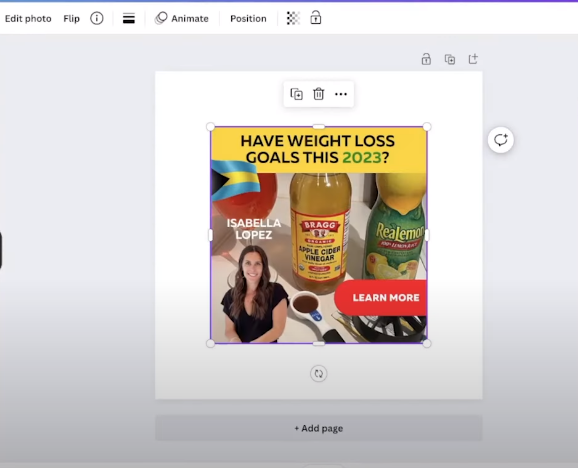
Then search for textures in the Canva database. Choose a suitable one and set it on the background.
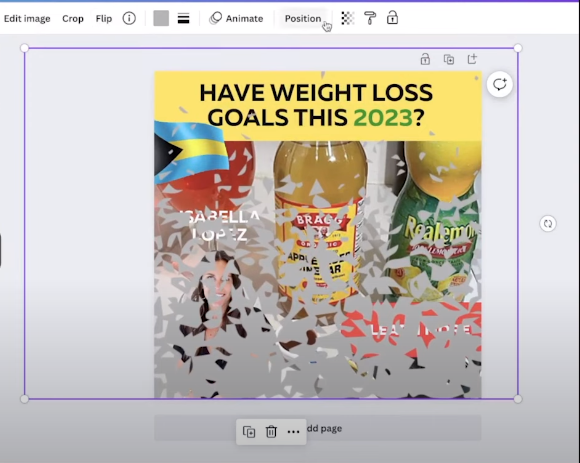
Make the creative a little transparent so that the textures start to protrude, but don’t spoil the image, it will be enough for the algorithm.
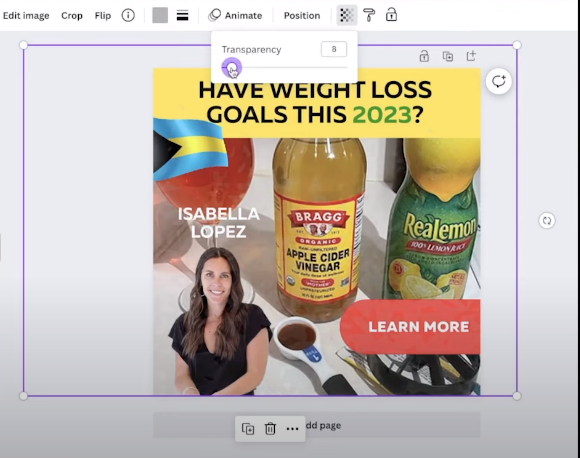
Then apply a filter (choose a colored square, make it transparent and apply it on top of the image). You can also add a frame. Then edit the parameters of the creative namely temperature, tint, sharpness and clean up the metadata.
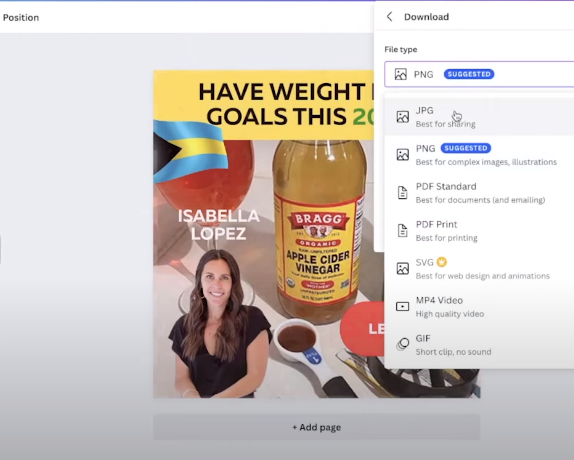
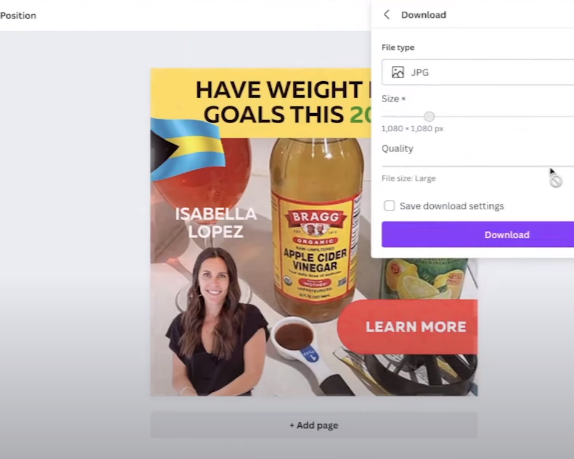
Done!
Creatives’ remastering in Canva
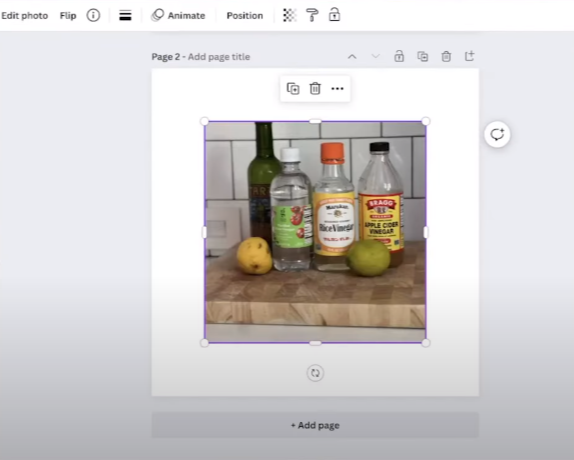
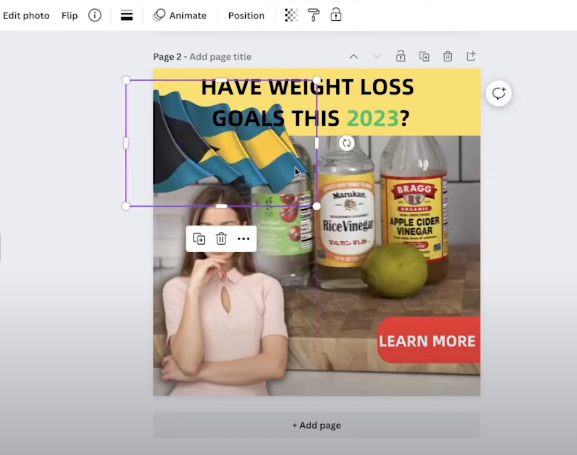
Depending on the creatives, you can continue to mess with it. The main thing is that this large number of manipulations shouldn’t greatly degrade the creative’s perception. It is desirable that the perception doesn’t deteriorate, so remastering the creatives is the best option.Let's take the same creative: it consists of a backdrop with bottles of vinegar, a girl in the foreground, a banner, a flag and a call to action. Let's put all the components together.
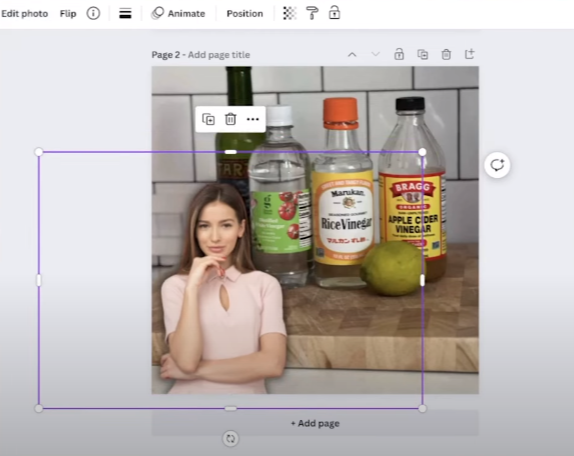
We have a picture of a girl on the Internet, go to Remove.bg and remove the background.
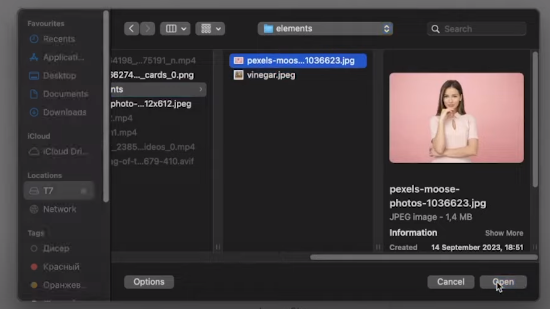
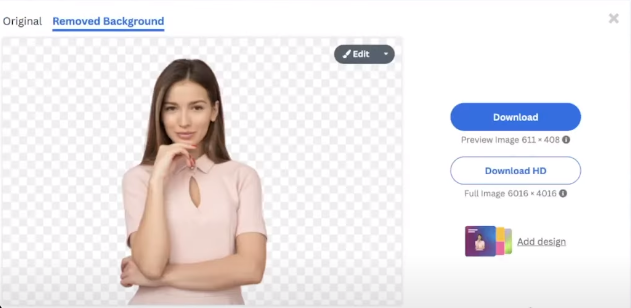
Find a new flag and remove its background.
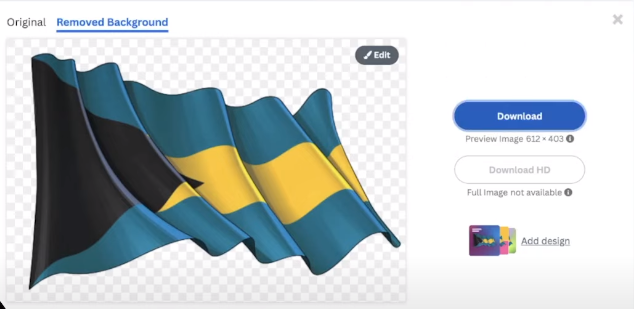
Now let's start creating the creative. Load everything into Canva and start with the background.
Place the girl, put a shadow for contrast and add a little light.
Do the header.
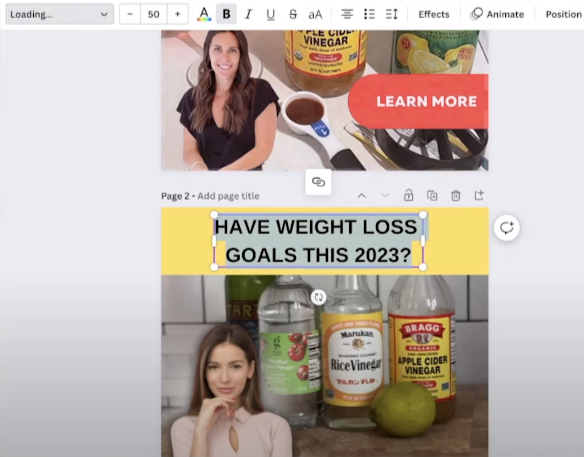
Then put the call to action.
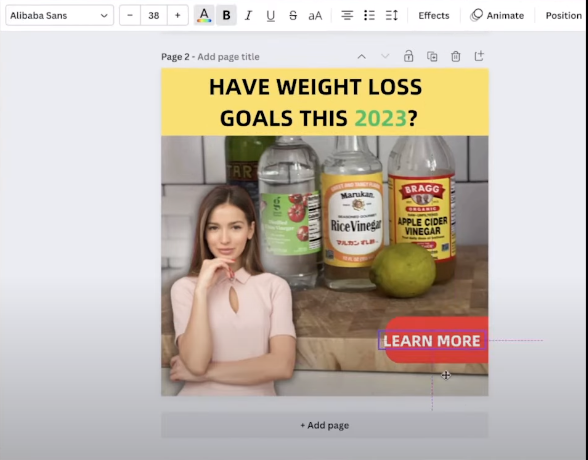
Put the flag. It’s done.
How to unique video-creatives in Canva
Let's unique the video. Upload the file.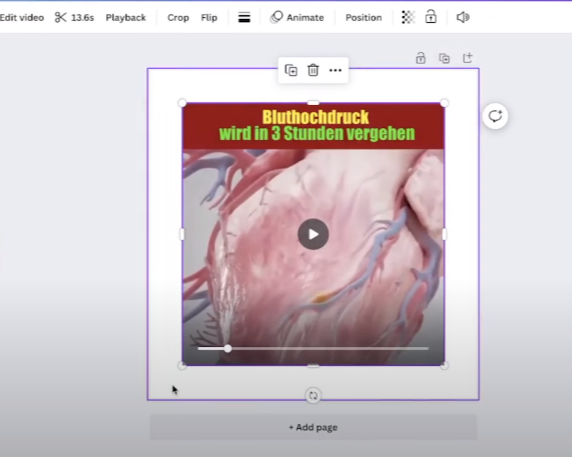
Edit the picture itself a little bit and add a texture.
Make a new header.
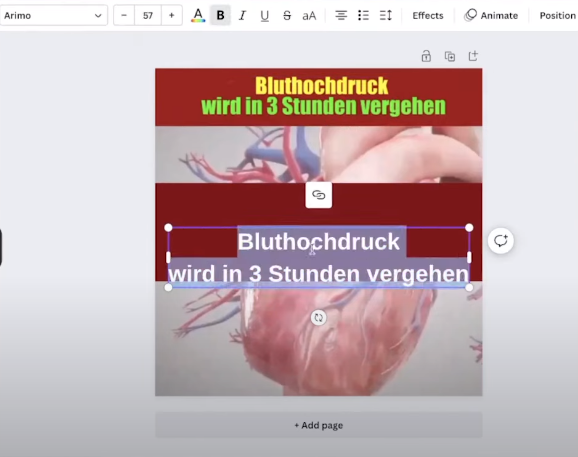
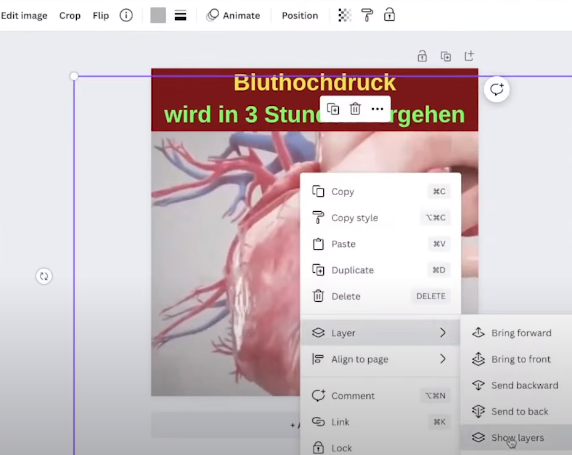
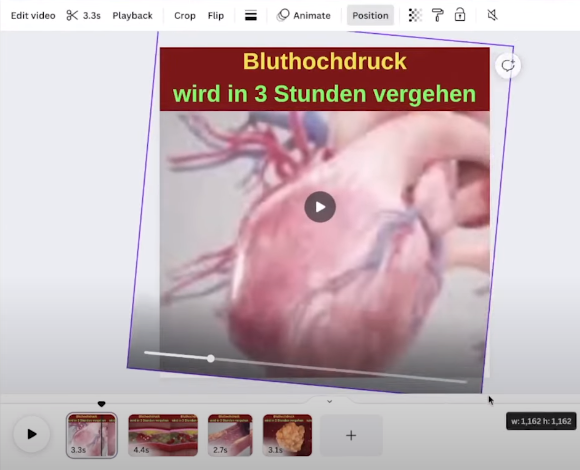
Turn off the audio track. On the timeline divide the video into separate episodes and change their tilt.
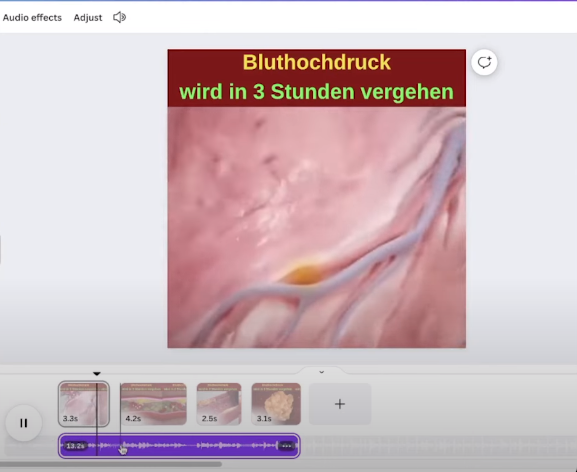
Add a new audio track and clean up the metadata. The video creative is ready.
Done!