

Rachmaninoff
Elite Member
- Jan 19, 2011
- 3,634
- 5,427
You can use these do-follow links for any niche you like. Took me less than three days to get these bad boys indexed without links, so you better not giving me excuses. 
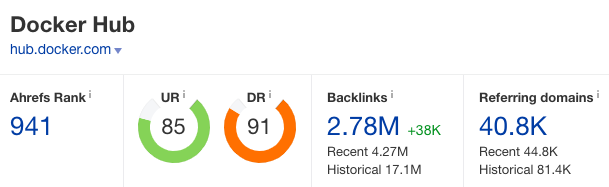
Hub Docker DR90
Create an account at
Go to Repositories menu, then Create Repository. Fill in the details. Hit the Create button.
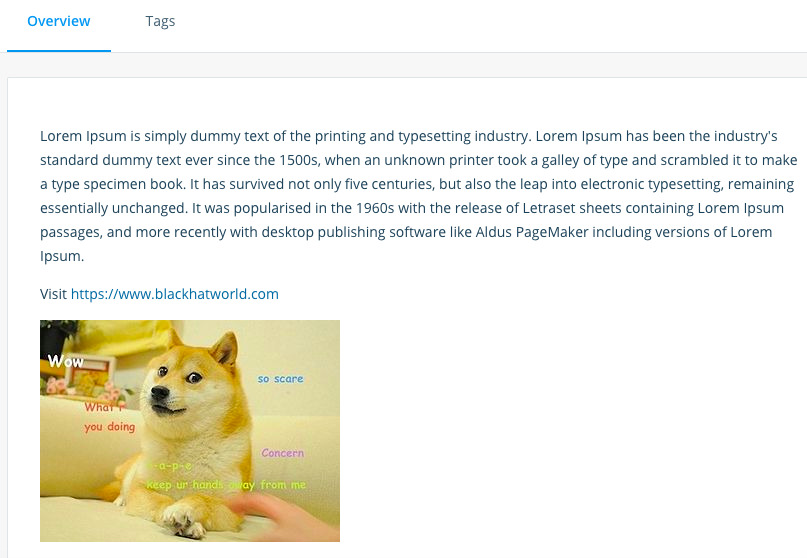
Click Full Description. Place your article, image and hyperlink into the field.
Click Public View button to see the result.
Link indexed on google

Gitbooks.io DR83

Start with a personal space. Create a new draft.
Place your article, images, and link into the field. Hit Save button.
Click the Merge blue button on the left sidebar.

Go to Settings on the left sidebar, then Space URL to change the url slug to whatever you like.

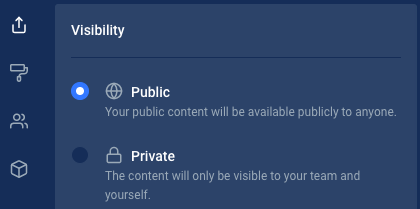
Go to Share menu and set Visibility as Public.
Under Shareable Link tab, copy your link. And that's it!
Link indexed on google

Headway.co DR78

Signup at
Click +New changelog. Add your article into the field. Use markdown to create hyperlink / images/ h2 etc like sample below

Here is what it looks like

Don't forget to click the Published button then Save.
Ignore the 'Pro trial is ended' warning. It's free forever.
Link indexed on google

Startup Matcher DR56

Signup first at
There are two ways to get do-follow links here. Via Edit Profile and Create Startup.
Click your profile then Create startup.

Fill in the details. Add your article, link and image into About the startup field. Then Save.
Click View Startup Profile to see the result.

Link indexed on google

Hub Docker DR90
Create an account at
Code:
https://hub.docker.com/signupGo to Repositories menu, then Create Repository. Fill in the details. Hit the Create button.
Click Full Description. Place your article, image and hyperlink into the field.
Click Public View button to see the result.
Link indexed on google
Gitbooks.io DR83
Start with a personal space. Create a new draft.
Place your article, images, and link into the field. Hit Save button.
Click the Merge blue button on the left sidebar.
Go to Settings on the left sidebar, then Space URL to change the url slug to whatever you like.
Go to Share menu and set Visibility as Public.
Under Shareable Link tab, copy your link. And that's it!
Link indexed on google
Headway.co DR78
Signup at
Code:
https://headwayapp.co/joinClick +New changelog. Add your article into the field. Use markdown to create hyperlink / images/ h2 etc like sample below
Here is what it looks like
Don't forget to click the Published button then Save.
Ignore the 'Pro trial is ended' warning. It's free forever.
Link indexed on google
Startup Matcher DR56
Signup first at
Code:
There are two ways to get do-follow links here. Via Edit Profile and Create Startup.
Click your profile then Create startup.
Fill in the details. Add your article, link and image into About the startup field. Then Save.
Click View Startup Profile to see the result.
Link indexed on google


