Facebook links Fanpage with Instagram

E98B. Marketing Agency

Away until September 2026
Joined
Apr 17, 2025
Messages
589
Reaction score
241
Hi,
My Page to IG linking is having errors, I tried clearing the counter and changing the Proxy for linking, everything like that. Anyone else having this problem
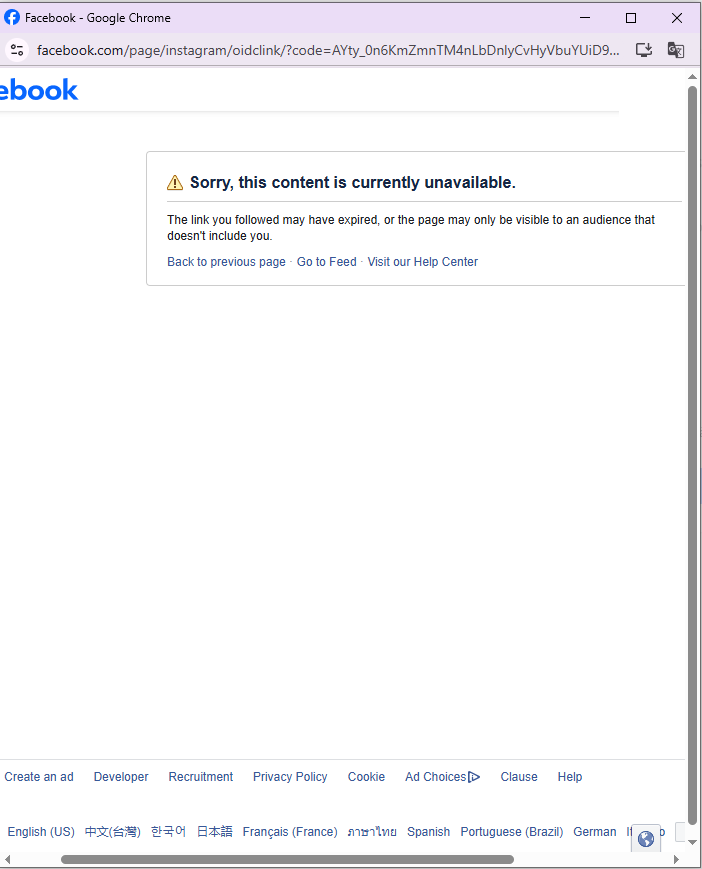
Screenshot 2025-10-20 073245.png
 
Yes, I had the same problem, Meta has been updated, please reset it
 
Yeah bro, same issue here lately. Facebook keeps bugging when linking Pages to IG. Even after clearing cache and proxy, still getting random connection errors.
 
Error due to IP or Page permission, please unlink both sides and reconnect from Instagram app with real IP.
 
Many people also encounter this error; the cause is usually due to the IP, Page or IG rights of the previous link, remove both sides and reconnect with the real IP.
 
yes this error happened recently, even though cleared proxy change cache but still failed
 
Hi,
My Page to IG linking is having errors, I tried clearing the counter and changing the Proxy for linking, everything like that. Anyone else having this problem
View attachment 481459
i have encountered this error many times, you need to login insta and facebook at two different browsers (2 different proxies) then link, it will be done
 
Yeah, that bug’s been popping up lately — especially with new proxies or aged pages. Try linking through Meta Business Suite on desktop; sometimes it syncs better than mobile. If that fails, wait 24h and retry — it usually clears itself.
 
try changing the profile that is holding that page, there are a lot of profiles that can't be linked to IG now, I've done this many times and it works
 
maybe it's a meta system error. try linking via instagram app, or setting page on facebook, or simply wait and try again later, maybe it will be normal again.
 
Have you recently updated the name linked to one of the two platforms? Try re-linking your accounts in the settings. Also, clear your browser cache and attempt the verification process on the mobile app, it often resolves sync issues that the desktop version struggles with.
 
i linked mine quick on the mobile app, go to page settings then instagram connect and follow steps. use a business ig account with same email, enable 2fa, and remove any weird third party apps if it fails. if facebook won’t connect try unlinking from the instagram app first then reconnect.
 
Bro, does anyone have any useful solution, I really need to link Fanpage with IG
 
This error usually occurs due to unclean IP or location, or the system is stuck while syncing data. Try changing the network or switching to another device.
 
Back
Top