

SERP Buster
BANNED
- Mar 18, 2018
- 874
- 256
While doing competitor research before executing a backlink campaign for one of my personal projects. I found a Do-Follow DR 84 High Authority profile backlink method, that anyone can get easily.
One can ignore it. If they know it already.
So, Let’s start with this method.
For creating this backlink, we need a mail or Gmail A/C.
Bonus: You can make a temporary E-mail Account (Follow this method mentioned Below).
Step: 1- Create a temporary Mail A/C.
Go to >> https://www.gmailnator.com/

Click on GO Button, you will get an e-mail id and Mailbox.
Step: 2- Now you will go to the website on which we will be creating the backlink.
Website: https://500px.com/

And signup on the Website.

Click on continue with the email.
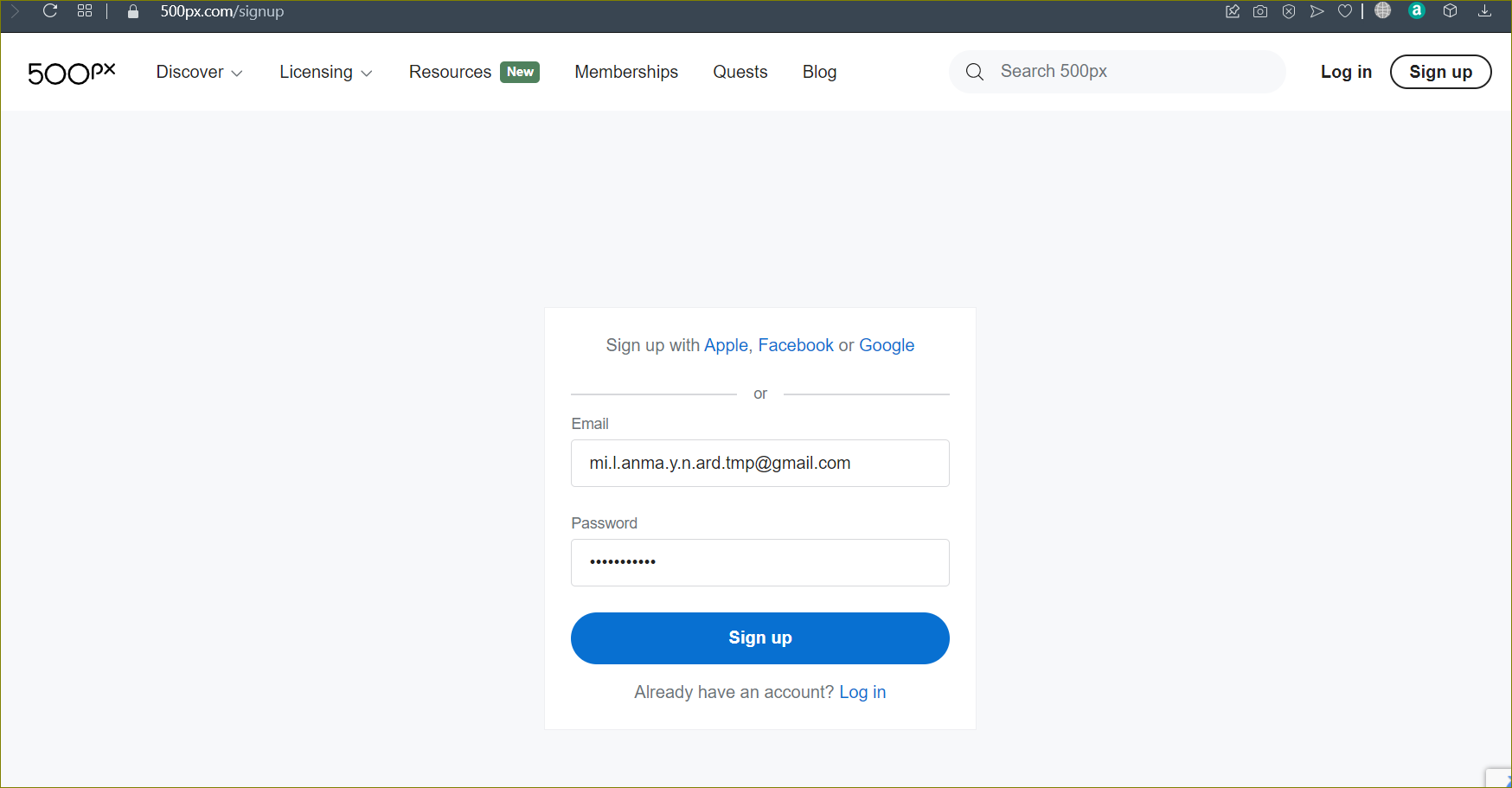
Step 3: Sign Up with the Email (E-mail id that you generated previously on the above step).
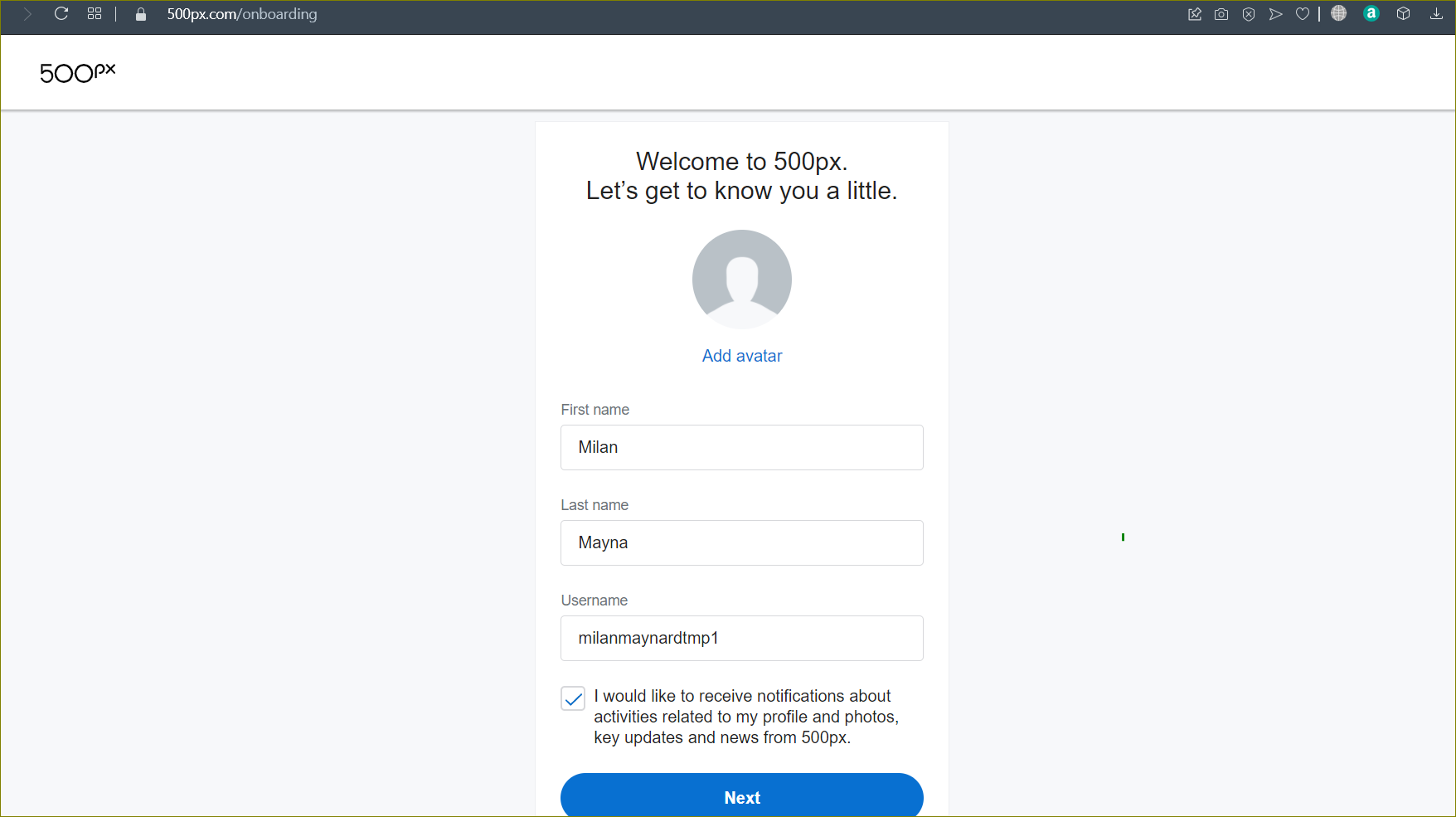
Add your details & Press “NEXT”
Step 4: Now, this is the main step.
In this step. To get the backlink from this website, we need to verify the profile. And for that, we need to go to that temporary e-mail. Where we receive a Verification email.

Now, Click on the email.
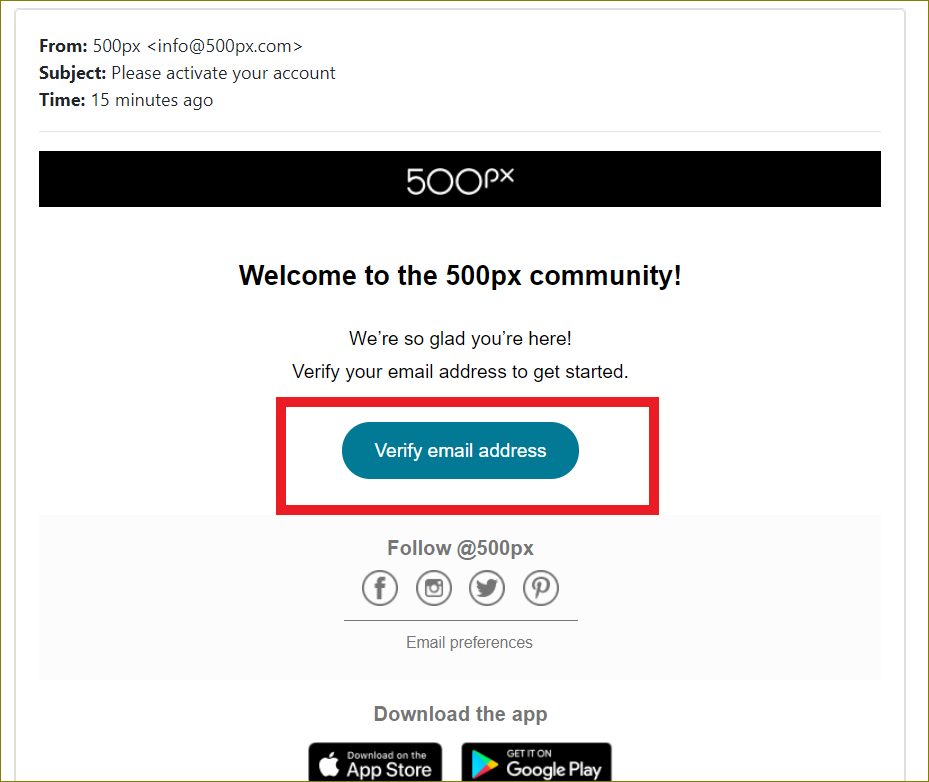
And, Verify the email.
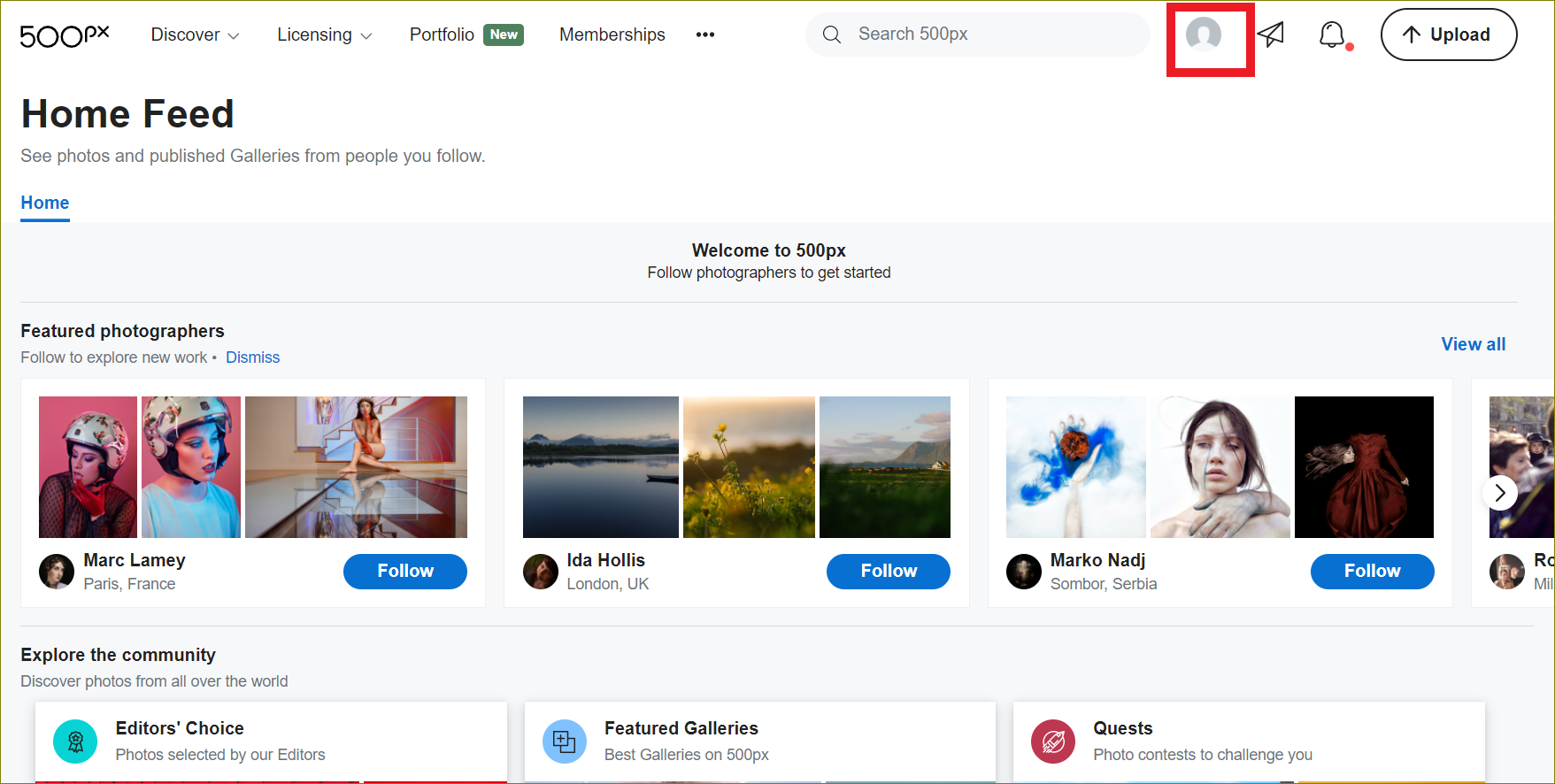
Now go & click on the profile.

Edit the profile.
Step 5: Now, this is the final step. Adding the URL & creating the profile backlink.

Fill in the profile details with the Target website link.
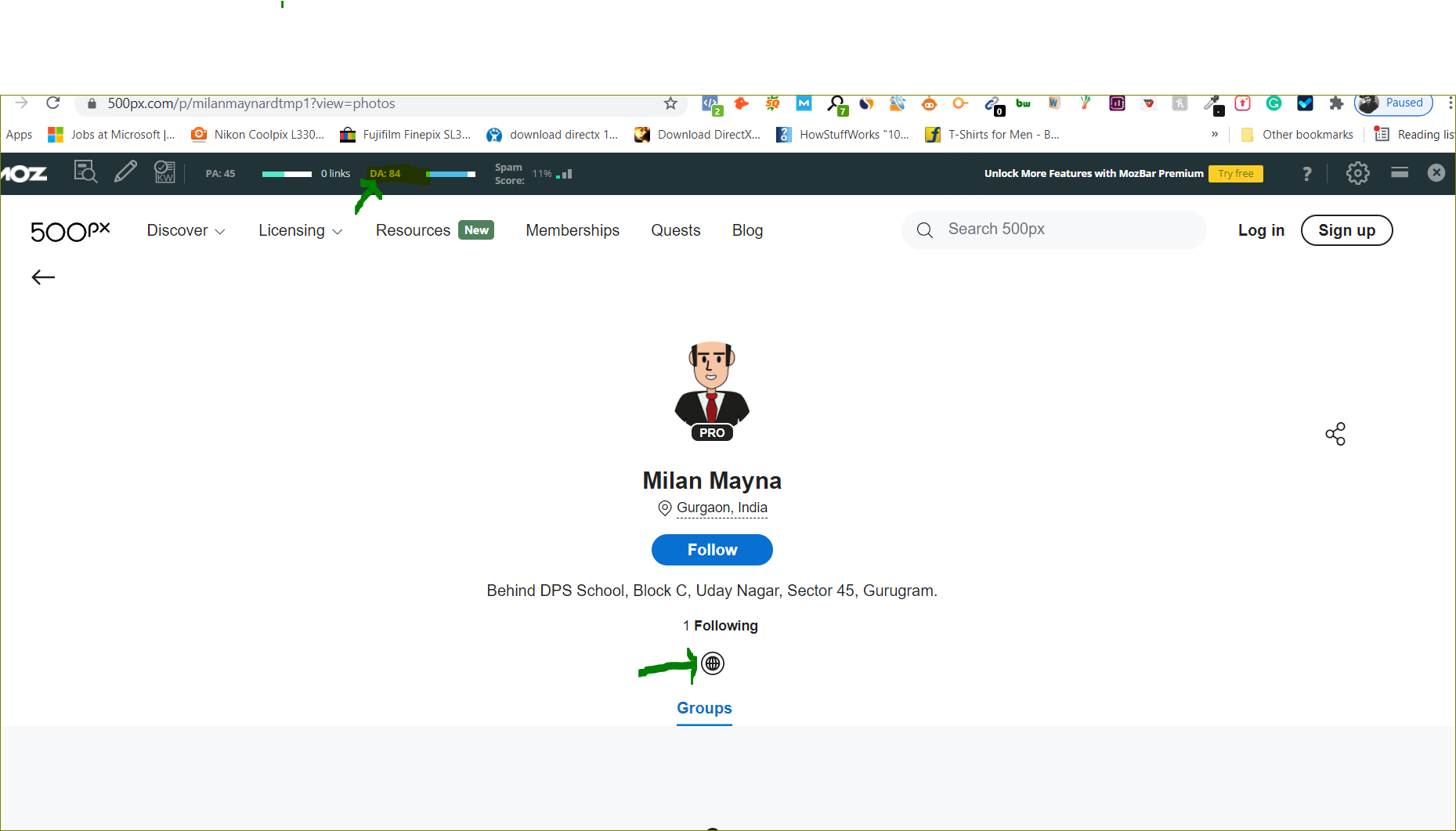
Step 5: Last Step, just save your link and let it index.
Here you’re with DA 84 High Authority backlink.
One can ignore it. If they know it already.
So, Let’s start with this method.
For creating this backlink, we need a mail or Gmail A/C.
Bonus: You can make a temporary E-mail Account (Follow this method mentioned Below).
Step: 1- Create a temporary Mail A/C.
Go to >> https://www.gmailnator.com/
Click on GO Button, you will get an e-mail id and Mailbox.
Step: 2- Now you will go to the website on which we will be creating the backlink.
Website: https://500px.com/
And signup on the Website.
Click on continue with the email.
Step 3: Sign Up with the Email (E-mail id that you generated previously on the above step).
Add your details & Press “NEXT”
Step 4: Now, this is the main step.
In this step. To get the backlink from this website, we need to verify the profile. And for that, we need to go to that temporary e-mail. Where we receive a Verification email.
Now, Click on the email.
And, Verify the email.
Now go & click on the profile.
Edit the profile.
Step 5: Now, this is the final step. Adding the URL & creating the profile backlink.
Fill in the profile details with the Target website link.
Step 5: Last Step, just save your link and let it index.
Here you’re with DA 84 High Authority backlink.
Last edited:


