

Rachmaninoff
Elite Member
- Jan 19, 2011
- 3,634
- 5,426
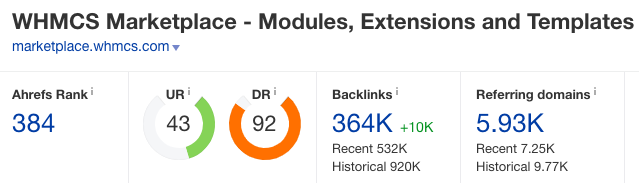
Register at
Code:
https://marketplace.whmcs.com/registerClick My Account menu and select Your Profile. Then select Group Membership tab. Create a New Group.
Add your title into Name field. Place your article, link, and image into Description field. To create a link, use this markdown [your_anchor_text](http://yourdomain.com) and as for image, use this one 
Add your social media links if you have any. Fill the Website URL and Support URL with google.com or whatever you like. Then hit the Create a New Group button.
To see the result, click the View this Group button.

Took me less than three days to get this bad boy indexed. You can also create multiple groups under one account. Go wild!
Link indexed on google

Bonus link
SEOSiteCheckUp DR76
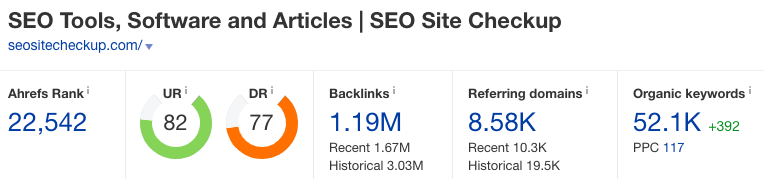
You probably knew this site already or using it before. And you might not know that you can index it and get the link juice.
This kind of site usually set their external links as no-follow and no-index. Luckily, this one is do-follow and you’ll get three links in the end (naked URL, robots URL and sitemap URL)
First, go to
Code:
https://seositecheckup.com/Scroll down to ‘Free SEO Checkup’ and place your link into the field and hit enter. If you want to add more than one site per day, you’ll need to signup for free.

Once it’s done analysing your page, copy the URL from your browser and that’s the link you should try to index. It should look like this /seo-audit/yourdomain.com
Link indexed on google

More awesomeness to come!


