Using WordPress? Your site may not be safe.

kindablack

Elite Member
Joined
Aug 10, 2014
Messages
1,933
Reaction score
671
Using WordPress? It's the most hacked platform since;
1) hackers work hard on the platform
2) lots of plugins & themes create a high risk for vulnerabilities

Your site may not be safe. Check the Latest Vulnerabilities:
  • Plugin: All In One SEO Pack [3.2.6]
    Solution: The vulnerability has been patched, and you should update it to version 3.2.7.

  • Plugin: Broken Link Checker [1.1.8]
    Solution: Uninstall and delete the plugin. Manage WP is not actively maintaining the plugin and will not release a patch.

  • Plugin: Events Manager [5.9.5]
    Solution: The vulnerability has been patched, and you should update it to version 5.9.6.

  • Plugin: EU Cookie Law [3.0.6]
    Solution: The vulnerability has been patched, and you should update it to version 3.1.

  • Plugin: Fast Velocity Minify [2.7.6]
    Solution
    : The vulnerability has been patched, and you should update it to version 2.7.7.

  • Plugin: SyntaxHighlighter Evolved [3.5.0]
    Solution
    : The vulnerability has been patched, and you should update it to version 3.5.1.

  • Plugin: WP HTML Mail [2.9.0.3]
    Solution
    : The vulnerability has been patched, and you should update it to version 2.9.1.

  • Plugin: Sliced Invoices [3.8.2]
    Solution
    : The vulnerability has been patched, and you should update it to version 3.8.4.

  • Plugin: Zoho CRM Lead Magnet Plugin [1.6.9]
    Solution
    : The vulnerability has been patched, and you should update it to version 1.6.9.1.

  • Theme: InJob [3.7.7]
    Solution:
    The vulnerability has been patched, and you should update it to version 3.3.8.
Have a safe WP,
xoxo
 
Is there a site somewhere to check on plugins with vulnerabilities?
 
Big thing is to keep a bunch of backups going. That way you can switch back to before you got hacked and change passwords then deactivate everything until you find the source.

Having one backup is not good because the backup will usually have the hack in it unless you detect it very quickly. Generally it's a few days before you realize a site has been hacked. Sometimes weeks.
 
Wordpress is security hell just by the way it's designed. Every plugin has access to all website files, just like an admin. This is like infinite vectors of attack.

Panama Papers was caused by IMAGE GALLERY PLUGIN HACK. Go figure.

Static pages for the win.
 
Ofc lol, they need to hack your hosting account in order to gain control over your html site. Wordpress is vulnerable on multiple aspects (php/db)..

I'm not advanced in this stuff just yet. Thanks for the explanation.
 
Big thing is to keep a bunch of backups going. That way you can switch back to before you got hacked and change passwords then deactivate everything until you find the source.

Having one backup is not good because the backup will usually have the hack in it unless you detect it very quickly. Generally it's a few days before you realize a site has been hacked. Sometimes weeks.

YES. Totally agree + Offsite backup is important

Better to install Wordfence free version and scan

Extarnal checkup is better than internal since it cannot be manipulated.

Wordpress is security hell just by the way it's designed. Every plugin has access to all website files, just like an admin. This is like infinite vectors of attack.

Panama Papers was caused by IMAGE GALLERY PLUGIN HACK. Go figure.

Static pages for the win.

FOR SURE.
 
Thanks for sharing the link. Also great to hide your WP version. Forgot how to do it, but you could do it with your FTP client
 
Thanks for letting us know.
I did a scan with that website and my website is safe :) lucky i didn't use any of those plugins.
 
Thanks for letting us know.
I did a scan with that website and my website is safe :) lucky i didn't use any of those plugins.

Do you have Wordfence installed? They notify of issues and vulnerabilities.
 
I am a wp developer.
I was using nulled plugins for my new website. Almost 100+ . Then I found malicious codes on function files.
I then installed wordfence premium(nulled) . Found that plugin. Deleted that and all the malicious codes.
Generally I download plugins from wplocker. That is always safe. That was downloaded from a google search from a unknown site.

So I can assure that nulled plugins are not always bad and updating plugins is not always needed. Always use wordfence for checking your site.
 
I also use Wordfence on some of mine sites.
So far had zero problems
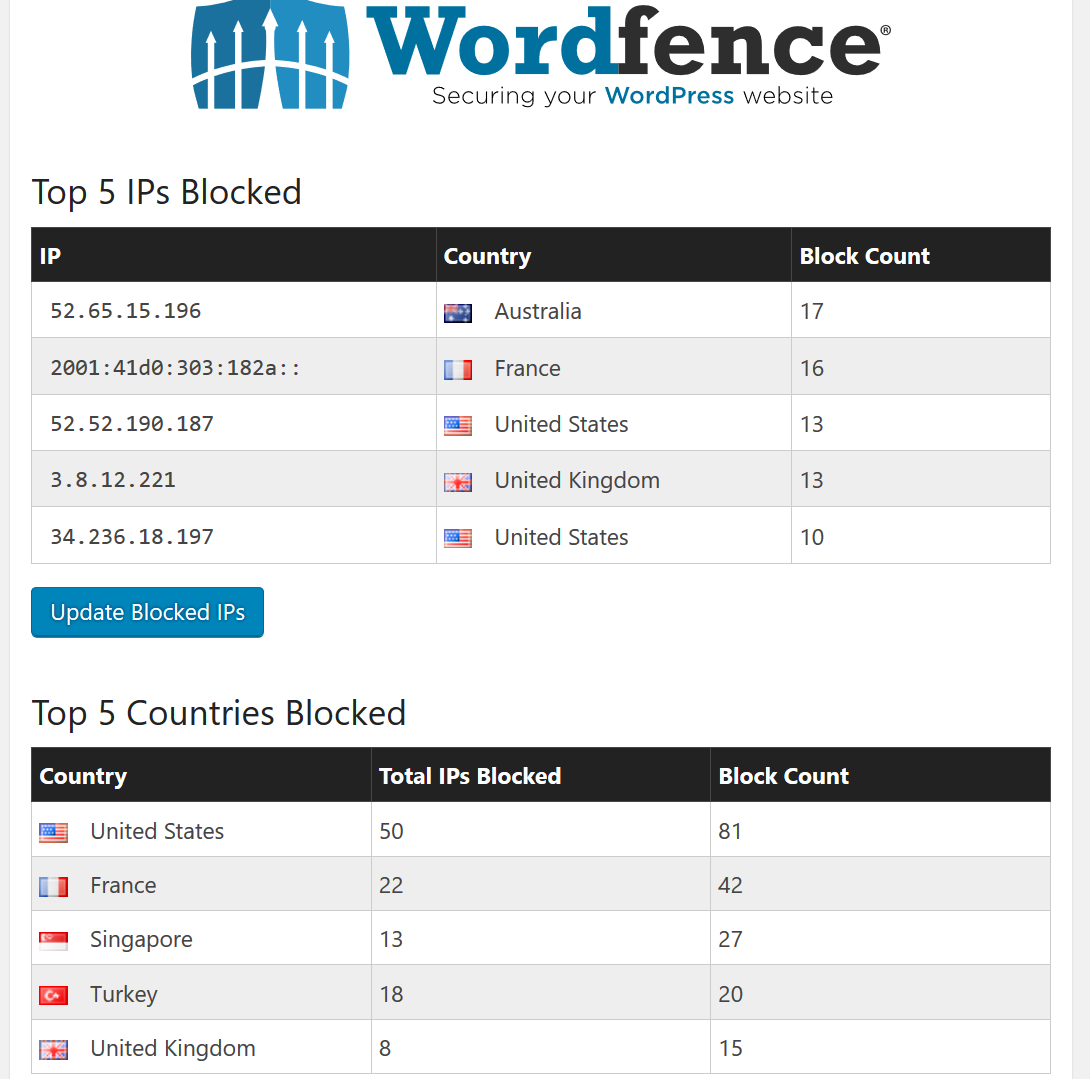
fa99377182031f41ddbd9ebbaf99281b.png
 
Do you have Wordfence installed? They notify of issues and vulnerabilities.
Nope, i don't have any "security" plugin yet, i have been thinking about wordfence but i'm worried about the performance of my website? Do you know anything about it's impact on website performance?
Thanks
 
Back
Top