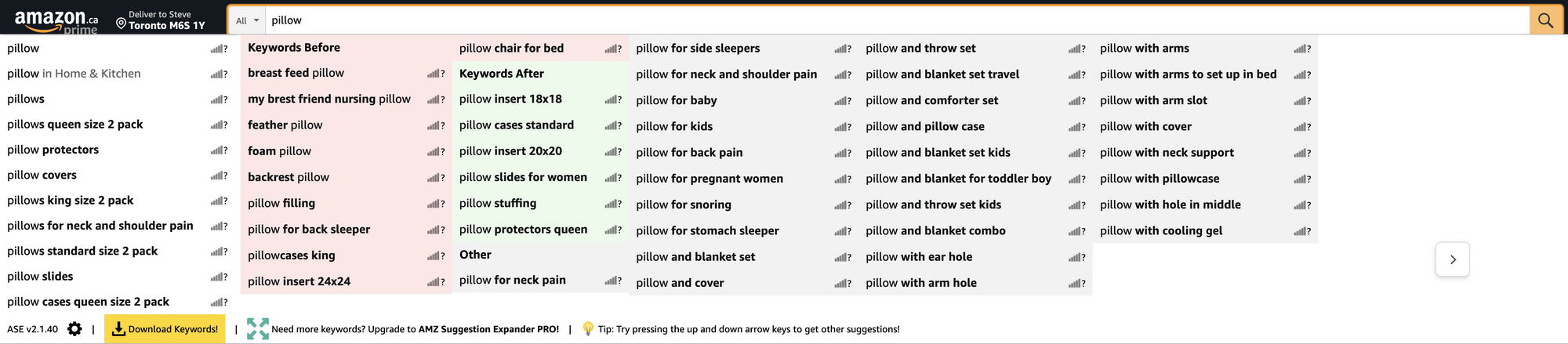
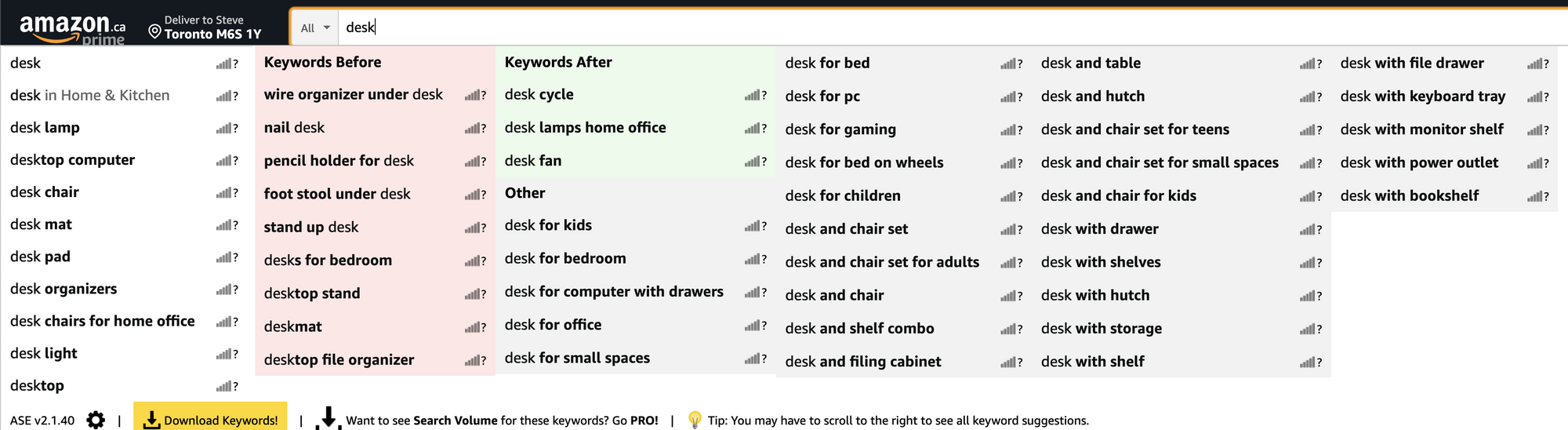
Source - SEO Tooth & Jeff Collins via Linkedin
- Basically, you’ll want to install the following https://chrome.google.com/webstore/detail/amz-suggestion-expander/cpeaihkccbeemkfefcapijechkbfjlhb/related?hl=en
- Then you’re going to head over to Amazon and start performing searches.
- The tool expands upon the keyword you typed to include keywords before and after the products you search for.
Let’s take a look at a few:
If you’re cheap, but you still want to take it to the next level you can use http://www.structurise.com/screenshot-ocr/ to turn your screenshots of these keywords into plain text.
Let's take the first example about guitars.
We can see that people search for guitars related to the kids’ ages. You could easily create pages for:
- Guitars for 4 year olds
- Guitars for 5 year olds
- Guitars for 6 year olds
- Guitars for 7 year olds
- Guitars for 8 year olds
- Guitars for 9 year olds
- Guitars for 10 year olds
Take it a step further and add “girls” to the end, get the picture?