

Zwielicht
Elite Member
- Aug 31, 2013
- 21,128
- 40,601
This is an issue I've had since last year, although I had never felt the need to bring it up as I had assumed it affected a very limited number of users. You see, whenever I leave a "New Thread" or post editor open too long and I use the Insert Image tool, the Image tool box doesn't appear to load with the semi-transparent screen, leaving just the semi-transparent screen and rendering me unable to copy and paste my content into a new editor. I posted an example below to show you how the screen appears when the issue arises.
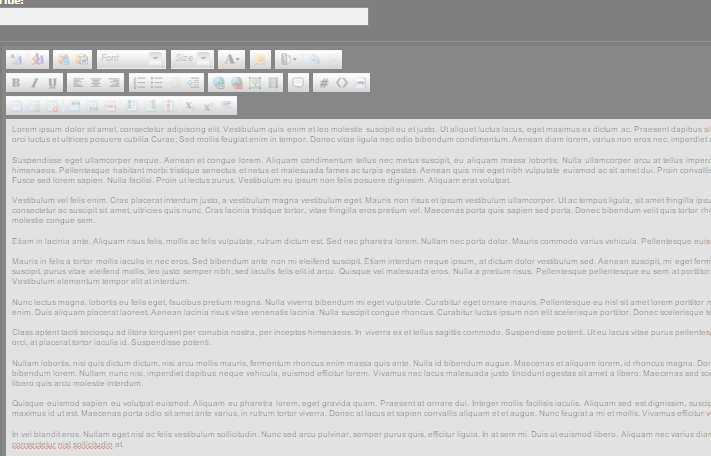
While this is easily remedied by deleting the code below using the Inspect Element tool to recover my content, I would imagine that not everyone who runs into this issue will think of doing this.
This honestly isn't a major problem and it'll probably get fixed when the forum is migrated, but I figured I would at least make everyone aware of it.
While this is easily remedied by deleting the code below using the Inspect Element tool to recover my content, I would imagine that not everyone who runs into this issue will think of doing this.
Code:
<div tabindex="-1" style="position: fixed; z-index: 10000; top: 0px; left: 0px; opacity: 0.5; width: 1316px; height: 1065px; background-color: white;" class="cke_dialog_background_cover"></div>This honestly isn't a major problem and it'll probably get fixed when the forum is migrated, but I figured I would at least make everyone aware of it.
Last edited:

