• Please take a moment to look over the Suggestions & Feedback rules before making a post: READ RULES HERE

Getting 404 and PHP errors in BHW

Status
Not open for further replies.

693840

Banned - Inappropriate behavior
Joined
Aug 4, 2013
Messages
3,593
Reaction score
8,924
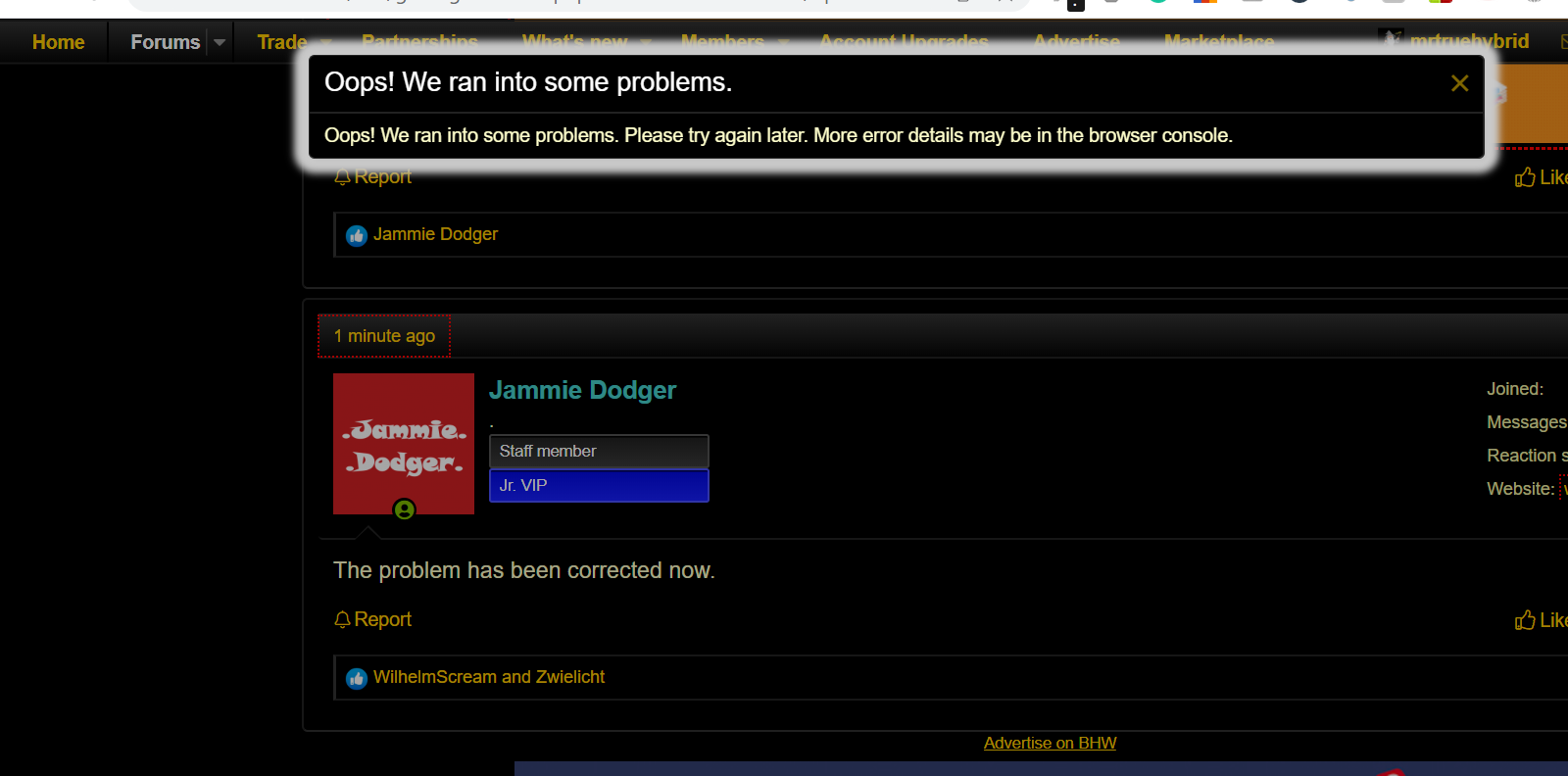
Since yesterday I've been having this issue. It started with 'something went wrong, check your console for errors', when I tried to paste a code snippet into a post. Now I've been getting random 404 page not found errors when I browse to random threads, and when I refresh it's working fine.

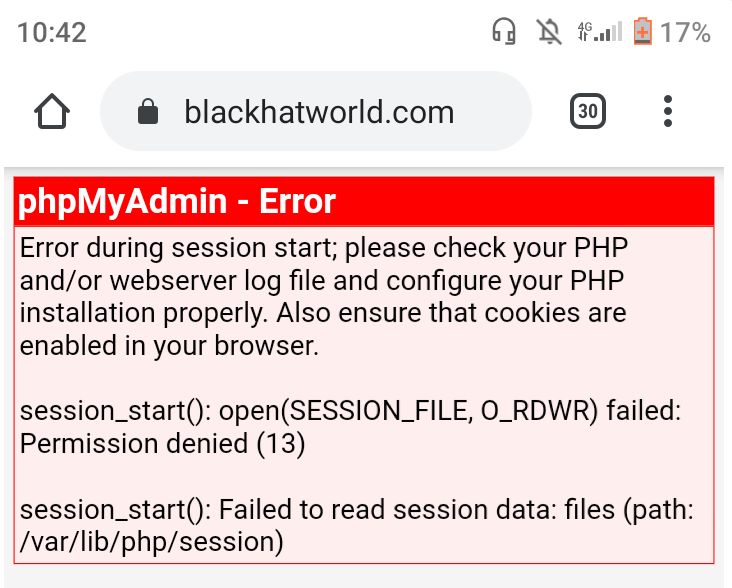
And since a couple of minutes I randomly get this sometimes when I browse random threads:
Uee6104


Edit: just got the PHP error 4 times in a row when trying to refresh the homepage before it actually worked.
 
when i try to open bhw it shows error Screenshot_4.png

when i try to refresh 3-5 times than i can open it , or when i visit new link its says 404 error,
it just for me or what?
 
cec08c4c26903106f1c70d0c3c170805.png


On trying to browse to BHW.
Also getting 404 error on Evey page I try to visit, I have to try multiple times before it open properly
 
Last edited by a moderator:
O M G , I broke BHW. Don't sue me!! :D

Looks like all admins are on top of this , nice and quick support :p
DD is on the phone with the lawyers. You are in so... much... trouble.
tenor.gif


Kidding, of course. I'm still looking into what caused the issue with your image. My guess based on the URL is you tried embedding the page it was on rather than the image file itself, although the forum would ordinarily display the previews (since BHW 2.0 does did this).

Edit: All right, so it's previews that are causing the issue. Any links to BHW threads or posts, along with non-embedded links to images result in this issue.

The page itself works and you can still read through threads until this gets fixed by clicking the 'x' on the pop-up message.
 
DD is on the phone with the lawyers. You are in so... much... trouble.
tenor.gif


Kidding, of course. I'm still looking into what caused the issue with your image. My guess based on the URL is you tried embedding the page it was on rather than the image file itself, although the forum would ordinarily display the previews (since BHW 2.0 does did this).
Embedding didn't work so I pasted the URL in the body of my message
 
Embedding didn't work so I pasted the URL in the body of my message
I actually just updated my previous post on the matter.
Edit: All right, so it's previews that are causing the issue. Any links to BHW threads or posts, along with non-embedded links to images result in this issue.

The page itself works and you can still read through threads until this gets fixed by clicking the 'x' on the pop-up message.

Edit: That issue is now fixed.
 
Status
Not open for further replies.
Back
Top