

- Mar 1, 2023
- 619
- 92
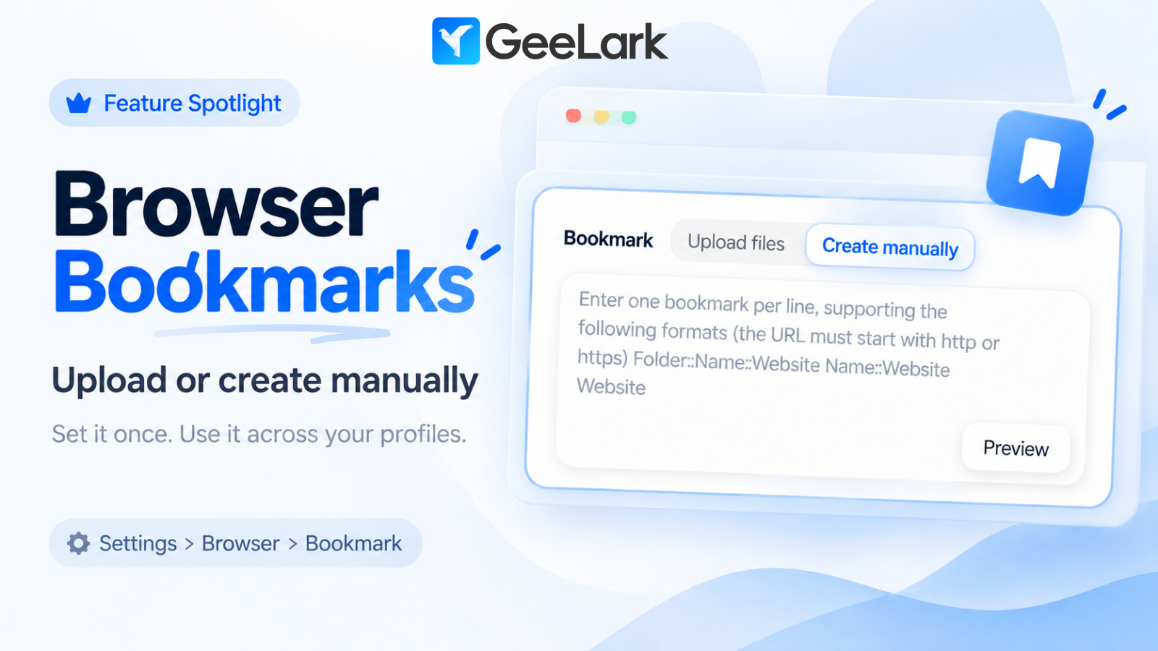
Feature Spotlight: Browser Bookmarks
Tired of adding the same bookmarks again and again across different browser profiles?
GeeLark’s Browser Bookmark feature lets you manage them in one place.
How it works
You can either:- Create bookmarks manually
- Upload your existing bookmarks
That means you can prepare your commonly used websites once and keep the same bookmark setup across multiple profiles — without configuring them one by one.
Why it’s useful
- Keep frequently used websites easy to access
- Standardize bookmarks across multiple profiles
- Save time on repetitive browser setup
Where to find it
Go to: Settings → Browser → BookmarkAvailable to all paid users.


