full


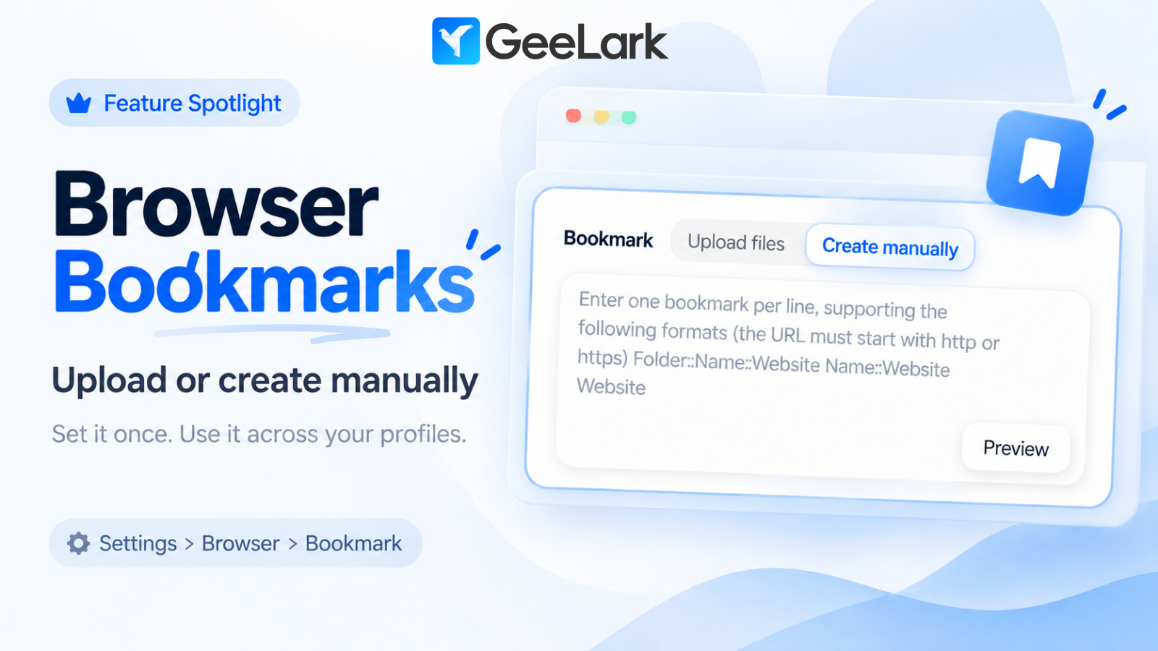
Feature Spotlight: Browser Bookmarks
Tired of adding the same bookmarks again and again across different browser profiles?
GeeLark’s Browser Bookmark feature lets you manage them in one place.

How it works​

You can either:
  • Create bookmarks manually
  • Upload your existing bookmarks
Once added, the bookmarks will be applied to your browser profiles the next time you open them.

That means you can prepare your commonly used websites once and keep the same bookmark setup across multiple profiles — without configuring them one by one.

Why it’s useful​

  • Keep frequently used websites easy to access
  • Standardize bookmarks across multiple profiles
  • Save time on repetitive browser setup

Where to find it​

Go to: Settings → Browser → Bookmark

Available to all paid users.
 
You guys should add an option to NOT use any proxies.
Hi, we do have an option for no proxy. If you are talking about setting no proxy in a cloud phone, please choose "Custom" and "No Proxy" as the proxy type. If you have any further questions about this issue, feel free to contact our online support for assitance:)
 
I was trying to create an account but not able to do so , not able to receive conformation code over my email id.

I met your team in AWA BKK 24 or 25 , can you please help.
 
I was trying to create an account but not able to do so , not able to receive conformation code over my email id.

I met your team in AWA BKK 24 or 25 , can you please help.
Hi, for this issue, please contact our online support for assitance
 
I try to signup for a while but it seems you block vpns? Or at least the ones we use. Can you do something about this?
 
I try to signup for a while but it seems you block vpns? Or at least the ones we use. Can you do something about this?
Hi, could you tell us more about the problem you encountered? Is there any error tips you meet during the sign up?
 
full


API, CLI, MCP—connect with GeeLark your way.​


Building your own workflow, working from the terminal, or getting things done with AI? Pick the option that fits how you work.

API
Bring cloud phone management and automation into your own tools. Connect GeeLark to your workflows and spend less time switching between apps.

CLI
Manage cloud phones, browser profiles, proxies, and more from the command line. Keep everyday tasks in the terminal and make them part of your scripts.

MCP
Tell your AI tool what you need. Create, launch, and edit profiles through conversations in MCP-compatible tools like Codex, Claude, and Cursor.
 
Back
Top