

Aeolous
Newbie
- Apr 14, 2017
- 43
- 37
Hello guys, today I am gonna show you how to create a Shopify unlimited trial store
Step 1
Create a free App Developer account here
app.shopify.com/services/partners/signup/developer

Step 2
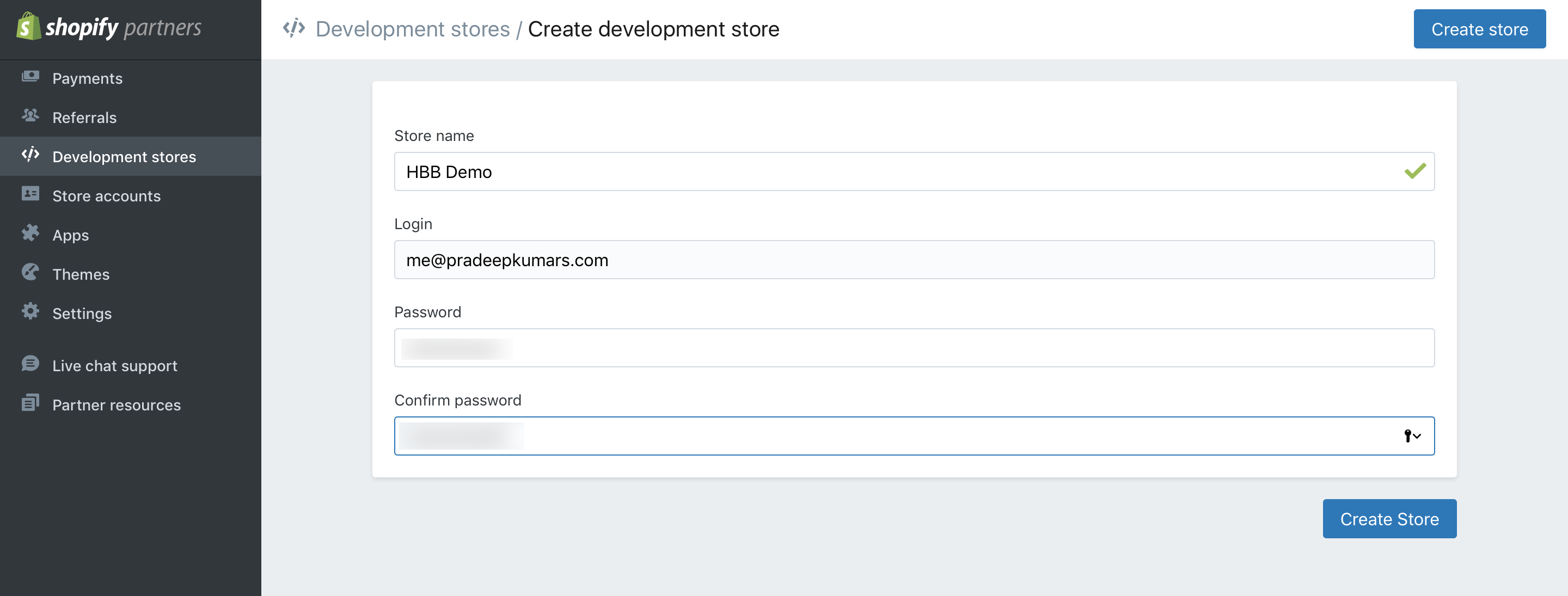
Click on Development Stores and Create A Development Store

Step 3
Enter a Store name and a Password for your store and click on Create Store
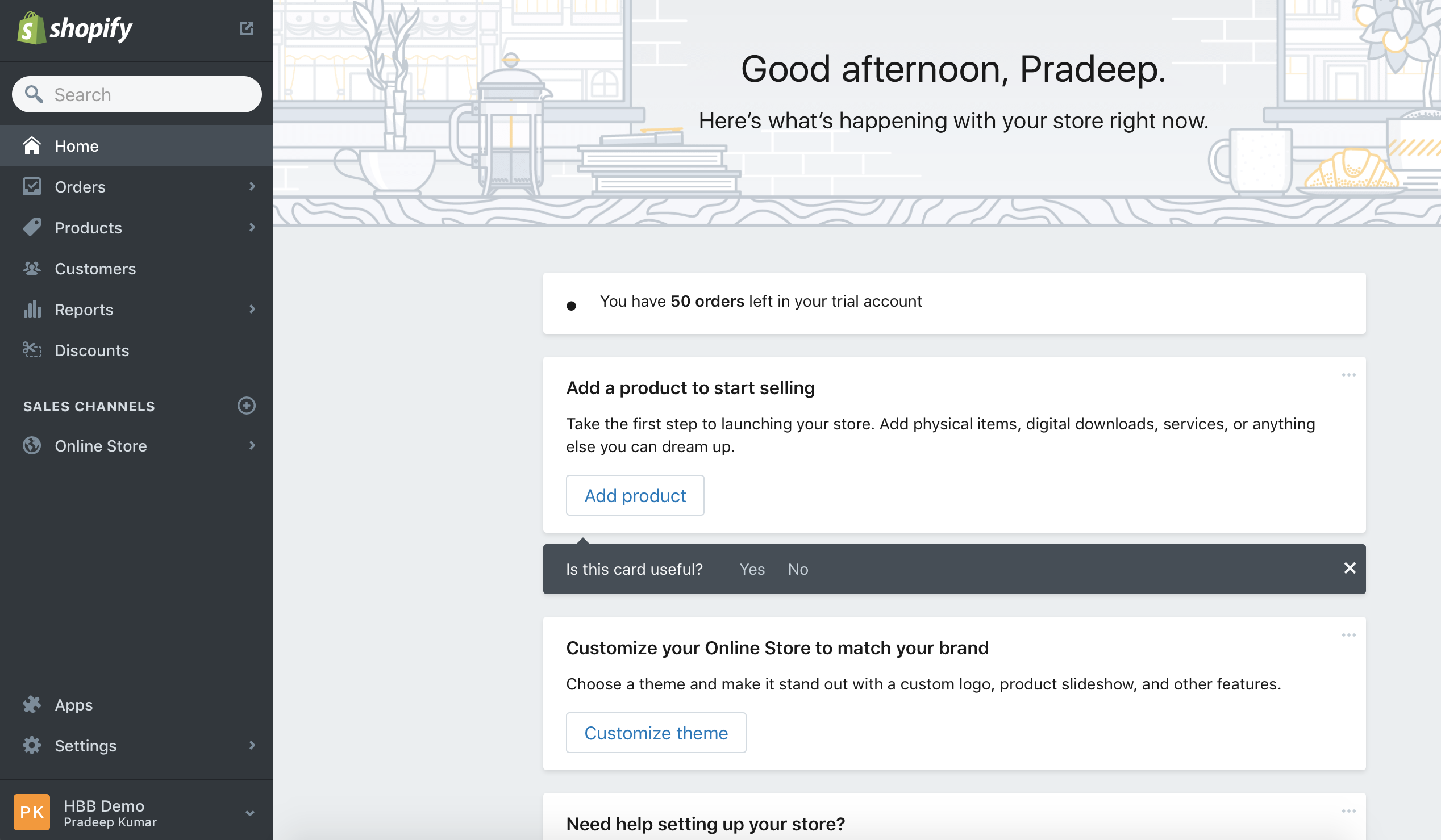
And done, you can remove the password too
I hope you find this useful guys, thank you for reading.
Step 1
Create a free App Developer account here
app.shopify.com/services/partners/signup/developer
Step 2
Click on Development Stores and Create A Development Store
Step 3
Enter a Store name and a Password for your store and click on Create Store
And done, you can remove the password too
I hope you find this useful guys, thank you for reading.


