

CRT
BANNED
- May 20, 2016
- 794
- 418
I see too many people unaware of Amazon and their free 1 year VPS program, which is why I made this thread. Here I will give you step by step instructions for setting up a free Windows/Linux VPS courtesy of Amazon Web Services.
To promote their service and to let people try it out, AWS has a "free tier". This means that you can run free instances for a certain number of hours, which equals to around a year. You can also run multiple instances at once. All you need to sign up for the free tier is a Credit/Debit Card, Email, Phone Number, and maybe a proxy (if you plan on getting multiple free tier accounts, which is what most people do).
For the phone number, download an app called text+ on https://play.google.com/store/apps/details?id=com.gogii.textplus&hl=en or https://itunes.apple.com/us/app/textplus-free-text-+-calls/id314487667?mt=8. The good thing about the AWS free tier is they accept VOIP's as long as it can receive a phone call. Text+ does this job perfectly and is completely free.
The next step is to get a US VCC. There are many people who sell them, but you have to make sure the VCC is reloadable and loaded with over $1, as AWS does an authorization charge during signup.
If you plan on making multiple free tier accounts, you will also need a private proxy for each account as well.

Follow the instructions to sign up, using the phone and CC in step one. An automated message will call your phone with a 4 digit code, which is why text+ is necessary. Don't worry, you won't be talking to a real person! The next message will state that you will have to wait for approval, which should look like this:

This usually takes under 24 hours. Amazon will 99% of the times approve your account if you followed the steps above.
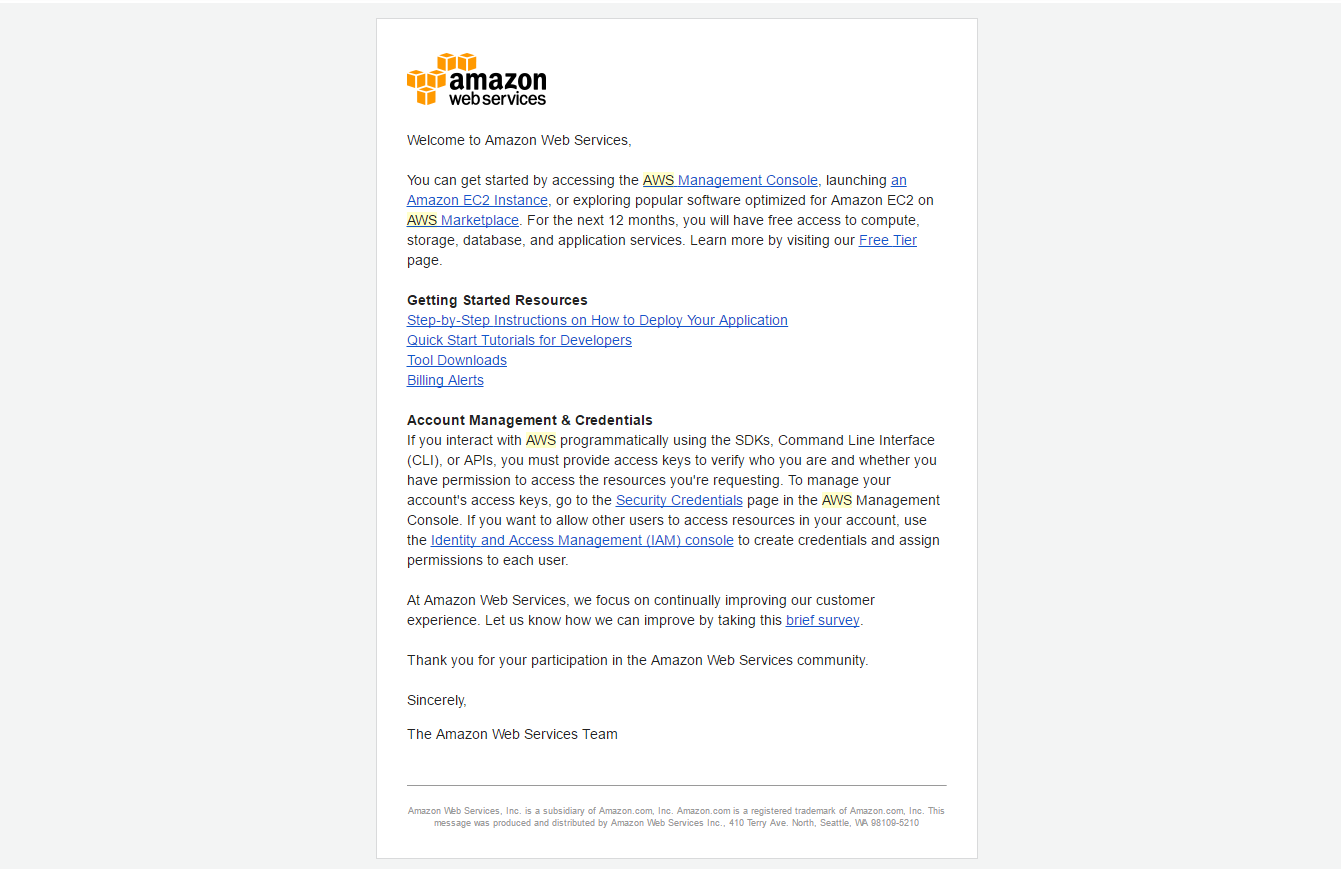
Here is what the approval message should look like:
To setup your VPS, login to the account panel and click on EC2:

Then click "launch an instance"

You will now have a list of the different servers you can run. The first 4 are free tier eligible. Simply click on it and you are set to go!

Hope this guide helped those unaware. The VPS is pretty decent at 1 GB RAM and can can save you quite a bit of money per month. You essentially get a VPS for ONE FULL YEAR at just the price of the VCC and maybe proxies.
Introduction
So basically Amazon has the most widely used cloud servers in the world. They offer almost every type of storage/cloud based solution, and they call it AWS (Amazon Web Services). A VPS is called an EC2 instance, and they give you the option of windows or linux.To promote their service and to let people try it out, AWS has a "free tier". This means that you can run free instances for a certain number of hours, which equals to around a year. You can also run multiple instances at once. All you need to sign up for the free tier is a Credit/Debit Card, Email, Phone Number, and maybe a proxy (if you plan on getting multiple free tier accounts, which is what most people do).
Step One: Getting the required "materials"
The first step is getting what you need to sign up for the free tier. You will need an email address, phone number, and a credit card. The email address is really easy to get and should need no instructions. For the phone number, download an app called text+ on https://play.google.com/store/apps/details?id=com.gogii.textplus&hl=en or https://itunes.apple.com/us/app/textplus-free-text-+-calls/id314487667?mt=8. The good thing about the AWS free tier is they accept VOIP's as long as it can receive a phone call. Text+ does this job perfectly and is completely free.
The next step is to get a US VCC. There are many people who sell them, but you have to make sure the VCC is reloadable and loaded with over $1, as AWS does an authorization charge during signup.
If you plan on making multiple free tier accounts, you will also need a private proxy for each account as well.
Making the Account
The next step is to go to https://aws.amazon.com/free/. It should look like this:
Follow the instructions to sign up, using the phone and CC in step one. An automated message will call your phone with a 4 digit code, which is why text+ is necessary. Don't worry, you won't be talking to a real person! The next message will state that you will have to wait for approval, which should look like this:
This usually takes under 24 hours. Amazon will 99% of the times approve your account if you followed the steps above.
Here is what the approval message should look like:
Running Instances
At this point you are basically all set. The great thing about using VCC's is that you don't have to worry about amazon overcharging you for accidentally using over the free tier. To setup your VPS, login to the account panel and click on EC2:
Then click "launch an instance"
You will now have a list of the different servers you can run. The first 4 are free tier eligible. Simply click on it and you are set to go!
Hope this guide helped those unaware. The VPS is pretty decent at 1 GB RAM and can can save you quite a bit of money per month. You essentially get a VPS for ONE FULL YEAR at just the price of the VCC and maybe proxies.


