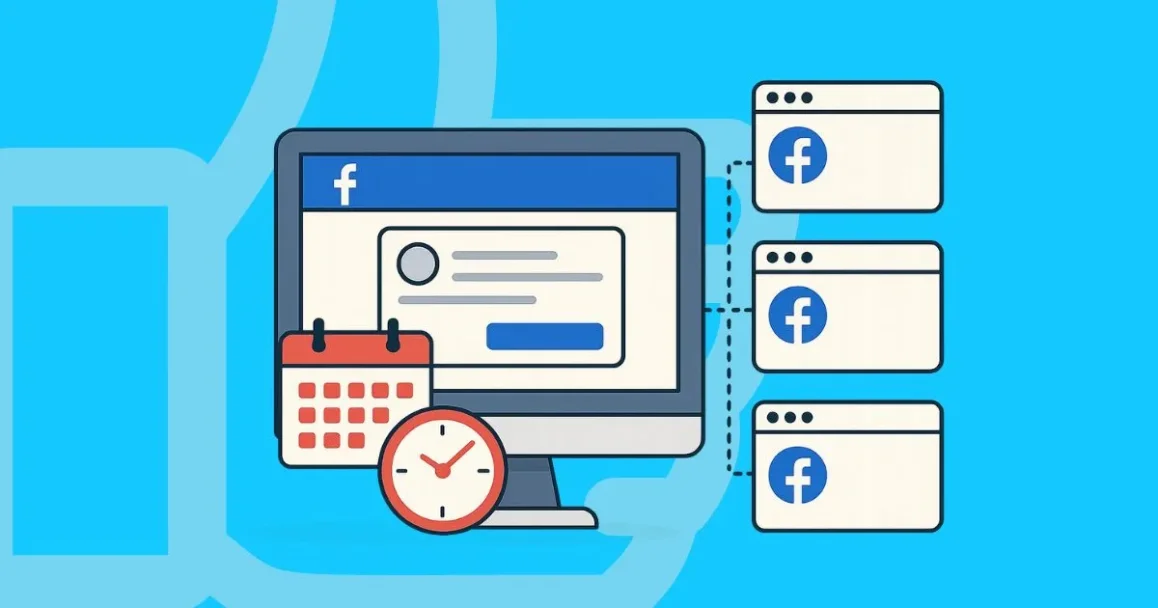
⭐Nano Banana (Pro): What You Need To Know

AI image generation has grown fast in the past two years.Tools like DALL-E and Midjourney are great for creative work, but they struggle in business use. Text is often unclear, layouts are hard to control, and large-scale production is difficult.

Google created Nano Banana and Nano Banana Pro to solve these problems. The standard version works for quick ideas. The Pro version is built for commercial needs and produces accurate text, clean layouts, and consistent batches of images.

This post explains the difference between the two versions and how to use them in real business workflows.

We also show how GeeLark connects Nano Banana with video creation, multi-account management, and automated publishing.

↓↓↓Grab your step-by-step guide to AI images for business:

Nano Banana (Pro): What You Need To Know


Try GeeLark Now!

⏳ Don’t Miss This:
Use code bhwdiscount for 10% OFF your next purchase!
Spend less time posting, more time growing!
 
full

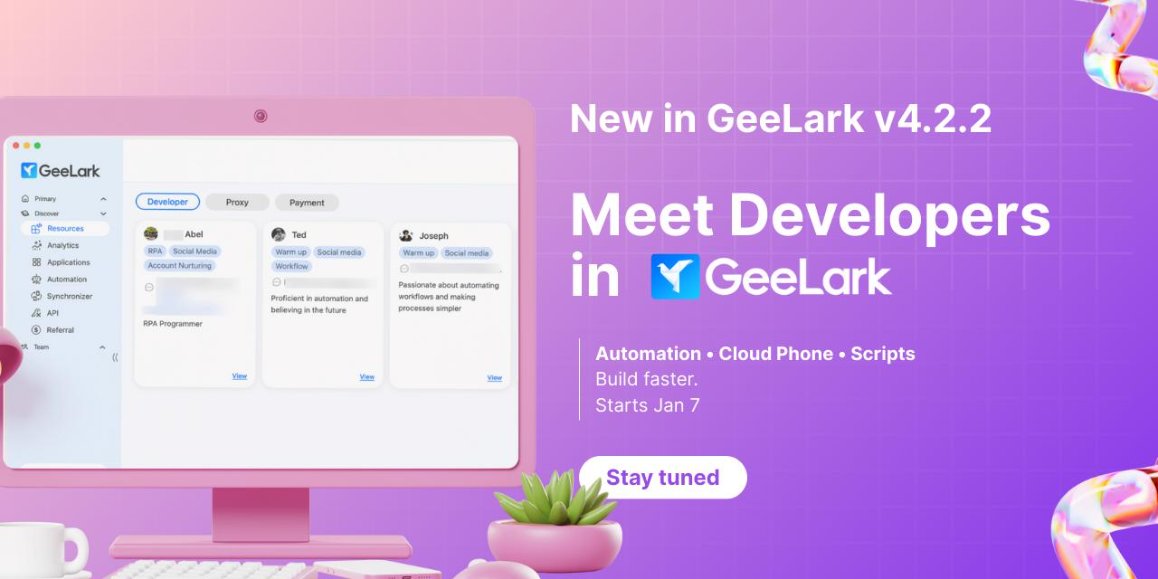
The GeeLark Developer Program is officially live!
We’re opening the door for developers to get discovered, get support, and get more opportunities inside the GeeLark ecosystem.

If you’re skilled in cloud phone automation, browser automation, or RPA workflows, this is your chance to turn expertise into real impact—and real demand.

Why join?


▪️ Get featured in GeeLark’s new Developer module
▪️ Receive official technical support and exclusive partner benefits
▪️ Connect directly with users actively looking for automation solutions


Who’s eligible?

▪️ Paid GeeLark users for 60+ days
▪️ Passed the basic RPA assessment

▪️ Apply now and become a GeeLark Developer Partner

▪️ Questions? Reach us at [email protected] on TG


This is just the beginning. Let’s build the future of automation—together. ✨

Try GeeLark Now!
If you're tired of hunting for clients on Upwork for pennies, this might be your next big move. Don't miss out!⚡
 

⭐How Brands and Creators Use Social Media Automation to Scale⚡
Social media automation has become essential for brands and creators who want to stay ahead in today’s fast-paced digital landscape. Managing multiple social media accounts and publishing content regularly often leads to overwhelming workloads and missed opportunities. With the right social media automation strategies, you can simplify daily tasks, maintain consistent posting, and focus more on creative growth instead of manual work.

↓↓↓Unlock the full guide to begin social media automation like a pro!⚡

Social Media Automation: What It Is and Top Tools


Try GeeLark Now!

⏳ Don’t Miss This
Use code bhwdiscount for 10% OFF your next purchase!
Spend less time posting, more time growing!
 
interested
Hi there, we’re currently out of trial coupons, but don't worry! You can still try GeeLark via our free version, which offers 20-30 minutes of use.
If you decide to upgrade, feel free to use the code bhwdiscount for 10% OFF your purchase.Thx!
 

☄️Scale Twitter Engagement: The Secret to Safe Automation for Managing 1000+ Accounts

Twitter engagement means more likes, replies, and reposts (retweets). It’s how you know your content connects, and it’s the engine for growth. But what if you’re not running one account—what if you manage 10, 50, or even 100?

Daily engagement turns into a time sink. Liking and commenting across dozens of accounts is nearly impossible by hand. Hiring help is costly, and simple bots often create robotic patterns that trigger suspensions.

That’s the real challenge: as you scale, engagement gets harder and riskier. The solution isn’t to work longer hours. It’s to use smart automation that behaves like a real user, protects your accounts, and helps you scale twitter engagement safely.

↓↓↓Access the restricted protocol that most influencers hope you never find.
Scale Twitter Engagement: The Secret to Safe Automation for Managing 1000+ Accounts

Try GeeLark Now!

⏰Turn Time Into Growth:
Get 10% OFF with code: bhwdiscount for your next purchase!
Spend less time posting, more time growing!
 
Socks 5 Proxies stopped working. And it wont let me add new Proxies as well? What has changed? When will this be fixed?
 
Socks 5 Proxies stopped working. And it wont let me add new Proxies as well? What has changed? When will this be fixed?
Hello, our technical team has tested and confirmed that the proxy function itself is operating normally. If you encounter a proxy failure, you may contact your proxy IP provider to verify and confirm if there is an issue with the IP
 

No More Coding, But Scaling: Build a Facebook Bot in 10 Minutes

You’re looking for a Facebook follow bot or a comment bot, knowing automation is the only way to handle the dozens of accounts you manage. but, every search leads to the same answer: learn Python. The pressure to automate is huge, but learning to code feels too difficult, leaving you with a heavy workload and no clear solution.


Now, imagine a different reality. What if you could use not just one bot, but many bots across all your accounts, working nonstop 24/7 in the cloud? These bots could engage with users, grow your audience, and post content on time, all without needing your computer to be on.

This post shows you exactly how to build a powerful Facebook bot without Python, turning your time-consuming tasks into an easy, automated system in just a few minutes.

↓↓↓Access the restricted protocol that most influencers hope you never find:

How to Build a Facebook Bot Without Python: A 10-Minute Guide


Try GeeLark Today!

⏰Turn Time Into Growth:
Get 10% OFF with code: bhwdiscount for your next purchase!
Spend less time posting, more time growing!
 
full

The GeeLark Developer Program is officially live!
We’re opening the door for developers to get discovered, get support, and get more opportunities inside the GeeLark ecosystem.

If you’re skilled in cloud phone automation, browser automation, or RPA workflows, this is your chance to turn expertise into real impact—and real demand.

Why join?


▪️ Get featured in GeeLark’s new Developer module
▪️ Receive official technical support and exclusive partner benefits
▪️ Connect directly with users actively looking for automation solutions


Who’s eligible?

▪️ Paid GeeLark users for 60+ days
▪️ Passed the basic RPA assessment

▪️ Apply now and become a GeeLark Developer Partner

▪️ Questions? Reach us at [email protected] on TG


This is just the beginning. Let’s build the future of automation—together. ✨

Try GeeLark Now!
If your automation skill can save time, reduce costs, or scale operations—this matters.


GeeLark is building a developer ecosystem that connects proven automation developers directly with real demand.
Less pitching. More building. More impact.
 

❗How to Schedule a Post on Facebook (Multiple Accounts Guide)❓

If you manage a Business Page, learning how to schedule a post on Facebook is straightforward. You simply use the Meta Business Suite, select your date, and you are done.

But if you are trying to schedule posts for a Personal Profile, the story is different. Facebook does not provide native scheduling tools for personal accounts. This means you are stuck posting manually.

This limitation becomes a serious problem for affiliate marketers and ad farmers. When you need to keep 50 personal accounts active and warmed up, you cannot afford to log in manually every day. It is inefficient, and frequent logins from the same browser can trigger security checkpoints.

So, is there a way to automate this?

In this post, we will show you exactly how to schedule a post on Facebook for multiple personal profiles safely, bypassing the platform’s limitations without getting banned.

↓↓↓Click below to grab your 10-Minute Autopilot Blueprint:

How to Schedule a Post on Facebook (Multiple Accounts Guide)


Try GeeLark Now!

✨Turn Time Into Growth:
Get 10% OFF with code: bhwdiscount for your next purchase!
Spend less time posting, more time growing!
 

☄️DISCORD LAUNCH GIVEAWAY☄️
You asked, we delivered! ▪️The GeeLark Discord Community is finally live!

▪️ $100 JOINING GIVEAWAY
To kick things off, we are giving away $10 in GeeLark bonus to 10 lucky members who join the server!

▪️ How to win⭐

1️⃣Join GeeLark Discord server
2️⃣React to the giveaway post inside the server
3️⃣Stay in the server
That’s it!

▪️ Period: 06/02-13/02⏲
▪️ Winners announced: In Discord

▪️ Join & Enter here
Try GeeLark Now!
 
Does this software works for tiktok account creation and posting?
 
This happens A LOT. How to reboot the Cloud Phone without loosing the Data and files that are stored? If I click start, it just shows me this error. This is not acceptable. How to reboot? Like a cold REBOOT?
 

Attachments

  • DOWN.PNG
    DOWN.PNG
    131.4 KB · Views: 4
This happens A LOT. How to reboot the Cloud Phone without loosing the Data and files that are stored? If I click start, it just shows me this error. This is not acceptable. How to reboot? Like a cold REBOOT?
Don't worry, this is just a connection interruption and won't cause any data loss. If this continues to happen, simply send your phone ID to the support team so they can check it for you. You can contact @Mina_GeeLark on Telegram. Thank you!
 
Does this software works for tiktok account creation and posting?
Hi, Of course, GeeLark is a real phone running on the cloud, so GeeLark can work with most apps just like a physical phone. You can use GeeLark to create and manage multiple social media accounts, especially TikTok.
 
Please clarify your pricing structure:

Example:

Pro Plan: "Profiles / Bonus minutes" 100 / 150 min.

This means: I get 150 minutes I can spend on 100 cloud phones?

At the bottom it says: 0.007$/min. I must pay this on top of the 150 minutes included if I choose this package?

What are "Time add-ons" and why are they so much cheaper than in the "Profiles / Bonus minutes"?
 
Please clarify your pricing structure:

Example:

Pro Plan: "Profiles / Bonus minutes" 100 / 150 min.

This means: I get 150 minutes I can spend on 100 cloud phones?

At the bottom it says: 0.007$/min. I must pay this on top of the 150 minutes included if I choose this package?

What are "Time add-ons" and why are they so much cheaper than in the "Profiles / Bonus minutes"?
Hi, With the 100-phone package, you'll receive 150 bonus minutes, 150 minutes usable across 100 phones, not just one.
I'll explain the pricing; here's our price list: https://www.geelark.com/pricing/
In addition to the profile package (like the base or Pro version), you need to pay to launch through 3 forms:
1. Direct payment ($0.007/min and max $1.20/phone/24 hours)
2. Time add-on
3. Phone - Monthly rental ($29.90/month)
Example: When you buy a package, you'll get free minutes. For example, with 50 profiles, you'll have 75 free minutes. After using up these 75 minutes, you'll pay a direct launch fee of $0.007/min, max $1.20/phone/24 hours.
If you don't want to pay directly, you can buy Time add-on or Monthly rental.
 

How are you using GeeLark to scale your business? Record a video or write an article sharing your experience, and you could be one of our 12 featured winners.

1️⃣st prize (2 winners): $200 cash or $400 bonus

2️⃣nd prize (4 winners): $100 cash or $200 bonus
3️⃣rd prize (6 winners): $50 cash or $100 bonus


You can also earn an extra reward by sharing your story on your favorite forum, social media, or blog. Once verified, we'll add a $20 bonus to your account as a thank-you for being part of our community. ❣️

⏰ Period: Today - March 6th.
⭐Winners will be announced and rewards sent out on March 11th.

✅ Share your story
 
Hi there I am trying to achieve something need to discuss, not sure if your portal can help but seems like it can help.
 
Back
Top