Got some big news today.
First, as you can tell by the banner at the top, we are running a free trial for AdEagle exclusive to BHW members.

All you have to do is post in this thread that you are interested and DM me your preferred email so I can manually create you an account.
Anyone can apply, no strings attached. If you can't DM me, then post and I'll DM you.
Trial duration:
7 days.
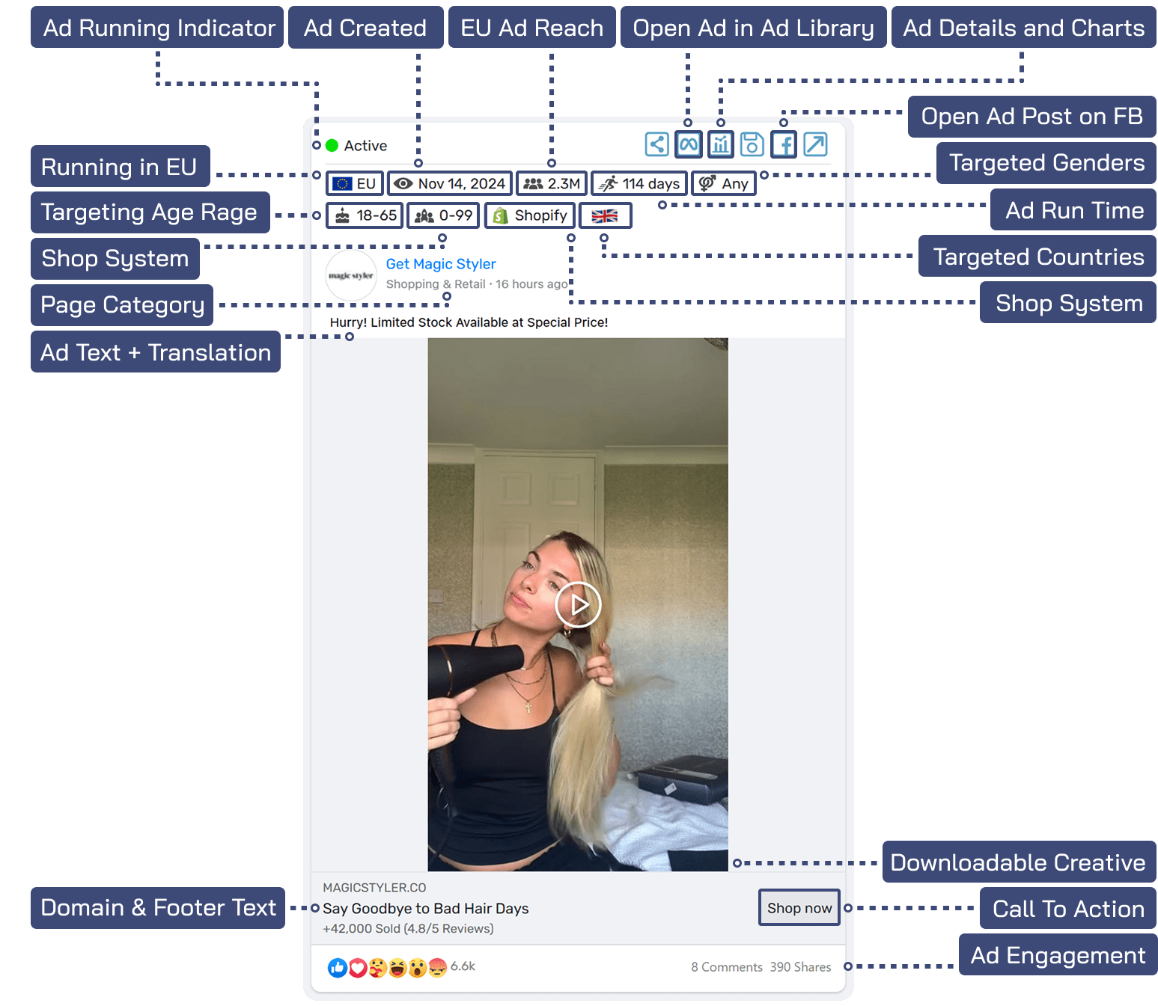
Second, we just finished rollout out our biggest update yet. Every ad card is now equipped with performance metrics labels at the top of it.
It is best if I just show you, see the image below:
We also added:
- a CTA text filter
- ability to only show ads that have an external URL
- filter for ad reach (EU ads only)
- filter for trending reach (EU ads only)
- active ad filter
- updated tutorials, I suggest starting with this one:
https://adeagle.com/tutorials/getting-started
- introduced "
smart filters", more about them below..
Smart filters
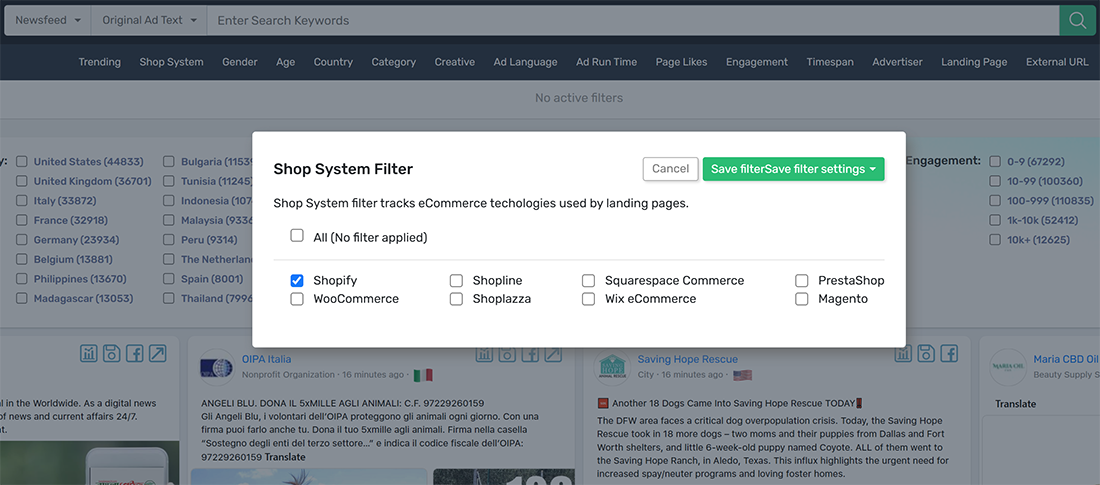
We preconfigured a few of the most popular filter settings and gave them meaningful names such as:
- Trending E-Commerce ads (finds ads that got more than 50 engagement growth per day and use any kind of shop system).
- Shopify ads (finds all shopify ads in our system).
- Top Impression Ads in EU (shows EU ads that reached more than 2 million of people).
- Viral website ads (finds ads that got more than 50 engagement growth per day and have external URL, that means an URL leading to a domain other than Facebook).
- US ads running >30 days (ads targeting US and running longer than 30 days).
- Health category Ads (selects all ads with pages that are related to health category).
We'll add more smart filters as we get more feedback from our users.
We remain the only Facebook adspy tool that provides data about ad engagement under each ad post and lets you filter by it.
That is because we focus on how ads are shown to real people, while everyone else just parses Ad Library. Time will tell, who picked the most useful approach, I think it's us.
- Joe
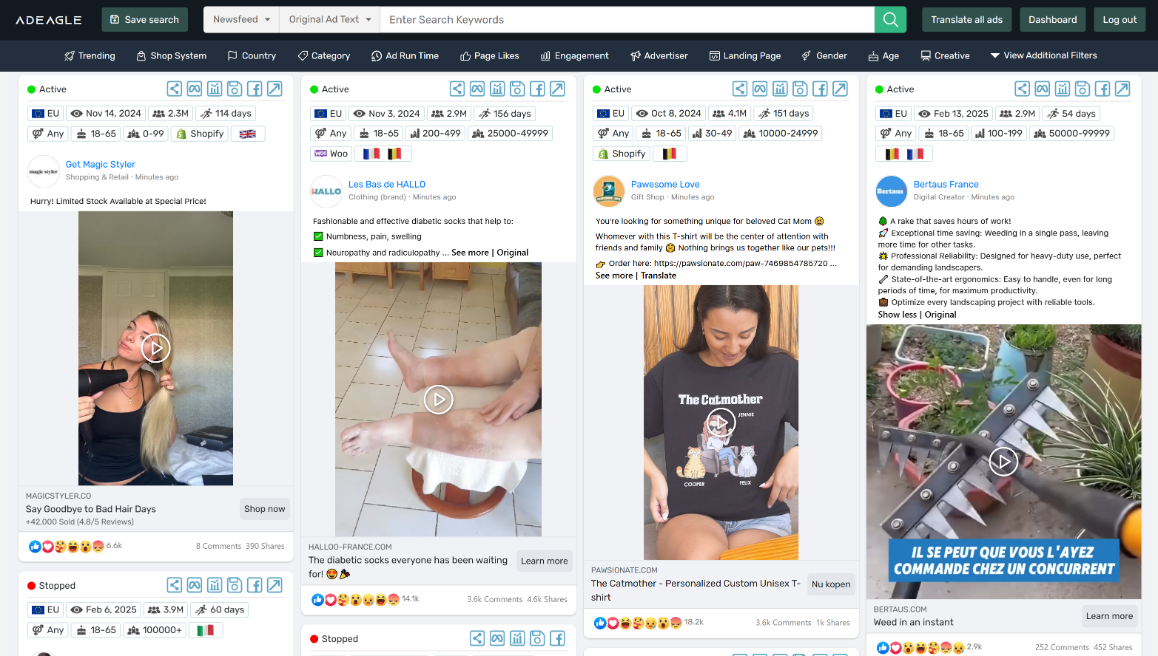
P.S.: Almost forgot to add a pic of the new UI


 This sales thread has been permanently closed!
 Click here to find active and tested Social Media services!