

- Sep 10, 2018
- 1,028
- 206
Introducing Mobile Panel
Our solution makes creating and managing mobile proxies simple, without the need for specialized knowledge or skills in network technologies and programming.
The platform is customized to meet each user's needs:
- Do you already have equipment? - We offer integration options through a multifunctional control panel.
- In need of equipment? - We provide kits that are easy to install.
Key features:
- Quick and automated equipment setup;
- Advanced management functions through the control panel;
- Versatility for both personal and commercial use.
For a comprehensive overview and step-by-step instructions on creating and managing your mobile proxies, refer to our detailed article.
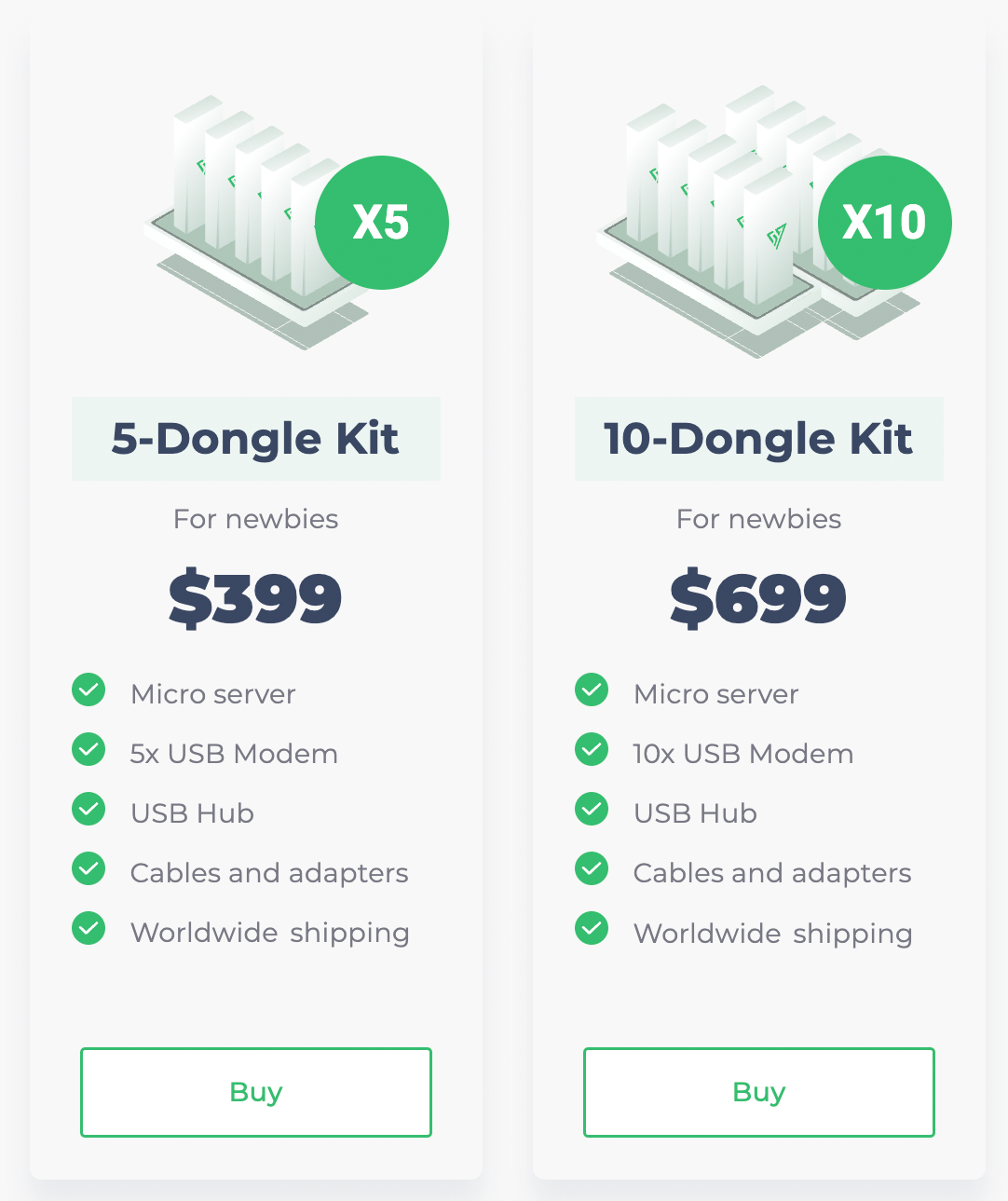
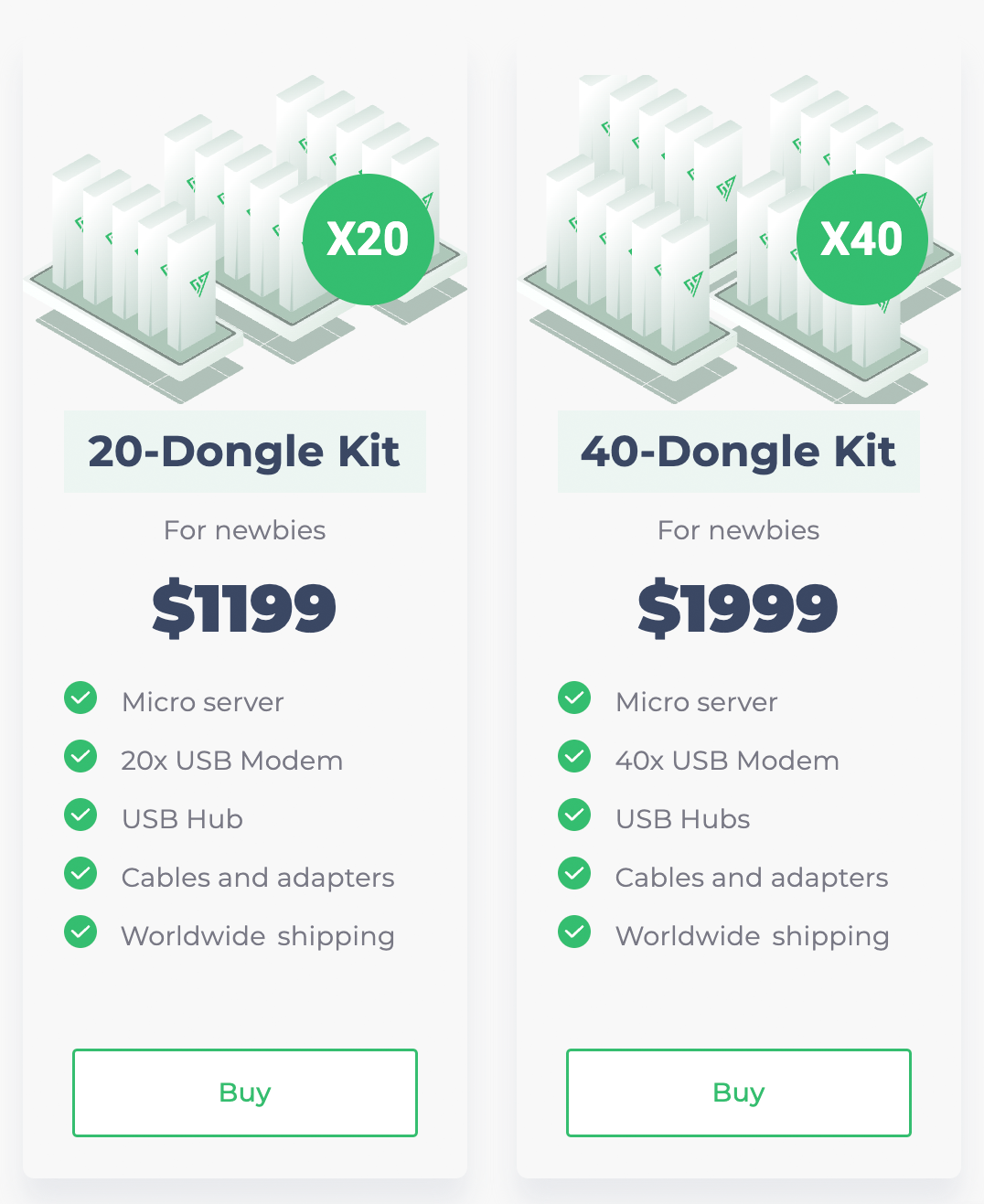
Mobile proxies - setup and management
To get started, simply order the equipment, connect it to the power and Internet, insert the carrier's GSM SIM cards into the modems, and access Proxy CRM. Here, you can manage your mobile proxies and see the status of the connected equipment and SIM cards in the modems.
With Proxy CRM, you can use HTTP(S) and SOCKS5 protocols, add users with a personal login and password, limit traffic, set IP change intervals, view connection status, current IP, and more, making mobile proxy management convenient and functional.
Our solution makes it easy to launch anywhere from a few to hundreds or thousands of mobile proxies for personal or commercial use.
To get a visual introduction to the capabilities of Proxy CRM, try out the demo version.

Refund Policy: Refund is available within 14 days from the moment of payment. To do this, you need to contact the mobile panel support team using the support chat on the website, or the contacts below.
Contact us
• Telegram
• Skype
• [email protected]


