

Aniket Roy
Regular Member
- Oct 17, 2019
- 279
- 376
So, i searched the forum to check if this website is present already in any of the threads and luckily it was not. so, here we go:
the procedure is super easy.
1. Go to the above mentioned website. > Click 'Sign in' > 'Create an account'
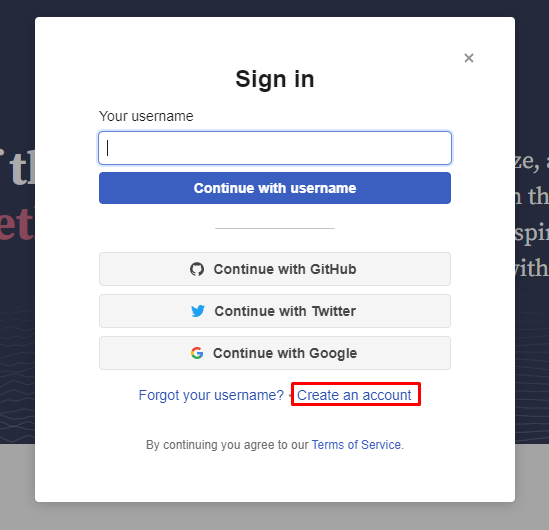
2. Choose whichever sign in method seems more convenient to you
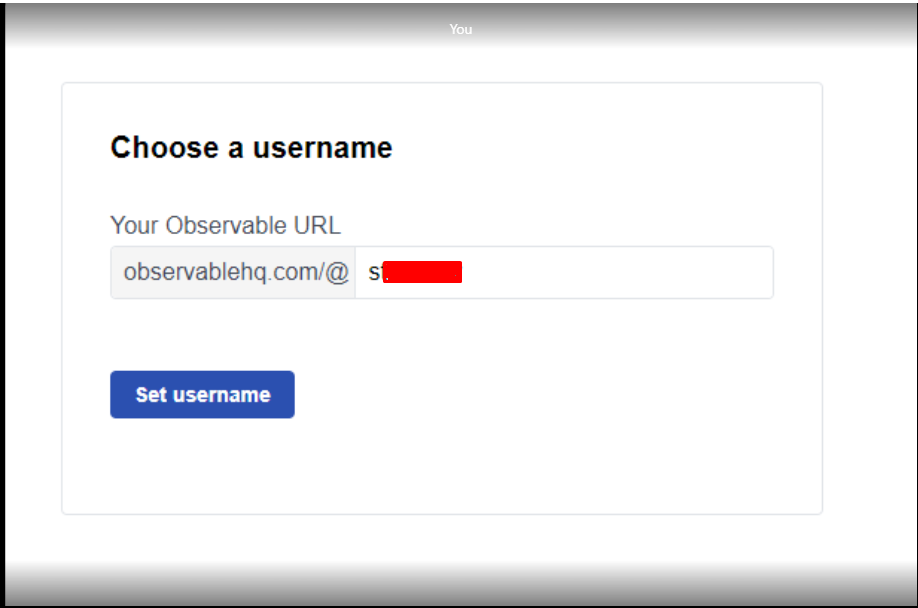
3. Pick a username
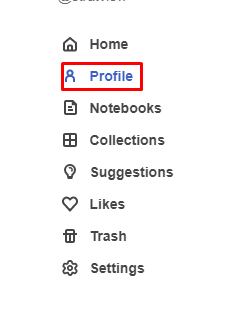
4. After that, go to 'Profile' > Edit
5. Add some bio and your website and you are all set
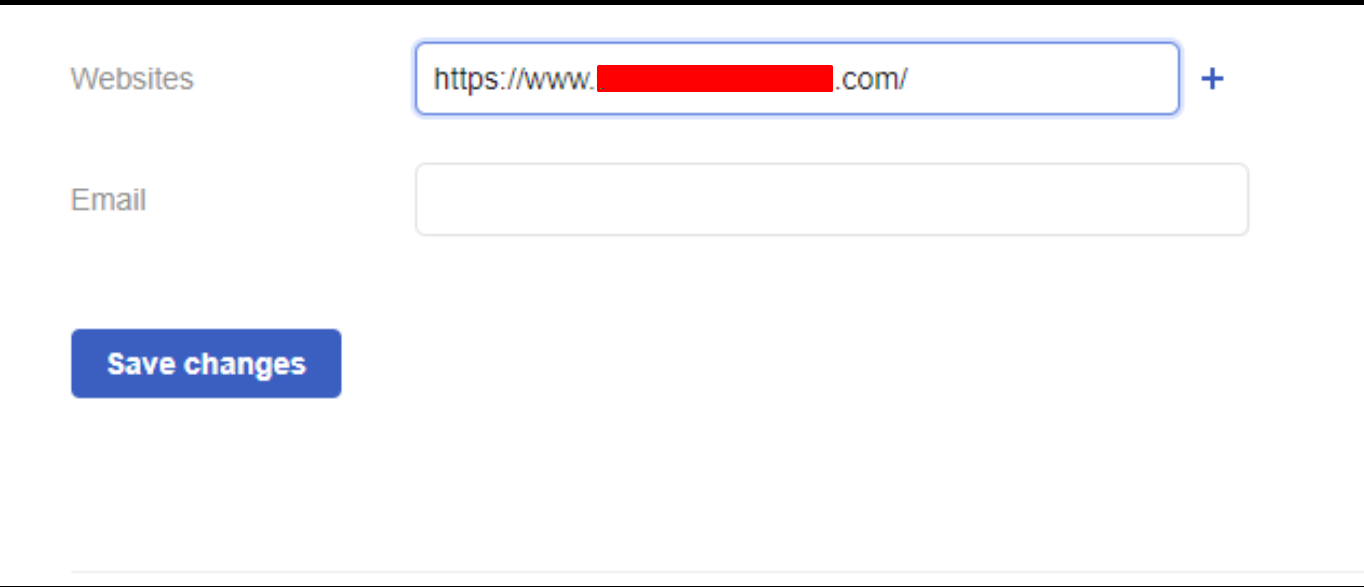
6. Here's an example link:
and some necessary checks:

that's it. Hope this helps
Code:
https://observablehq.com/
DA: 56 | Spam score:2%
the procedure is super easy.
1. Go to the above mentioned website. > Click 'Sign in' > 'Create an account'
2. Choose whichever sign in method seems more convenient to you
3. Pick a username
4. After that, go to 'Profile' > Edit
5. Add some bio and your website and you are all set
6. Here's an example link:
Code:
https://observablehq.com/@enkimuteand some necessary checks:
that's it. Hope this helps


