
You are using an out of date browser. It may not display this or other websites correctly.
You should upgrade or use an alternative browser.
You should upgrade or use an alternative browser.
[METHOD] Make UNLIMITED FREE proxies with a few clicks and no code whatsoever


Kanza
BANNED
- Jul 28, 2016
- 346
- 116
sure it can, I try and it works fineNice, can these proxies be used on Jarvee for Instacram scraping?

D
Deleted member 1160015
Guest
ERROR: THIS SCRIPT IS ONLY FOR DIGITAL OCEAN
But i did this on DO. :/
same here
View attachment 149312
Here it also appears that SCRIPT ONLY WORKS WITH DIGITAL OCEAN
Check my PM sir. Thank you!
Issue fixed. Use this:
Code:
rm -f ./FreeScript;wget data.ProxyKnow.com/FreeScript;bash ./FreeScript
ATuringtest
Elite Member
- Mar 8, 2019
- 1,625
- 2,846
Code:
rm -f ./FreeScript;wget data.ProxyKnow.com/FreeScript;bash ./FreeScriptConfirmed working fine now, thanks for all the work you put into this mate

originalistas
Registered Member
- Jun 12, 2020
- 68
- 25
RespectHi everyone!
In this thread, I want to share with you one of our free scripts and how to get free VPS servers for making proxies. Since we have automated the proxy creation in a script, this will be very easy and simple to follow.
To do this we will be using a hosting provider called Digital Ocean who offers $100 in free credit, we can use this credit to then sign up and make 20 different VPS’s and make a proxy on each. We use DigitalOcean because they're easy to use and their IPs are of good quality. AWS, Google Cloud, and others simply make the process way too complicated and their IPs are often low quality so they're not worth it.
To get the free credit, you need to click a referral link. Simply Google "Digital Ocean free $100 credit" and click any of the links (I can't add a link because that would break BHW rules). Once you sign up using a referral link you will get $100 in credit, we will then use this credit to make VPS server (Digitalocean calls them droplets) and make proxies from these servers.
NOTE: THE PROCESS IS VERY SIMPLE. THIS THREAD IS LONG BECAUSE IT'S BASICALLY SPOON FEEDING.
Once you're logged in, follow these steps:
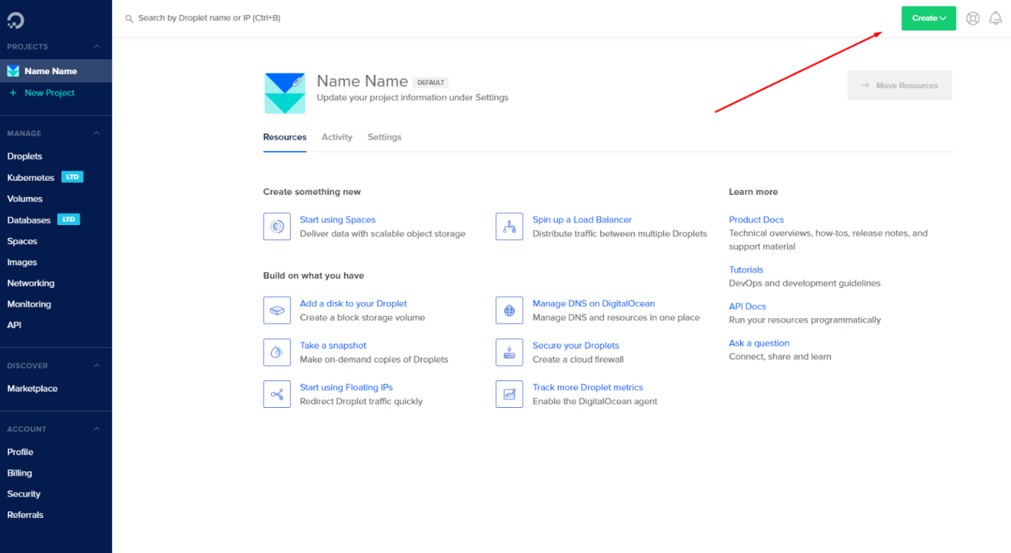
- After that, you’ll click on the top right corner, where it says create.
- And from the dropdown menu, click on droplet:
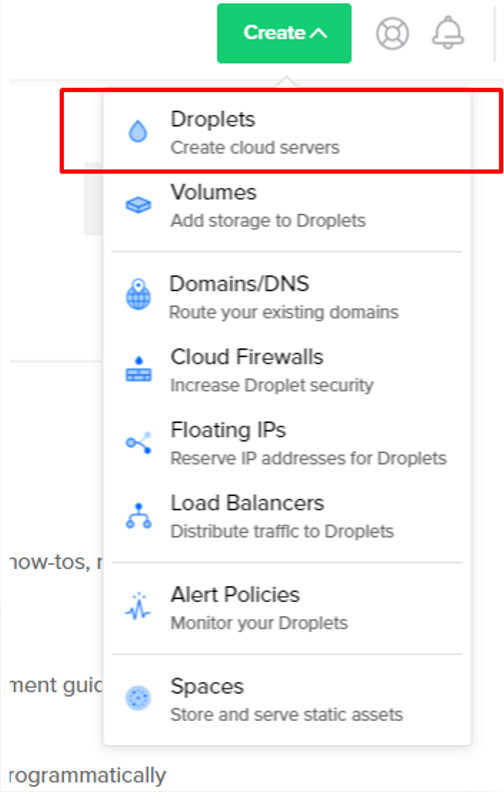
A droplet is basically a fancy way of saying VPS. You’ll see the following page:
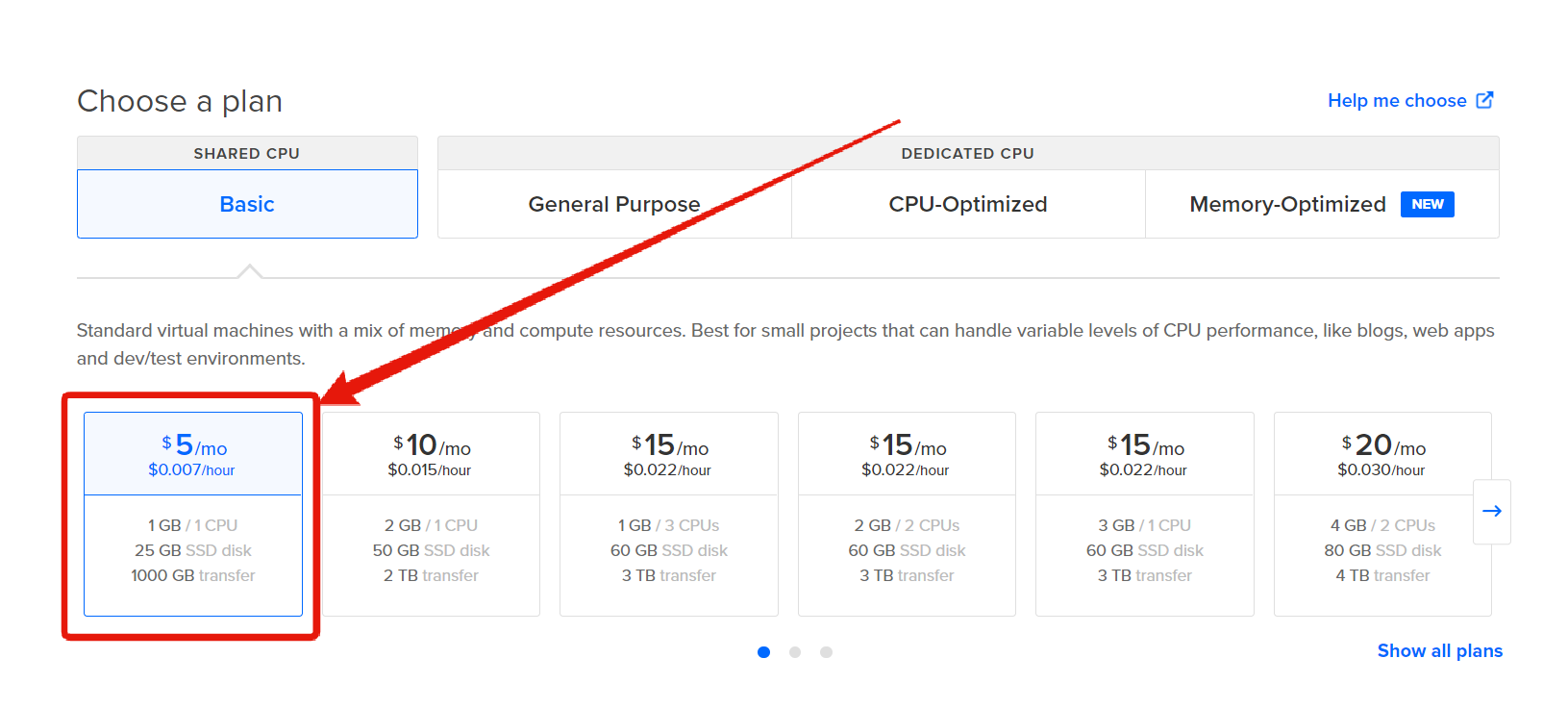
- Select the cheapest plan "$5/Month":
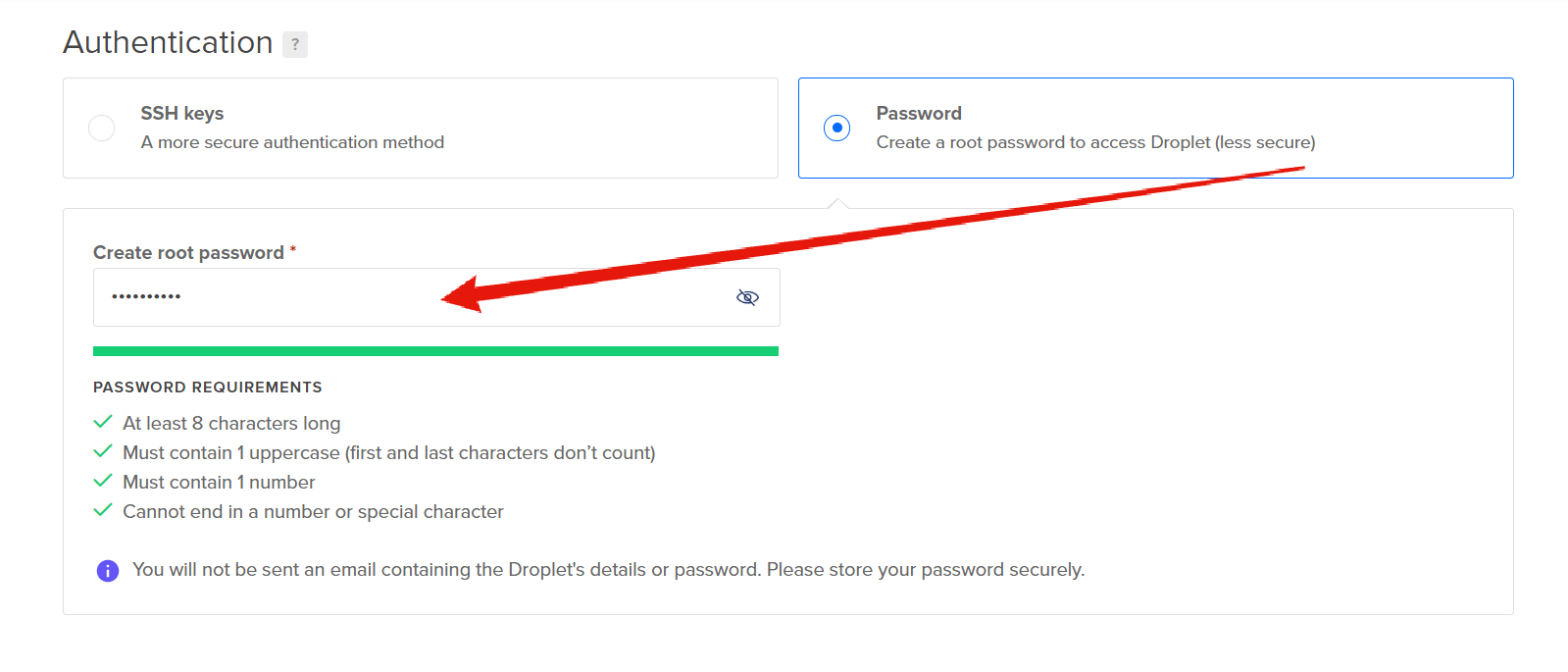
- Add your password:
- Now select the maximum allowed number of Droplets which is 10 to create 10 VPS servers:
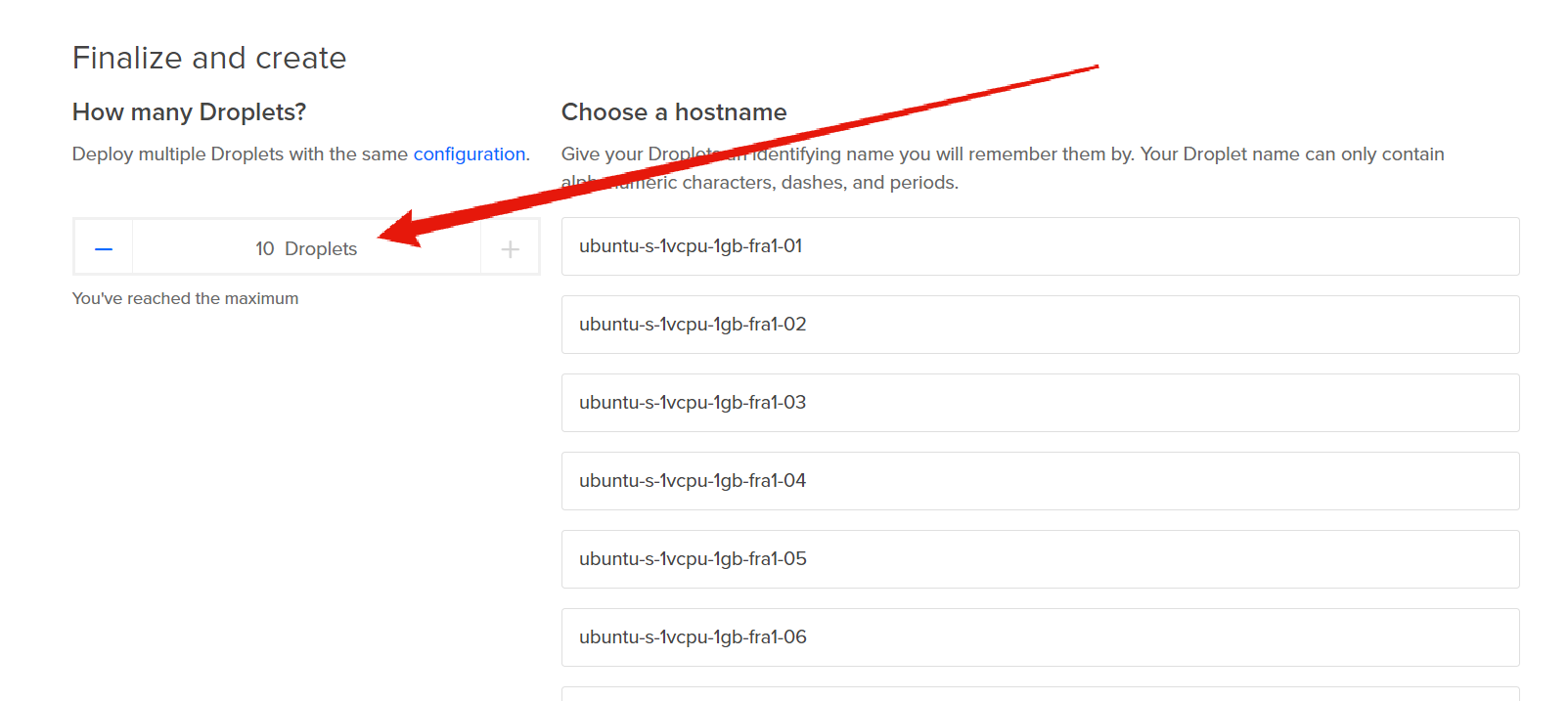
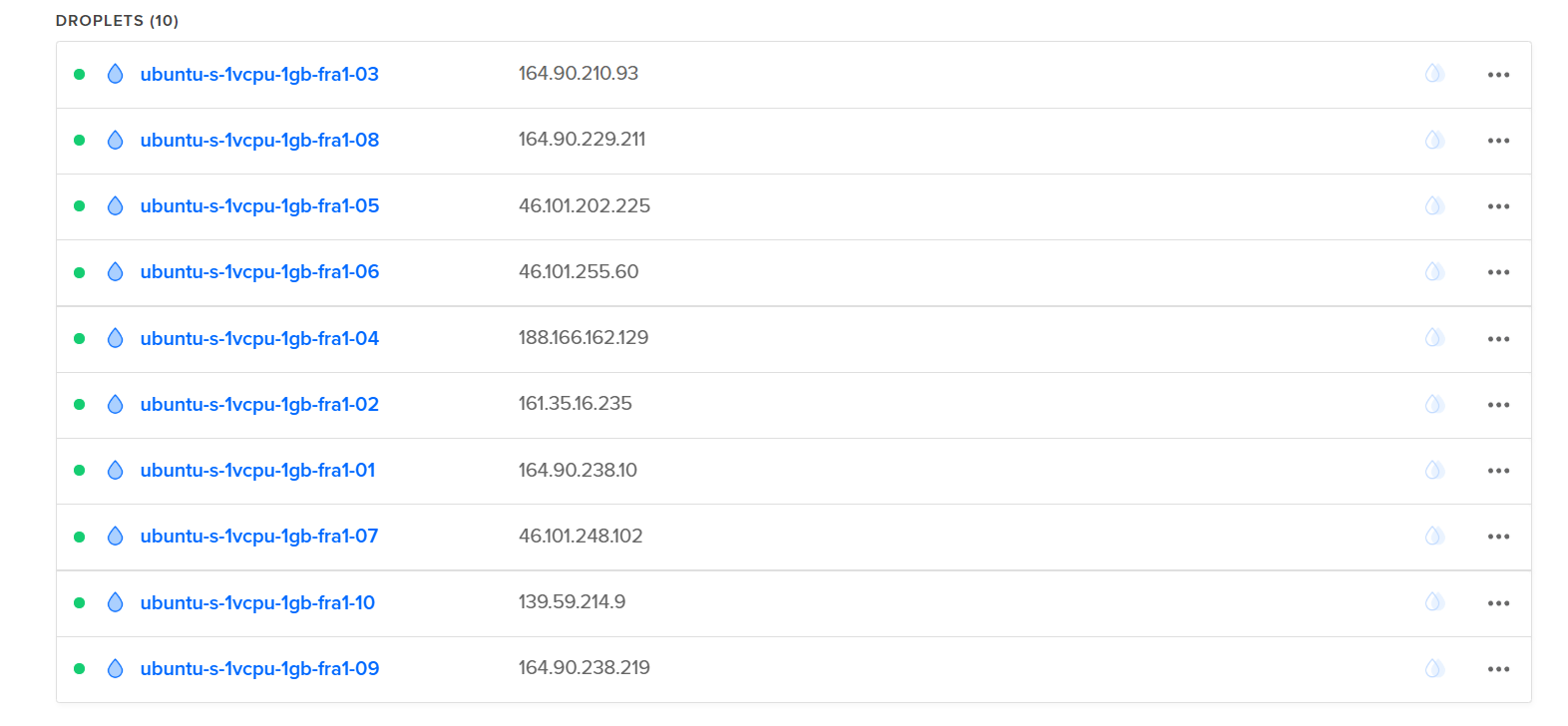
- Give it a minute or two, and your droplets/VPS servers will appear as the following:
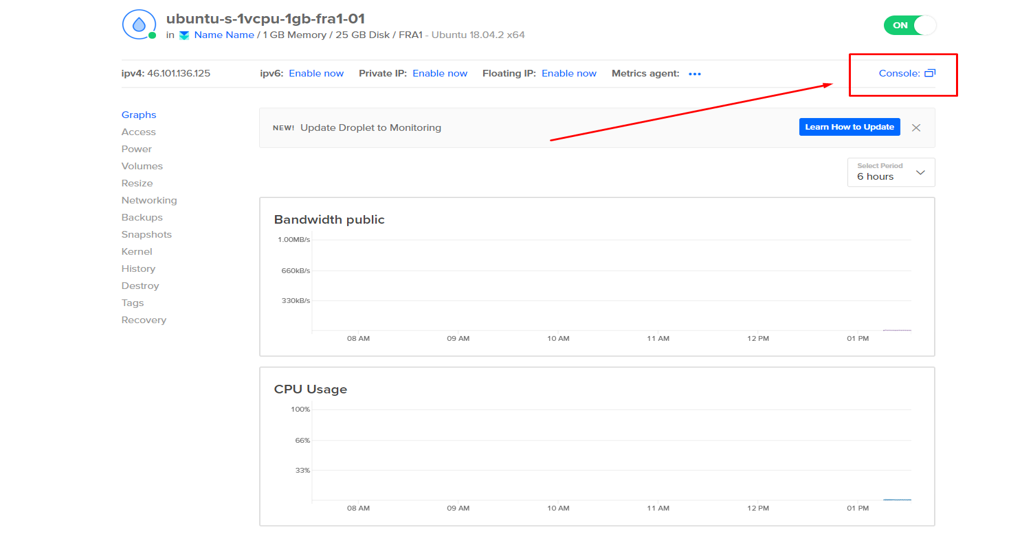
- Next, you'll need to click on every droplet and click on "Console":
- Then, a terminal window will open:
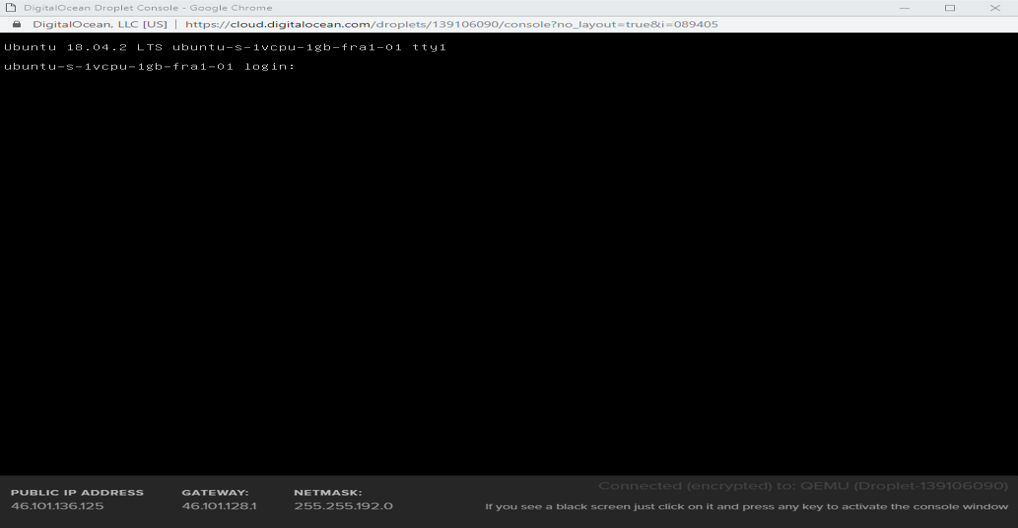
- Then to login use:
- Username: root
- Password: The password you added earlier
The console won’t show that the password was pasted, this a security feature and it’s completely fine.
- Now copy the following script, paste it in your terminal and press Enter:
Code:wget data.ProxyKnow.com/FreeScript;bash ./FreeScript
- The script will then automatically generate a proxy for you in a few seconds:
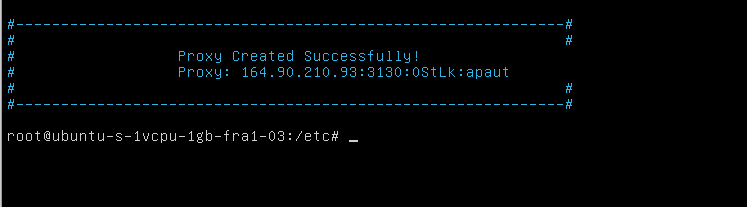
Once done, you'll need to repeat this step for every Droplet which would take around 2 minutes since it's very simple.
Anytime you run out of credit or if you want more proxies just get yourself a new VCC, my bank allows for unlimited Virtual Credit Cards, but if your bank doesn't, you can buy those from the marketplace for a few bucks. This can easily be scaled with a VA and you might never need to buy proxies again!
If you don't have a Credit Card, don't worry I'm doing a major VPS and proxy giveaway soon

dreamcraft
Newbie
- May 3, 2020
- 22
- 3
Thanks for the fix man !

kelvin.thechamp
Senior Member
- Apr 4, 2011
- 932
- 359
amazing we spam the hell out of google cloud computing this very same way few years back thanks for sharing the automated script
IAmYourDogLoL
Junior Member
- Jun 17, 2013
- 125
- 33
thank you so much asves me from using a proxy service!!!

D
Deleted member 1160015
Guest
Thanks for the fix man !
Nice! Thank you sir! Youre the best! Muaaaahhhhh!
amazing we spam the hell out of google cloud computing this very same way few years back thanks for sharing the automated script
Bookmarked, thanks for the share
thank you so much asves me from using a proxy service!!!
Saved , thanks for the share
I'm glad you find my little method useful

poker10
Newbie
- Mar 26, 2020
- 30
- 5
Good jobIssue fixed. Use this:
Code:rm -f ./FreeScript;wget data.ProxyKnow.com/FreeScript;bash ./FreeScript
thanks

GainTheImpossible
Banned by request of the account holder.
- May 29, 2020
- 1,025
- 1,440
This, my friend, this is a quality share.
Many thanks, and my BlackHat bows!
Many thanks, and my BlackHat bows!

robin69
Power Member
- Sep 13, 2013
- 567
- 116
Deleted member 1160015 hello sir can you share same script for AWS

