

kn1ves
Power Member
- Aug 25, 2018
- 711
- 1,249
BlackHatWorld has a sea of knowledge available, I doubt any course offers information not already available on BHW, however, finding that information can be quite a daunting task. When I joined BHW I used this exact trick to quickly soak knowledge and become better at marketing.
Some of you might already know this, it is quite intuitive actually, but, it might be useful to some newbies.
Let's dive right in.
First of all, go to the subform you want to gain knowledge about, for example, the 'Making Money' section
Now, if you scroll down you will find a setting known as 'Thread Display Options'

Click on it and you'll see something like this

Choose the following settings and click 'Set Options':
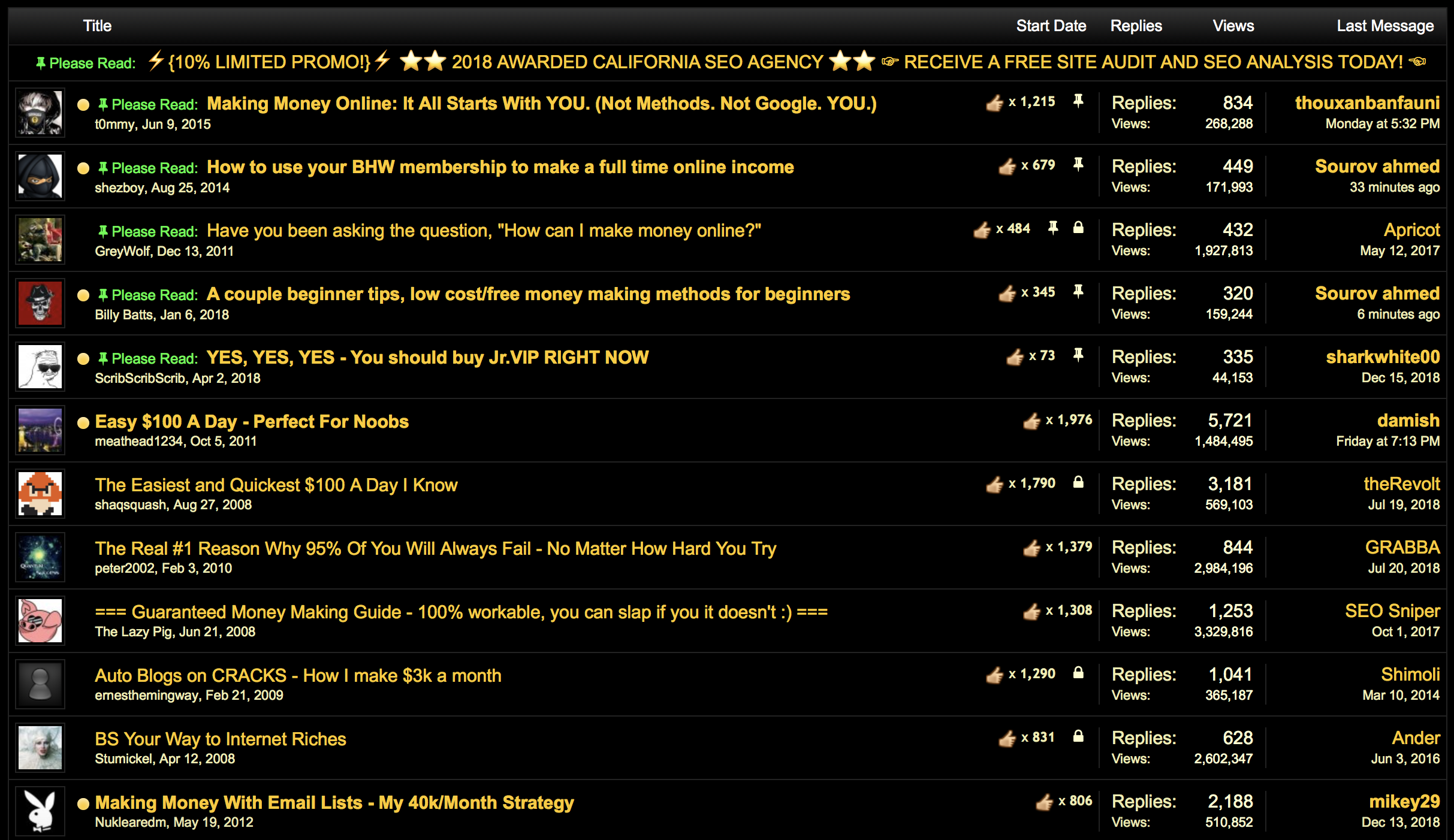
Another example, for blackhat methods
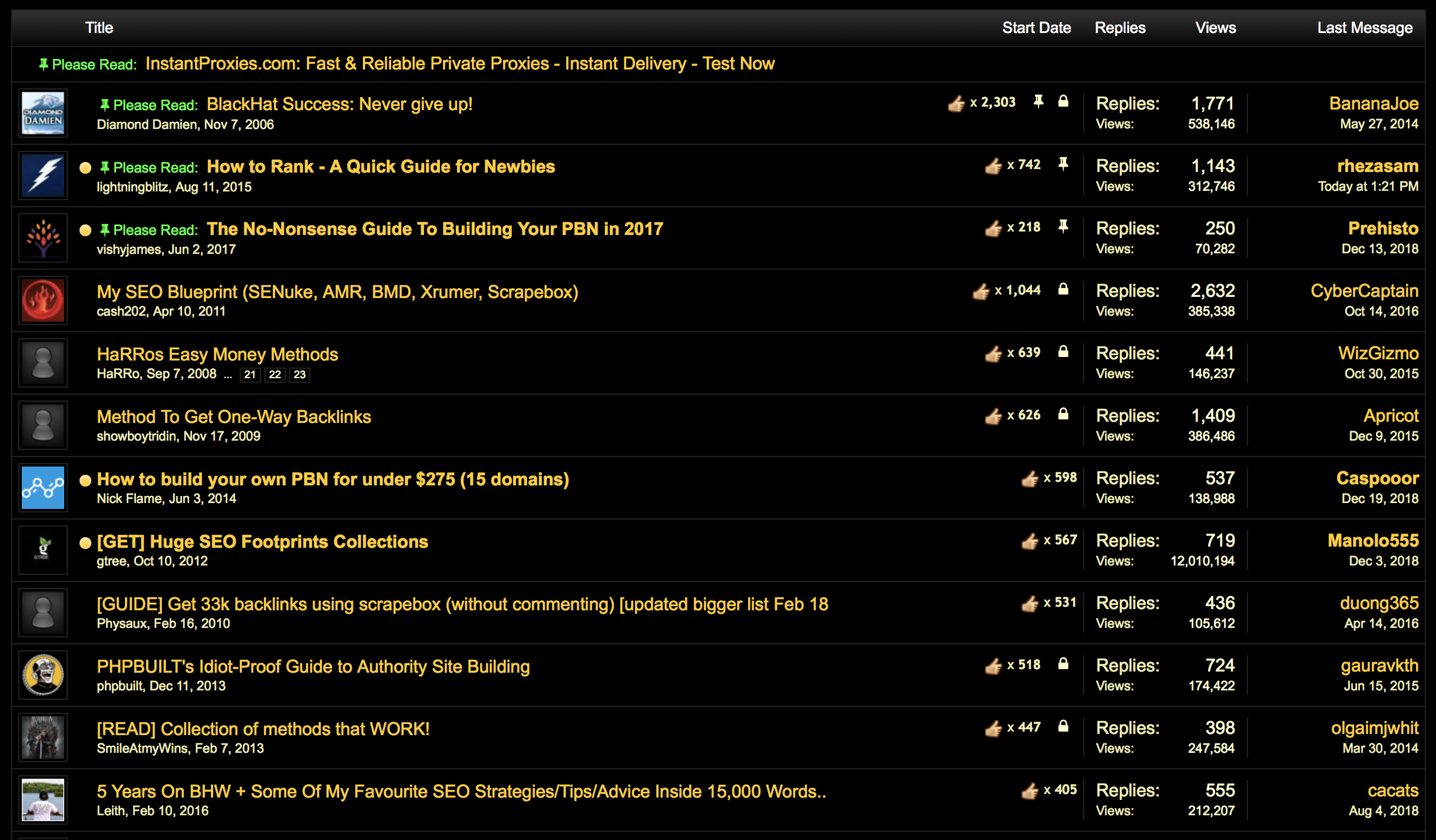
Jr. VIPs can also benefit from this by using this trick in the Jr. VIP Zone.
Note: I wasn't really sure where to post this, so please feel free to move it to the appropriate section.
Hope it helped some of you.
Some of you might already know this, it is quite intuitive actually, but, it might be useful to some newbies.
Let's dive right in.
First of all, go to the subform you want to gain knowledge about, for example, the 'Making Money' section
Now, if you scroll down you will find a setting known as 'Thread Display Options'
Click on it and you'll see something like this
Choose the following settings and click 'Set Options':
- Sort threads by: 'First message likes'
- Order threads by: 'Descending Order'
Another example, for blackhat methods
Jr. VIPs can also benefit from this by using this trick in the Jr. VIP Zone.
Note: I wasn't really sure where to post this, so please feel free to move it to the appropriate section.
Hope it helped some of you.


