
Postal Shark
Registered Member
- Mar 19, 2022
- 95
- 87
What is metadata?
The main problem with the low passage of accounts from the checkpoint selfie is precisely in the metadata, it is according to them that FB looks at all the information about the sent photo and decides whether to withdraw the acc from the receipt or not. To increase the % of the accounts' output from the receipt, we need to qualitatively change the metadata, simple uploading and uploading photos from the Telegram will not work.Metadata is invisible information, or "data about data", an important component of any photo. These are assigned automatically and include a description of the file itself, headers and subheadings, author and editor, date and time of creation, version and technical characteristics of the program in which the file was created, etc.
Donor metadata
To begin with, we need to get the metadata itself, which we will later replace on our photo. To do this, go into your phone, launch the camera, switch to the front camera (selfies are taken on this camera) and take a photo of the wall. We are not interested in the photo itself, it makes absolutely no difference what we photograph, we only need metadata.
Next, we transfer the photo from the phone to the computer. To do this, I throw it off in Telegram, but necessarily without compression, but simply as a file (archive), since when compressed, Telegram just replaces the photo metadata with its own. If you throw off the file, all the data will remain unchanged.
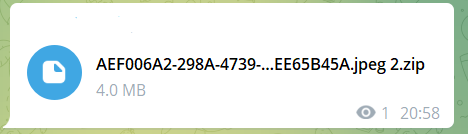
We also need to find out the resolution of the photo and the name, later we will also replace these data on our photo to send to FB. You can see it in the information about the photo in the phone.Be sure to archive the photo, this can be done both by an application downloaded from the store (apple \ google), and in online services and transfer the already archived file to Telegram.
In the information about the photo, we immediately see the information that is in the metadata.
- Photo title "IMG_0975"
- On which camera the picture was taken "Front panel camera" - front.
- The size of the image in pixels is "2316 x 3088"
We drop the archive from the Telegram to the computer, the donor with metadata for substitution is ready.
Donor selfie
Now we need a photo that we will send directly to FB. To do this, we write in the search engine "Selfie" and select any photo suitable for a selfie.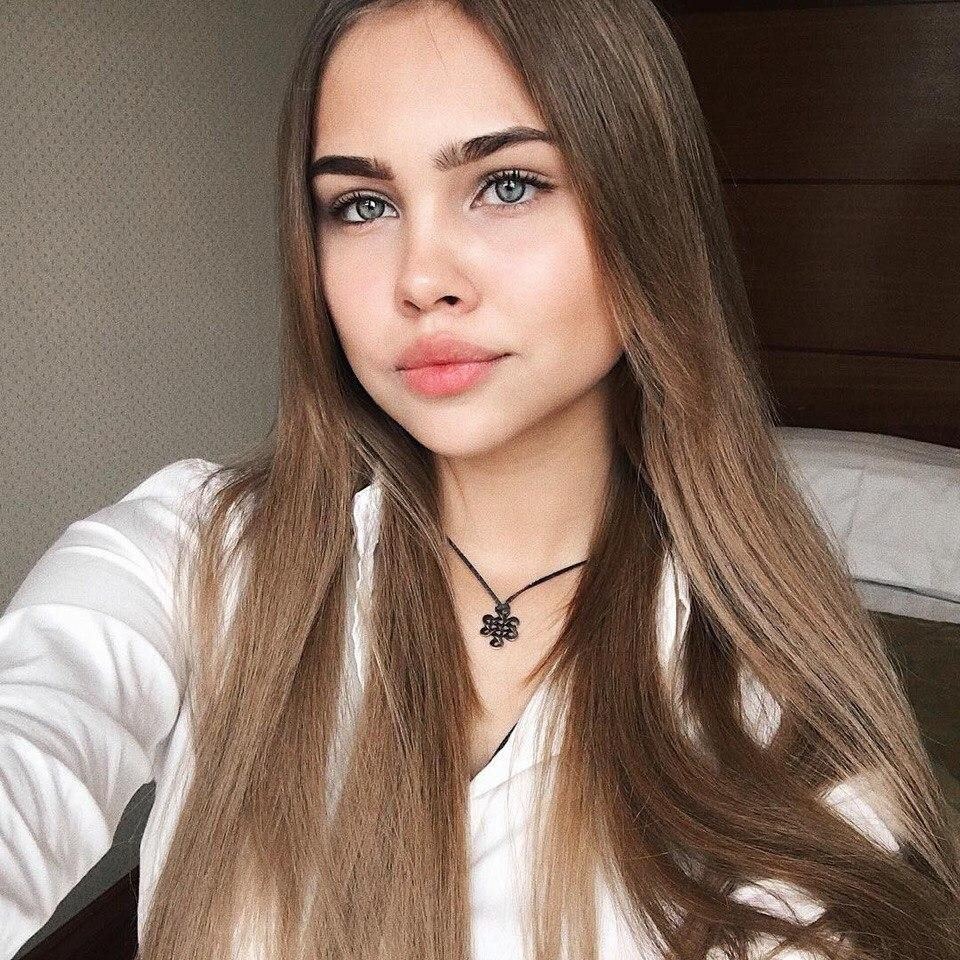
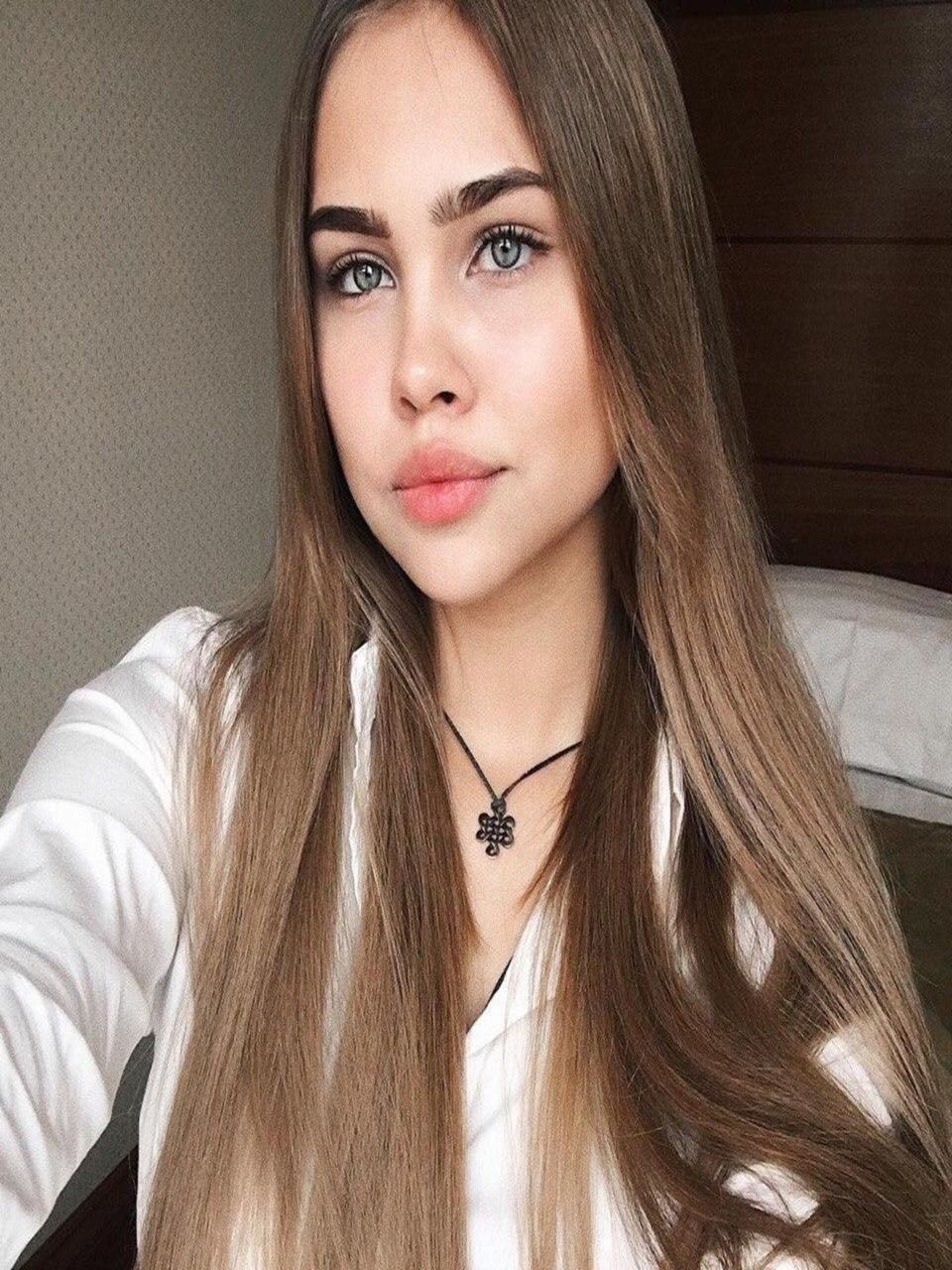
Next, we take a screenshot of our photo and save it. But there is a point here, try not to choose large-format photos (as in the example), since later we need to change the size of the photo to the one that we have in the donor metadata (2316 x 3088). If the photo is large-format, when you change its size, it will turn out to be crooked.
Substitution of metadata
Before substituting metadata, we need to change the size of our donor's selfie image to the size of a phone photo (2316 x 3088). Information about the size of the photo is stored in metadata and it should not differ from the actual size of the selfie, as this will be an extra reason for FB to distrust our selfie and refuse to pass the check.To do this, go to the service via the link https://www.imgonline.com.ua/resize-image.php , enter the photo size we need, upload a selfie and get a photo of the required size.
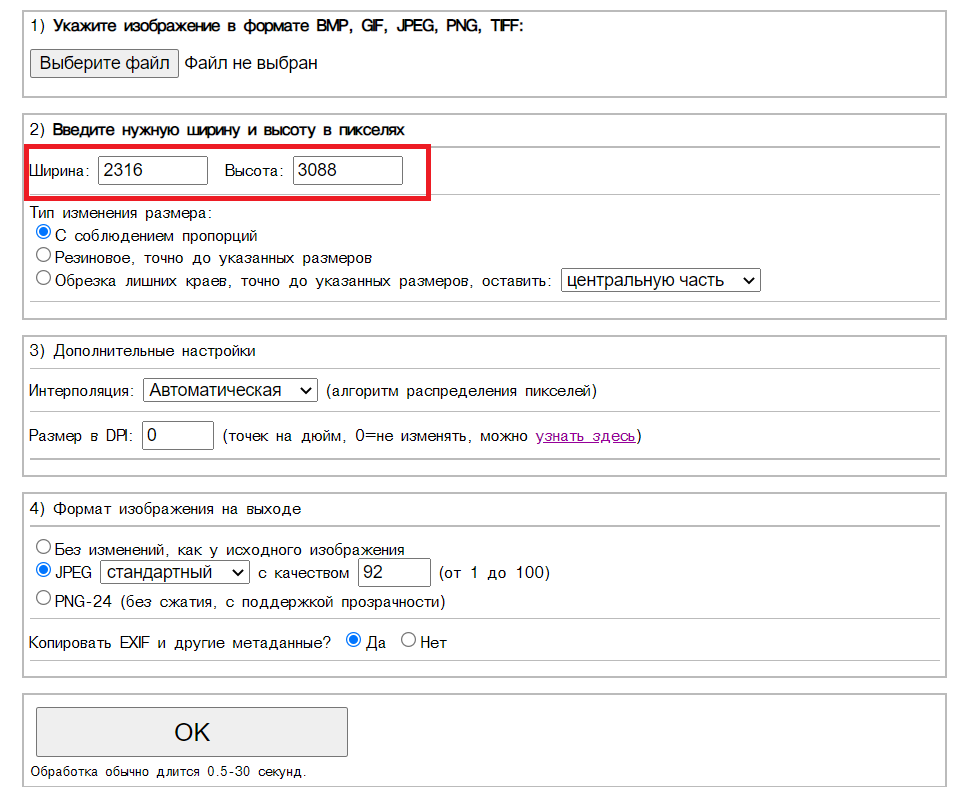
The photo of the desired size is ready, it remains only to replace the metadata.
To do this, again, we go to the service in the section "Copy EXIF, IPTC, XMP and other metadata from a photo to any image online" https://www.imgonline.com.ua/copy-photo-metadata.php
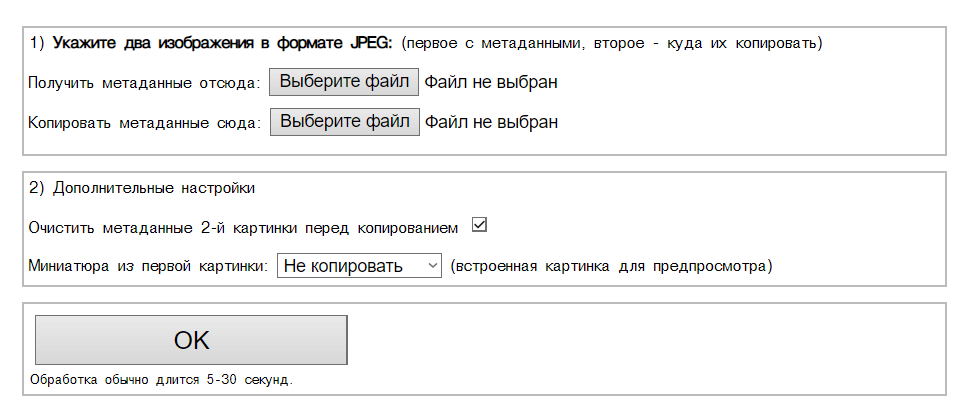
1) In the "Get metadata from here" field, we upload our photo from the phone.
2) In the "Copy metadata here" field, we upload our selfie with a modified image size for metadata.
3) Click "OK", at the output we get our photo with the substituted metadata.
4) The last touch remained, namely, to rename our selfie, in the name of the donor's photo registered in the metadata.
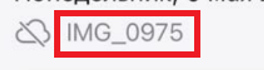
That's it, we upload photos to the AIB, we wait an average of 24-25 hours, we get a live account.
Total
When substituting metadata, we get very high-quality material for passing the selfie checkpoint. Such selfies have the same image size as specified in the metadata (2316 x 3088), the same name as the data (IMG_0975). According to metadata, this photo was taken on the front camera from a mobile phone, the date of the photo creation and sending the selfie is one. A mosquito will not erode your nose.For the test, I sent 20 accounts for selfies, 10 with metadata substitution and 10 simply passed through Telegram. In the first case, out of 10 - 9 came from the receipt, in the second, zero. Well, that's about it.
Looking for a solution, keep calm and earn money - not easy, but u can!


