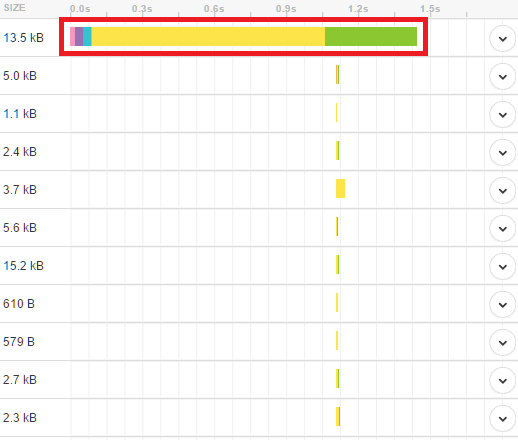
Recently had a bad plugin installed on a site I'm working on and it crashed the site. Had the site migrated to a different hosting account on the same host provider and ever since the site has been loading horribly. I had it loading in around 1.5 seconds before the crash + migration, consistently.
Stuff I've already tried:
- Fumbling with plugins, deactivating them 1 by 1
- Tried different kinds of caching
- Deleted post revisions, optimized databases
- Added in a CDN
- A bunch of other small stuff
None of the above has produced a consistent result. If anyone has dealt with this please help me out. Gtmetrrix is telling me the site takes 60 seconds to load.
One weird thing I want to mention is that when I run the site through Gtmetrix, the images on the home page take 60 seconds for Gtmetrix to load. But if I go directly to the image URL it loads almost instantly. So I'm thinking it has something to do with the how the site is being served to browsers.
Any ideas I'm willing to try.
Stuff I've already tried:
- Fumbling with plugins, deactivating them 1 by 1
- Tried different kinds of caching
- Deleted post revisions, optimized databases
- Added in a CDN
- A bunch of other small stuff
None of the above has produced a consistent result. If anyone has dealt with this please help me out. Gtmetrrix is telling me the site takes 60 seconds to load.
One weird thing I want to mention is that when I run the site through Gtmetrix, the images on the home page take 60 seconds for Gtmetrix to load. But if I go directly to the image URL it loads almost instantly. So I'm thinking it has something to do with the how the site is being served to browsers.
Any ideas I'm willing to try.