
FatBee
Elite Member
- Apr 4, 2015
- 3,146
- 3,058
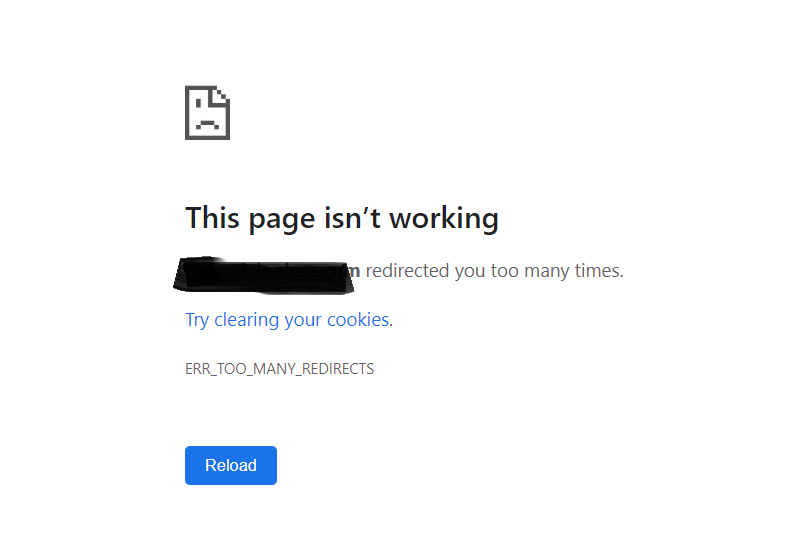
When i set this off i'm getting below issue

Well, leave it on..

When i set this off i'm getting below issue

Caching guides are useless, there is one posted today. The guide is good for someone who has no clue about the cache. And the OP is clueless when an error pops.I expected some "install caching" guide here, but god damn, this is some powerful stuff. Thanks a lot man!

Since you are a developer (i assume this cuz you said "i recently developed", make an addon that serves PNG for Safari users.I recently developed a new website and uploaded only webp images to it and my website is blazingly fast. But.. I didn't know about Safari's lack of support for it until I read this post.
Now I can download all the images from the WordPress folder, bulk convert them into jpeg or png and reupload them into the folder. But how do I re-map them to their respective positions (image-name.jpg instead of .webp) in the website automatically?
Reuploading them one by one is not feasible because I have lots of images. Any ideas @FatBee ?
Since you are a developer (i assume this cuz you said "i recently developed", make an addon that serves PNG for Safari users.

You cant, you don't own them.How can I optimize advertisment javascript scripts?
niceYou cant, you don't own them.


Just direct the subdomain to resolve to that particular url/directory. Never used google as a hosting platform so if you provide me with an URL of the structure i might be more helpful.how about if i use google bucket as the wp-content ? thanks
yescors policies dont work . i tried different tutorials and i managed to find a fix that lasted about 30 min .
then the fonts wont load again.
any workaround?
should i add cors header to .htaccess on my subdomain ?


