

- Nov 29, 2022
- 2,474
- 284
Surely everyone is interested to see how the Meta Support Pro Support Agent works. Today we will spill the beans and show you their working interface.
So, what tools do agents use to check what your situation is. To get started, all agents need to log in to their personal Facebook profile, then go through and log in to a work platform called "Workplace".
After that, other Tools from Meta are available to them. They can open and check any Facebook profile.
UBD - Unified Business Debugger

UBD (Unified Business Debugger) – Needed to check Personal Profiles, Pages, Advertising Accounts, Domains, Pixel, Business Managers.
Agents check roles, types of bans, general information (creation date, when the block occurred, who created the advertising object).
At another level of support, the “internal department” uses this tool to add or remove a person from a BM, Page, or give you access to something. They enter the number of the advertising object they want to check into the search bar, and general information opens.
IDD – Instant Delivery Debugger or Diagnostics
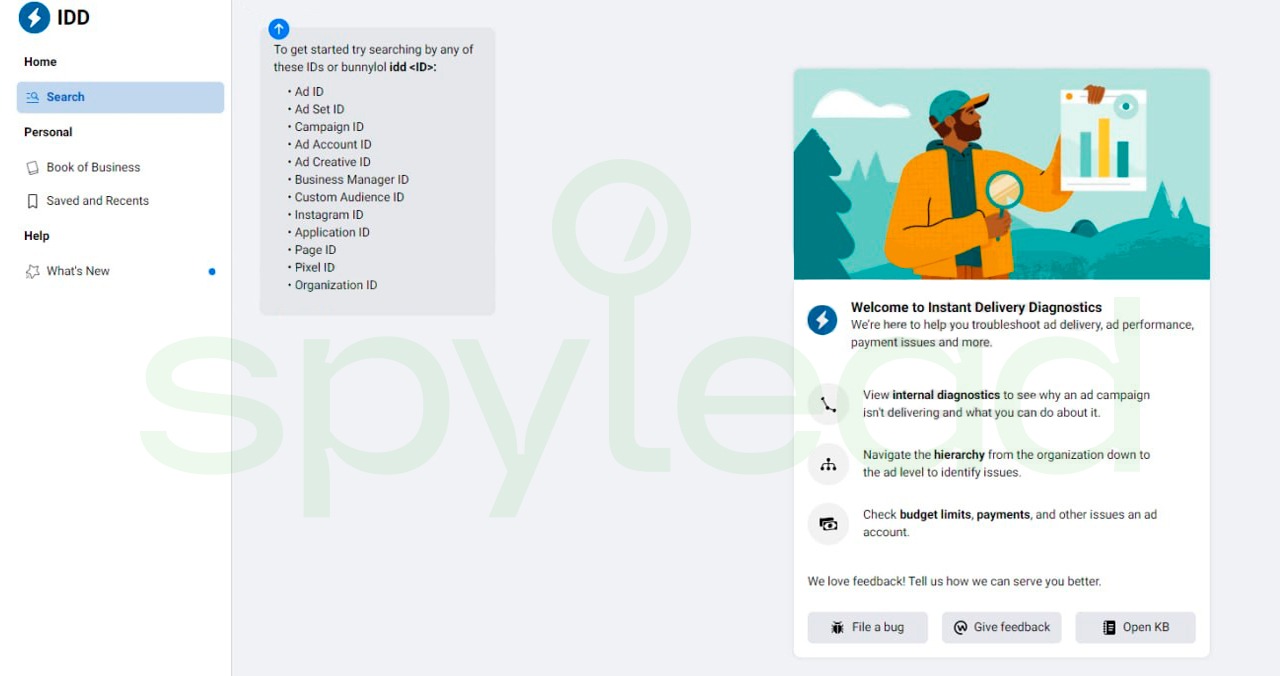
IDD (Instant Delivery Debugger or Diagnostics) - This tool is mainly used for diagnostics and verification of advertising campaigns. Find out information about why the ad was rejected, which rule was violated.
Information about the delivery of your advertising, if there are recommendations from the system. What is the rating of advertising at the auction.
Also, the this tool shows general information about the advertising tool, the history of blocking your advertising accounts.
Payments Tool

Payments tool – This tool has different access categories. Available to support agents:
- Card Lookup. Checking your bank card (whether it is on the blacklist).
- Payment\Tracking Review. Transaction verification (each account has a transaction number in your bank statement. We can check this number and find out from which advertising account the payment was made).
- Manual Payment. Request to pay the debt manually.
- PE History. Your payment history.
CRM Tool
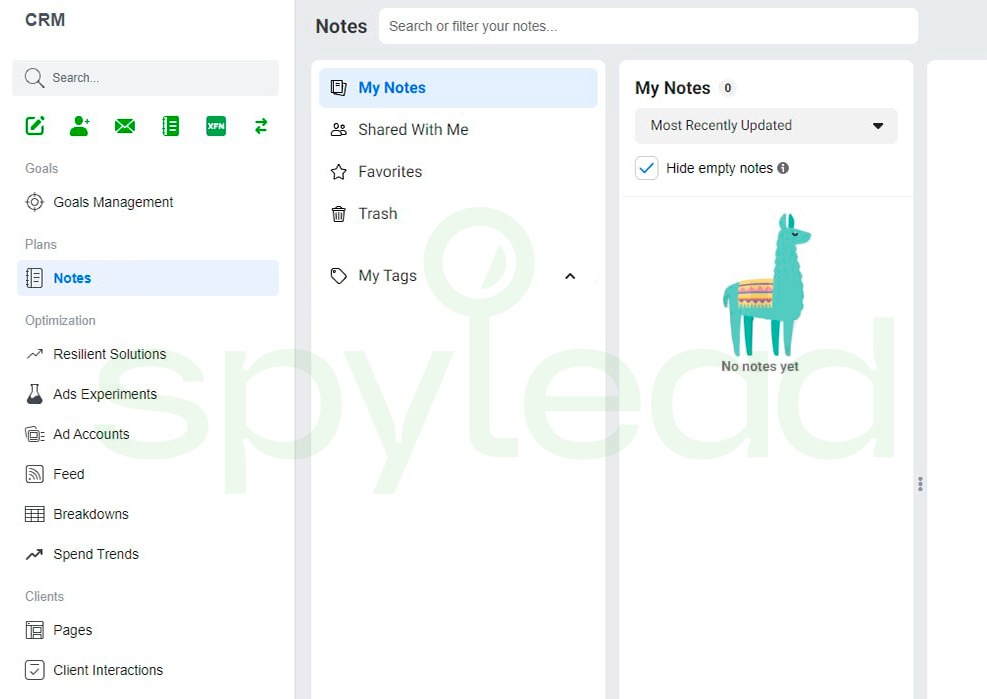
The CRM tool helps agents understand which requests you have previously opened to the internal department. Are there any duplicate cases. If you have opened more than 10 support requests for the same issue during the day, you may be added to the list of spammers and access to support will be closed. This mainly concerns people who ask to unblock an Instagram account.
Task Tool
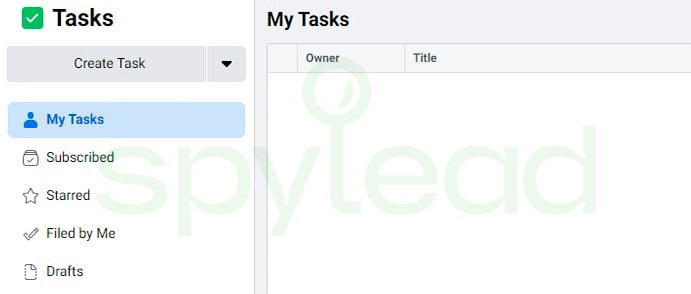
Task tool – With this tool, agents can open requests to other Meta supporting commands. This tool is mainly used by GBG customers support agents.


