suganth mathi
Newbie
- Jan 22, 2020
- 43
- 5
I have an issue on my site, There was a url which we removed and marked 410 from site. but still ahrefs able to find that url and mention its source as "seed url". where to check this url?
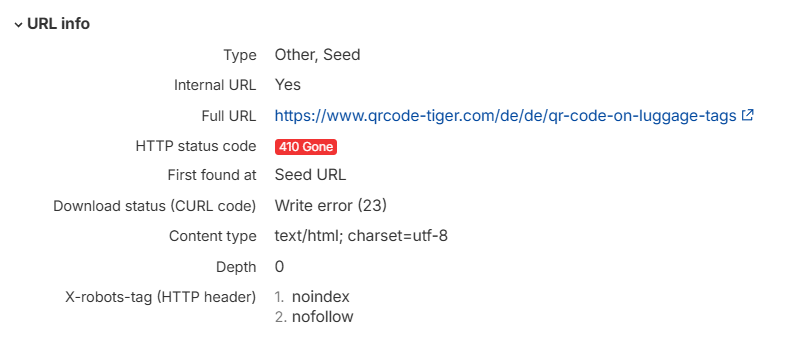


I have an issue on my site, There was a url which we removed and marked 410 from site. but still ahrefs able to find that url and mention its source as "seed url". where to check this url?View attachment 497877
https://stackoverflow.com/a/1855285
The reason a URL that you deleted with a 410 Gone still appears as a "seed URL" in Ahrefs is typically because it was detected or linked to by Ahrefs at some point in the past. To find the source, go to Ahrefs' "Linked From" column. Then, check that your sitemap and internal links do not cite it. Ahrefs will eventually stop monitoring it after a certain number of re-crawls.I have an issue on my site, There was a url which we removed and marked 410 from site. but still ahrefs able to find that url and mention its source as "seed url". where to check this url?View attachment 497877