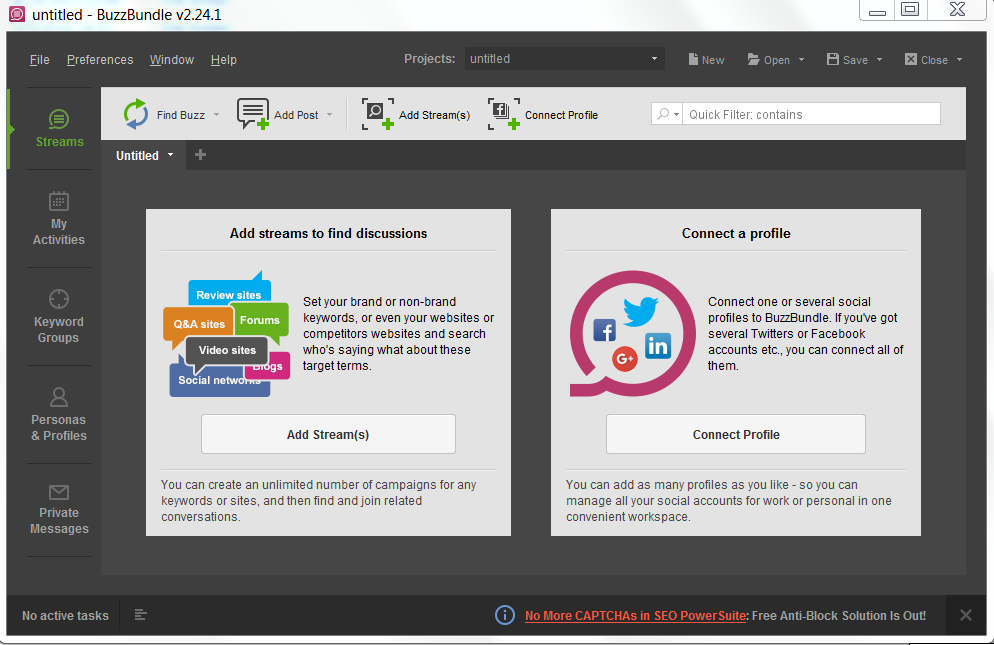
SEO Powersuite Enterprise 2014 keys ....

Status
Not open for further replies.
Simple: You need the Keygen and make a brand new set of keys just for you! Then block the App in your firewall because it checks the licenses with home...
Also as Tiamat73 says:''All keys work , only need to install PeerBlock and from history , block all ip's from AppNexus Inc
37.252.162.xxx''
Hope this helped you somehow.
 
I didn't find any IP that starts with 37.
Could someone write a step by step guide?
Thank you.
 
7d998c26b484a8593567e6e4fd08f0fe.png

It's working guys, full proof! But you will need the keygen as mentioned above. Also, if you blocked previously, you'll have to start the procedure all over again! Just blocking some ip ranges won't fix the problem!
 
Yeah, i'll upload it in a few hours, just remember to use it in a virtual machine or sandboxed. Not sure that's totally clean.
 
111fe1c33700e44ba4738fbc8fe12a5a.png

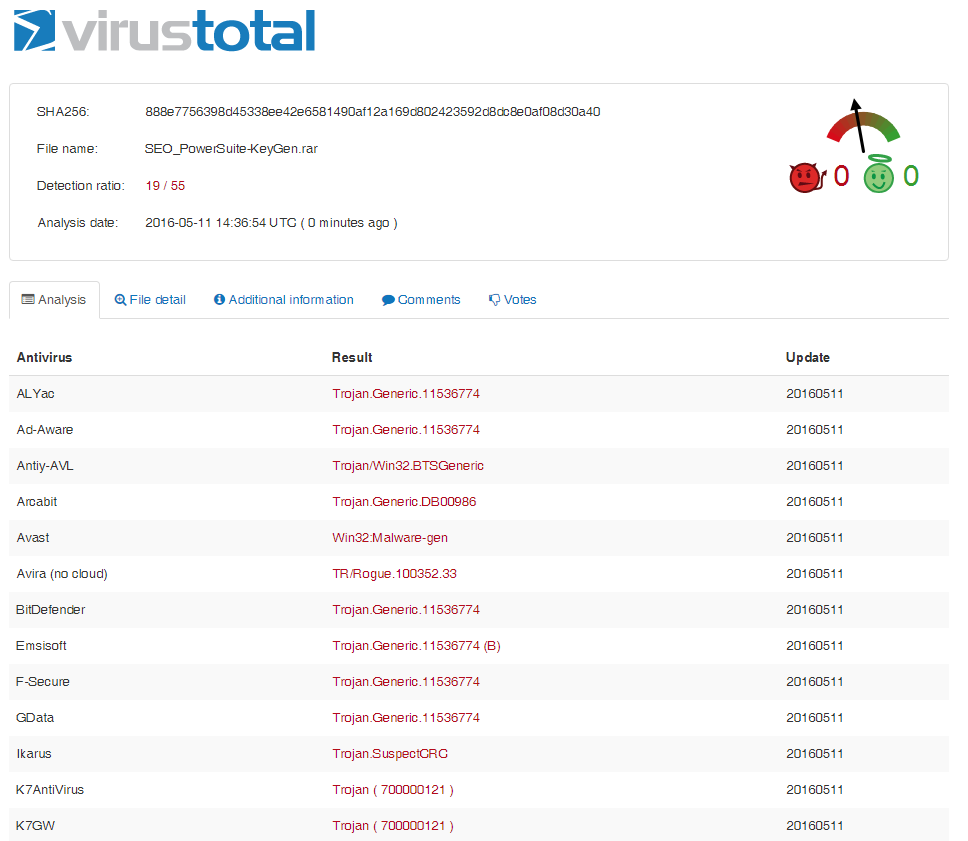
https://virustotal.com/en/file/888e7756398d45338ee42e6581490af12a169d802423592d8dc8e0af08d30a40/analysis/1462977414/

Download from Zippyshare: http://www106.zippyshare.com/v/BR69mTkY/file.html
As i have already mentioned, run in Virtual Machine or Sandboxed ONLY!
 
For anyone having trouble using this,

- Install the Seo Powersuite
- Install peerblock 1.2
- Download the keygen and run it in sandboxie
- Run the keygen
- Example: Open ranktracker, try to update using the reg key shown in keygen. Open peerblock and see the ip address which is the program is contacting and permanenty block that ip. In my case it was 208.115.108.42
After blocking that ip, try generating a new key and then register it on Rank tracker. Should be done now!
 
Thanks for this!

The IP address I had to block was also 208.115.108.42
I would try that one first if you don't want to find it yourself.
 
All is working perfect like explained.
A big great Thanx to the Upper of the Keygen and BHW.

For the Windows Users that have problems with the Firewall Rule, here is a Batch that u can use.

Make a txt File an Call it what ever you want.
Insert the following

netsh advfirewall firewall add rule name="SEO Powersuite" dir=out interface=any action=block remoteip=208.115.108.42 enable=yes

Rename the file from .txt to .bat
Execute it with Admin Rights.
Now the Rule is displaying in your Outgoing Rule Set under Firewall.

Use the Keygen only with Sandboxie.
If you like to update SEO Powersuite, dont update from Programm. You have to disable the Firewall Rule and download the newest Version. Activate the Rule again and install the newer Version.
 
Last edited:
Status
Not open for further replies.
Back
Top