• Please take a moment to look over the Suggestions & Feedback rules before making a post: READ RULES HERE

Resizing images in BB code?

Come on, Guy, get a real bike.

That is similar to what I bought my daughter a few years back and she is like 5'2" and about 1100 pounds.

Well, the Brit in this convo will be pleased to know I may upgrade to a T100 Bonneville once my insurance gets more reasonable. I'm pretty happy with the CM200T for time being though.


2018-bonneville-t100-6.jpg
 
Well, the Brit in this convo will be pleased to know I may upgrade to a T100 Bonneville once my insurance gets more reasonable. I'm pretty happy with the CM200T for time being though.


2018-bonneville-t100-6.jpg

Prepare to turn a wrench if you buy a Triumph.

Nice bikes (they rattle some) but require maintenance above the Mendoza line.
 
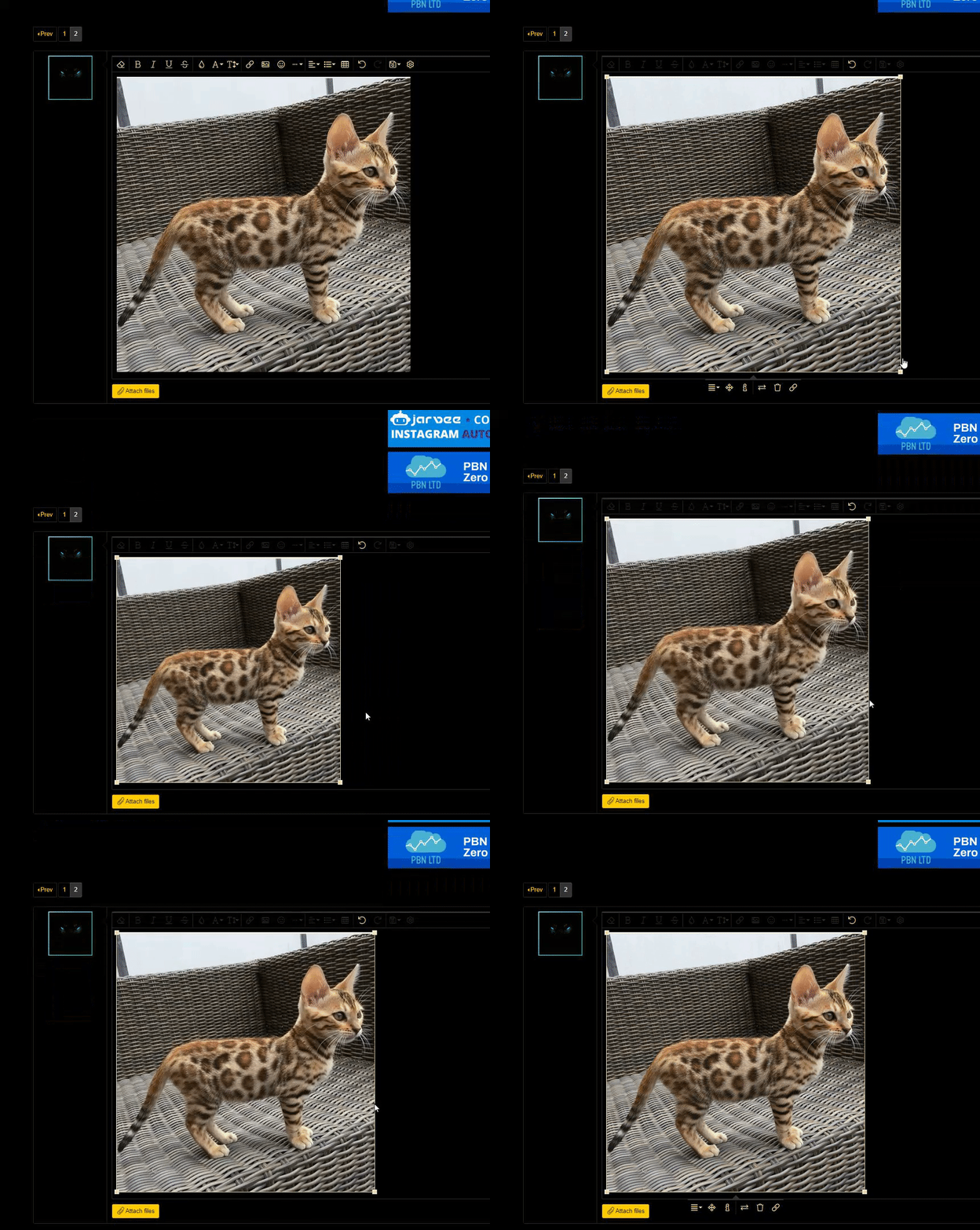
Strange the image resize function is still not working. Look at the screenshot below (which ironically can't be resized).

I shrunk the image down, hit preview... full size.


Screen Shot 2020-11-08 at 12.29.51 PM.png
 
I tried that. See here: https://drive.google.com/file/d/1SfeEXKb4vjEUXlx4ZbguvwJZCc-7UOse/view

@WilhelmScream If you click post does it work for you? Or does it reset like it does for me.
That's odd. It looks like the resizing feature isn't working for attachments. I embedded an image hosted on gyazo and I had no issues with that, but when I tried the same image by uploading it, the image reverted back to the original size once it was posted, just as you said.

I'm guessing this is a bug that needs to be fixed. In the meantime, if you need to resize images you can try hosting them on imgur or imageshack, as there seems to be no issue with embedded images.
 
That's odd. It looks like the resizing feature isn't working for attachments. I embedded an image hosted on gyazo and I had no issues with that, but when I tried the same image by uploading it, the image reverted back to the original size once it was posted, just as you said.

I'm guessing this is a bug that needs to be fixed. In the meantime, if you need to resize images you can try hosting them on imgur or imageshack, as there seems to be no issue with embedded images.
I wonder if perhaps the thumbnail and full-size options for attachments is getting in the way of the forum's image resizing functionality.
stock-photo-3261937.jpg
 
That's odd. It looks like the resizing feature isn't working for attachments. I embedded an image hosted on gyazo and I had no issues with that, but when I tried the same image by uploading it, the image reverted back to the original size once it was posted, just as you said.

I'm guessing this is a bug that needs to be fixed. In the meantime, if you need to resize images you can try hosting them on imgur or imageshack, as there seems to be no issue with embedded images.
That makes sense because I was wondering how I'm the only person who's been having these issues.

I always paste screenshots into BHW directly rather than adding the extra step of using another website to upload them.

I wonder if perhaps the thumbnail and full-size options for attachments is getting in the way of the forum's image resizing functionality.
View attachment 151283

I tried messing around with that and it seems to reset to original sizes - massive or too small to read.
 
That makes sense because I was wondering how I'm the only person who's been having these issues.

I always paste screenshots into BHW directly rather than adding the extra step of using another website to upload them.


I tried messing around with that and it seems to reset to original sizes - massive or too small to read.
OK, we'll have to look into why this is happening and see if we can get the resize functionality to work properly with attachments. Thank you for letting us know.
 
Strange the image resize function is still not working. Look at the screenshot below (which ironically can't be resized).

I shrunk the image down, hit preview... full size.


View attachment 151268
Per this post previously in this thread is this a different issue or I'm missing your point ?

To answer your actual query - BHW and our CDN would appreciate you creating the images and uploading in the right size, rather than trying to shrink in the code. Alternatively, once we're live with 2.0 we're looking at the benefits of this addon. https://xenforo.com/solutions/#xfmg
Unsure if that solves your exact problem or not? But it's a step in the right direction.
 
Per this post previously in this thread is this a different issue or I'm missing your point ?
I am not sure if drag and drop resizing modifies the BB code or how it's supposed to work. It could be related but I don't know XenForo that well.
 
Back
Top