Well you can just go into your GSA folder under program files and go to the engines folder. There you will find each engine. Just look for like
page must have1=href="signup.php"|Powered by <a href="http://www.articledashboard.com">Article Dashboard</a>|<p class="center small">© 2005-2011 Article Dashboard|class="formsubmitart"
page must have2=login.php"|action=login2submitart.php|submitarticles.php"|Powered by <a href="http://www.articledashboard.com">Article Dashboard</a>|<p class="center small">© 2005-2011 Article Dashboard|class="formsubmitart"
page must have3=submitarticles.php"|Powered by <a href="http://www.articledashboard.com">Article Dashboard</a>|<p class="center small">© 2005-2011 Article Dashboard|class="formsubmitart"
That is your footprints that GSA uses to qualify a page, so the page scanner could do the same.
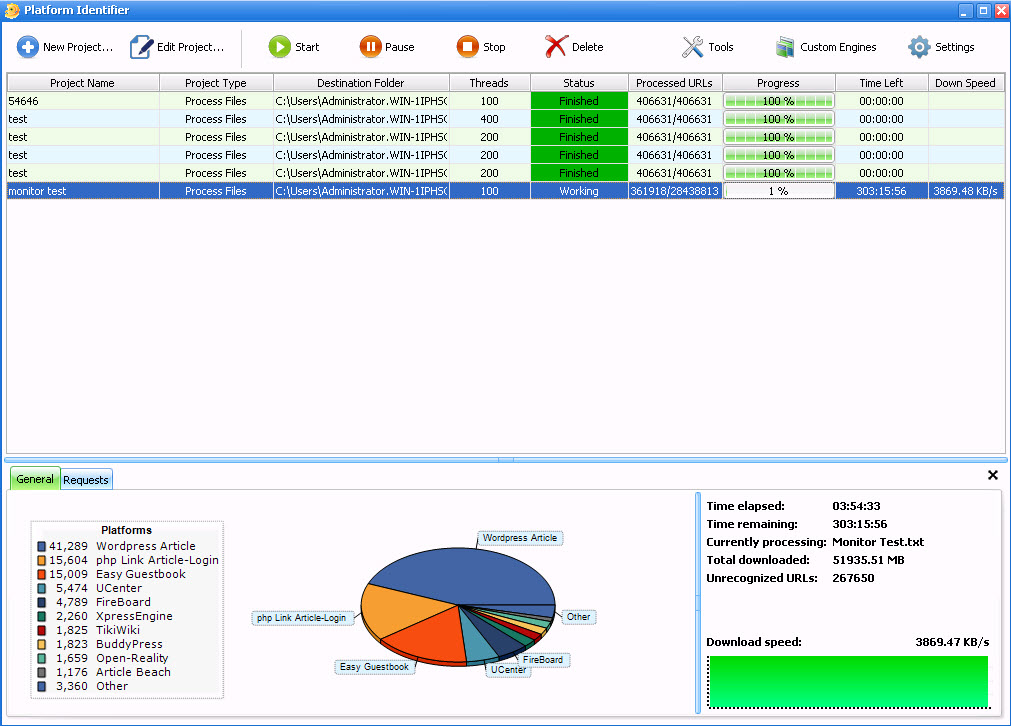
BUT before you run off and spend hours doing that, GSA SER already has this functionality built in. Just go to program options >> advanced >> tools >> Import Urls (identify platform and sort in). That will load each page, and discard the ones that GSA can't post to and then save the ones it can post to, separated by platform, in the identified global folder.
So the page scanner can load the page, check it and sort them, or GSA can load the page check them and sort them. But with Scrapebox you have to copy out all the engine def files and build the mask file so it can work. I think anyone will tell you I think Scrapebox is an amazing tool worth its weight in gold, but I think even the Scrapebox developer would tell you that there isn't much sense in reinventing the wheel.