
You are using an out of date browser. It may not display this or other websites correctly.
You should upgrade or use an alternative browser.
You should upgrade or use an alternative browser.
MultiLogin SessionBox alternative
- Thread starter godang
- Start date


WatchMaker
Regular Member
- Jun 28, 2019
- 324
- 210
Why not use the following method below?
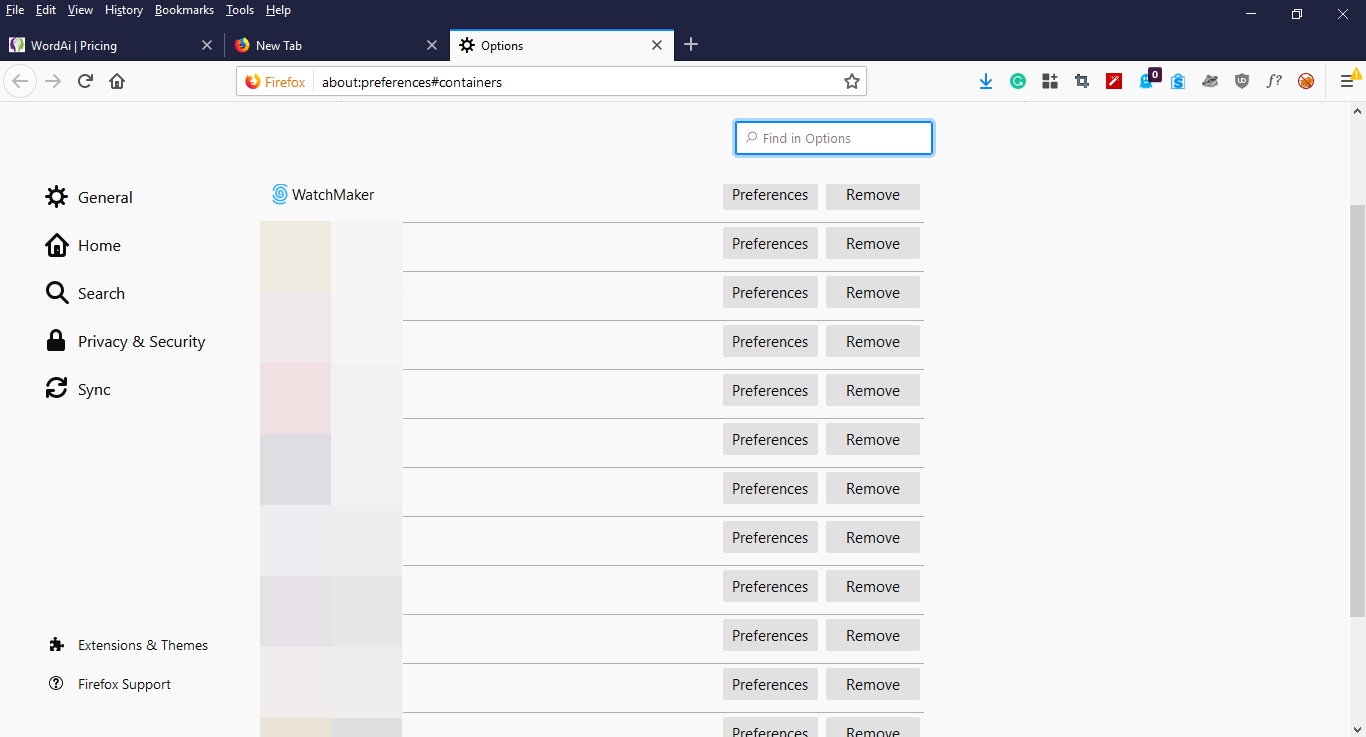
Use Mozilla Firefox with an add-on called "Multi-Account Containers"
With the above add-on, you can create unlimited browser sessions on one browser.
Use Mozilla Firefox with an add-on called "Multi-Account Containers"
With the above add-on, you can create unlimited browser sessions on one browser.
Code:
https://addons.mozilla.org/en-US/firefox/addon/multi-account-containers/
https://github.com/mozilla/multi-account-containers#readmecan I do following task with your instruction?
Can I have one dedi private proxy per each container/session?
Then can I create new FB acct per container/session, do daily activities without flag for using multi FB accounts?
Can I have one dedi private proxy per each container/session?
Then can I create new FB acct per container/session, do daily activities without flag for using multi FB accounts?
As I said, why not use the following method below?
Use Mozilla Firefox with an add-on called "Multi-Account Containers"
With the above add-on, you can create unlimited browser sessions on one browser.
Code:https://addons.mozilla.org/en-US/firefox/addon/multi-account-containers/ https://github.com/mozilla/multi-account-containers#readme
WatchMaker
Regular Member
- Jun 28, 2019
- 324
- 210
can I do following task with your instruction?
Can I have one dedi private proxy per each container/session?
Then can I create new FB acct per container/session, do daily activities without flag for using multi FB accounts?
Yep, you can do pretty much anything you want

I'm actually using this method for all my 10 YouTube channels, 16 Twitter, and 8 Facebook accounts.
@WatchMaker, thanks... you're the man!


FBRET
BANNED
- Mar 21, 2019
- 581
- 87
Why not use the following method below?
Use Mozilla Firefox with an add-on called "Multi-Account Containers"
With the above add-on, you can create unlimited browser sessions on one browser.
Code:https://addons.mozilla.org/en-US/firefox/addon/multi-account-containers/ https://github.com/mozilla/multi-account-containers#readme
hi.. is it prove to block fingerprint ( browser, video card, screen pixel etc )
?
Trained Wolf
Supreme Member
- Oct 30, 2014
- 1,453
- 274
Use Mozilla FireFox Multi Account Container. It is easy way to handle cookies.

Blogger325
Junior Member
- Dec 3, 2014
- 145
- 11
If everything is truly separate based on new containers then why when I create new accounts (ex:gmail), I can see all previous info from other accounts. If it were truly different like different Google Chrome Profiles, you shouldnt be able to see that info, right? Because if you can see it- then the website can too?Use Mozilla FireFox Multi Account Container. It is easy way to handle cookies.

Mark Quadbang
Registered Member
- Jan 25, 2020
- 67
- 6
@WatchMaker is it possible to run that method but instead of proxies turning phone airplane mode off and on to change the 4g ip for each account? (assuming its a 4g hotspot from phone to computer)
Jirji Naskaputra
Newbie
- Apr 22, 2020
- 5
- 0
Thank you. I am so impressed after reading it.

speedyallan77
BANNED
- Apr 8, 2019
- 1,470
- 968
sadly the @WatchMaker guy is not answering critical questions.
i didnt see where we can assign proxies to each account in multi account container.
can firefox fully block fingerprints from your system
OS,timezone,canvas,webgl and other stuff..
if it cant then its useless, becoz even if u use different proxies, websites can still see its coming from the same machine
need an answer
i didnt see where we can assign proxies to each account in multi account container.
can firefox fully block fingerprints from your system
OS,timezone,canvas,webgl and other stuff..
if it cant then its useless, becoz even if u use different proxies, websites can still see its coming from the same machine
need an answer

speedyallan77
BANNED
- Apr 8, 2019
- 1,470
- 968
yes but the goal is to block fingerprints from computer. does Firefox block that?Mozilla FireFox multi account container is easy way to handle cookies.