
BotManagement
Newbie
- Jul 16, 2020
- 12
- 3
Hello BlackHatWorld,
I am facing a strange issue with two of my bot accounts. When I try to verify, I am met with the error:
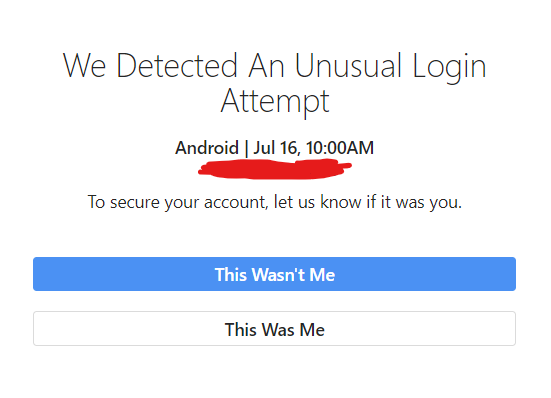
I click "This Was Me" and then nothing happens. Whenever I try to re-verify this entire process just loops again.
Other things i've tried:
What should I do?
I am facing a strange issue with two of my bot accounts. When I try to verify, I am met with the error:
I am signed in on Account 1 on my browser. When I attempt to verify via Jarvee on my server, Instagram displays this screen on my browser:The account requires email confirmation\or needs captcha verification in order to remove the restrictions.
I click "This Was Me" and then nothing happens. Whenever I try to re-verify this entire process just loops again.
Other things i've tried:
- I tried resetting the device IDs for the account.
- I enabled the "Do not use embedded browser to login to Instagram" feature in the advanced settings.
- I enabled the "If you have problems with email verification loop in the EB use this option to try to verify via api" checkbox then clicked "Login after successful verification" and clicked "Verify via email" which prompted an alert that said I should have received a code in my email. However, I did not receive a code.
What should I do?

