For. eg. manually if i had to do it, i would search keyword, and then look at top 10 pages then:
- look at how many times on average the keyword is used within content
- how many images are used on average
- how many h2s are there on average
- average number of words used
- average number of outbound links and internal links
- lsi keywords and density
Now i know there is a tool named as SurferSEO, but its paid, but does all the above.
Doing all the above manually will be quite hectic and time consuming. But this is some serious content optimization. Does anybody know any free tool or a combination of free tools that can help me do that?
There isn´t a free tool that can do this for you.
As
@k2h2 so accurately says, tools are meant to increase efficiency and productivity, and that alone is what makes a tool worth its money.
There are free tools that can help you with some of those tasks but you won´t find a single one unless you code it yourself.
But, you can still leverage the power/features of multiple free tools but you will need to conduct some manual work.
Let´s illustrate what I would do.
For the sake of this example, I will run a search on Google for the keyword "best running shoes for woman" and I will pick the 3rd organic result...
URL:
https://www.womenshealthmag.com/uk/gym-wear/a28656307/best-running-shoes/
To get started, one tool that comes to mind is
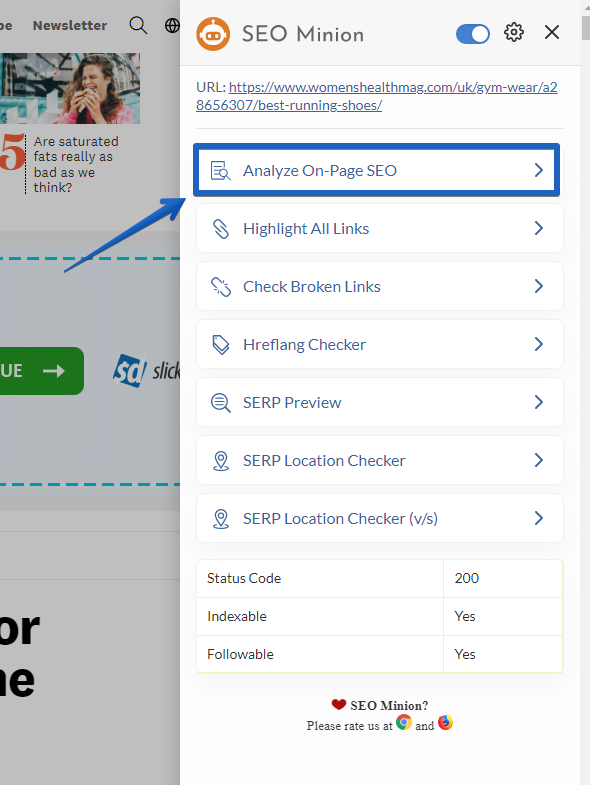
SEO Minion which is a Chrome extension. A must-have SEO chrome extension I might add.
Once you run a search in Google, open one of the results, enable it and this is what you´ll see...
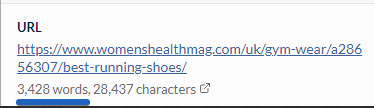
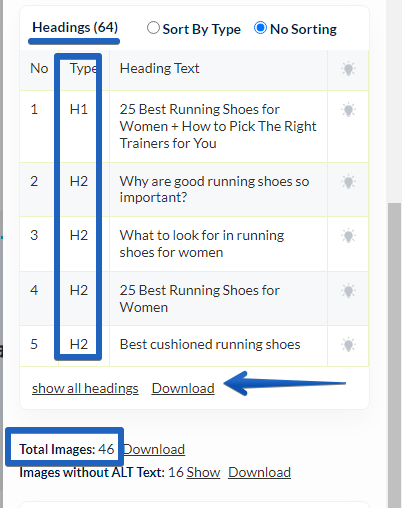
...then head over to the "Analyze On-Page SEO" tab. From there, if you scroll down, you should be able to see some important metrics you´re looking for...
...like:
- Number of words on the page
- Total number of headings
- Download the whole headings structure
- Number of images
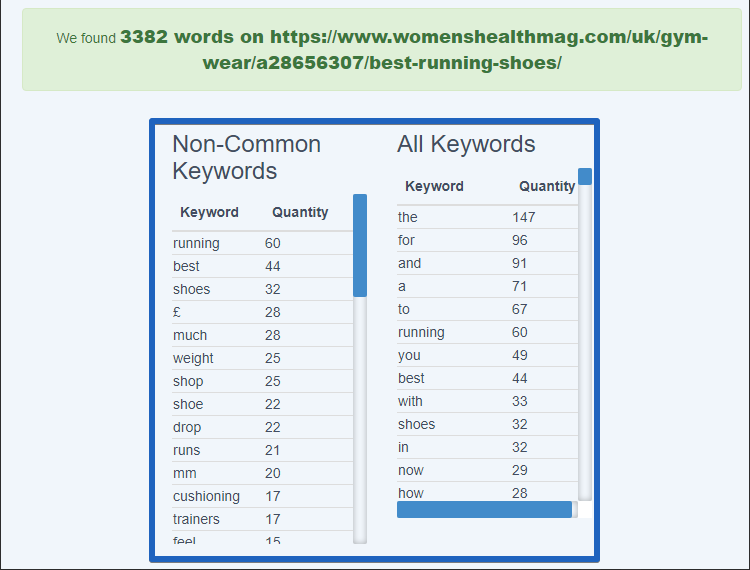
To check how many times words are used within the content, run the URL through
WordCounter...
...that should give you enough insights into the keyword density for the most used keywords.
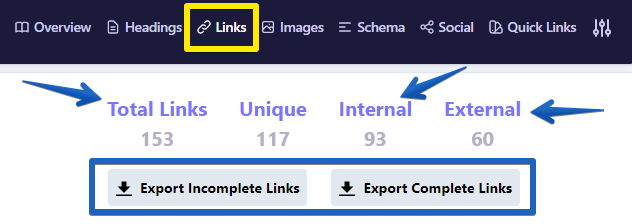
Lastly, when it comes to the number of links (internal and external), I would use the
Detailed SEO chrome extension.
Once inside the page, just enabled it and a dashboard will appear. Head over to the "LInks" tab and you´re pretty much done here...
...you can export everything to an CSV file.
From here, what you need to do is set up an Excel sheet to gather all the data you want from the organic result you feel are the most relevant for any given keyword and conduct a manual analysis of that data.
I hope this helps, cheers!!