

vincentcarbert
BANNED
- Mar 15, 2023
- 201
- 44
The project https://twitter.com/SatoshiVM which just finished IDO last week has gained a lot of attention from the market, both the rise of IDO and the background of doing BTC Layer2 itself have made countless users feel fomo, but most of them don't have the chance to be able to take part in IDO, but it doesn't matter, in this tutorial, we'll introduce how to interact with SatoshiVM at 0 cost and get airdrops.


Go to https://bitcoinfaucet.uo1.net to get some tBTC used for the testnet
Paste your testnet address
Input maximum of 0.00008 to be received
Click on "Send testnet bitcoins"

Now we bridge
Input the amount you want to bridge
Click on "Deposit"
Sign transaction in your unisat wallet
Wait for 12-24 hours for the bridge to be completed

As we wait for BTC bridge to be deposited, we can go to the SAVM bridge
Click on "SAVM Bridge"
Get some ETH Sepolia from https://sepoliafaucet.com
Click on "tsavm Faucet"
Confirm transaction
You'll receive 0.21 tsavm for transactions

Click on "Deposit"
Confirm transaction
Wait for some hours for the deposit to be done
Click on "Withdraw"
Input the amount you want to bridge out
Click on "withdraw" and confirm transaction
BRIDGE COMPLETED

6.Withdraw
Go back to "BTC Bridge"
Check if the transaction (deposit) is completed
If completed,
Go to "withdraw"
Input the amount to withdraw (min - 0.0001)
Click on "withdraw"
And confirm transaction
NB: for now the withdrawal is suspended, complete the other tasks and keep check

When you farm airdrop, we suggest using Morelogin's fingerprint browser and using the synchroniser function to open multiple windows , so that you can interact with multiple accounts at the same time, which greatly saves time and improves efficiency. And he also supports delayed synchronization of each window and support for each window to enter different values, so that your interaction is more humanized
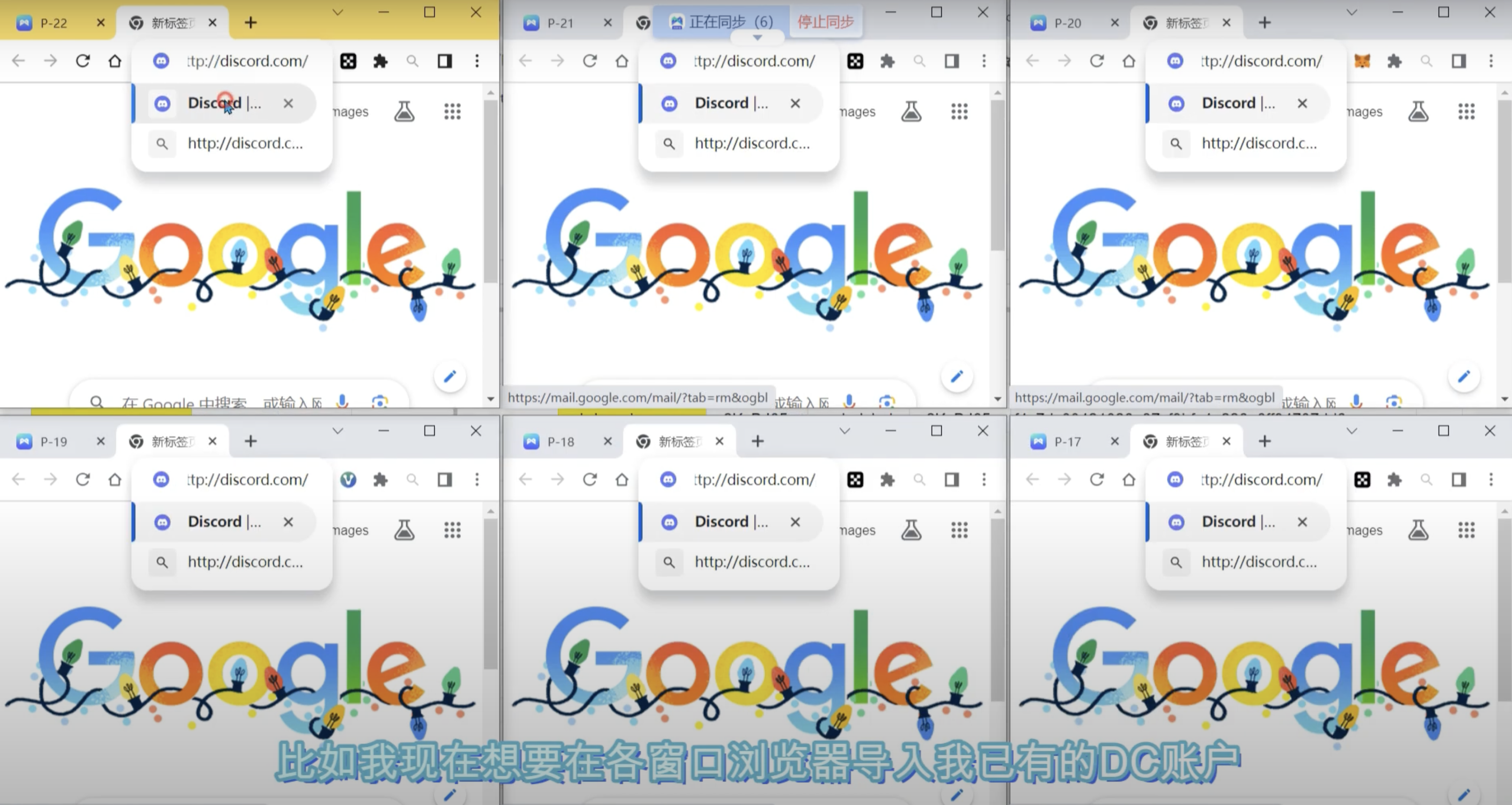
Synchroniser tutorial:
https://www.morelogin.com/product/antidetect-browser-for-airdrop/?from=AAGjvWskPh2i:
Morelogin twitter:https://twitter.com/more_login
- get wallet
- Add test Network
- Get the test coin
Go to https://bitcoinfaucet.uo1.net to get some tBTC used for the testnet
Paste your testnet address
Input maximum of 0.00008 to be received
Click on "Send testnet bitcoins"
- bridge
Now we bridge
Input the amount you want to bridge
Click on "Deposit"
Sign transaction in your unisat wallet
Wait for 12-24 hours for the bridge to be completed
As we wait for BTC bridge to be deposited, we can go to the SAVM bridge
Click on "SAVM Bridge"
Get some ETH Sepolia from https://sepoliafaucet.com
Click on "tsavm Faucet"
Confirm transaction
You'll receive 0.21 tsavm for transactions
- Deposit
Click on "Deposit"
Confirm transaction
Wait for some hours for the deposit to be done
Click on "Withdraw"
Input the amount you want to bridge out
Click on "withdraw" and confirm transaction
BRIDGE COMPLETED
6.Withdraw
Go back to "BTC Bridge"
Check if the transaction (deposit) is completed
If completed,
Go to "withdraw"
Input the amount to withdraw (min - 0.0001)
Click on "withdraw"
And confirm transaction
NB: for now the withdrawal is suspended, complete the other tasks and keep check
When you farm airdrop, we suggest using Morelogin's fingerprint browser and using the synchroniser function to open multiple windows , so that you can interact with multiple accounts at the same time, which greatly saves time and improves efficiency. And he also supports delayed synchronization of each window and support for each window to enter different values, so that your interaction is more humanized
Synchroniser tutorial:
https://www.morelogin.com/product/antidetect-browser-for-airdrop/?from=AAGjvWskPh2i:
Morelogin twitter:https://twitter.com/more_login
