

GreyHatHacks
Newbie
- Jan 14, 2020
- 11
- 18
Just wanted to share a quick guide on how to export data from any Google Business Profile:
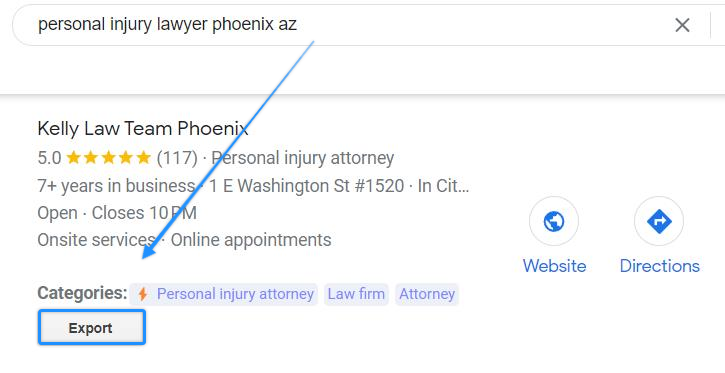
Export the business name, GMB categories, review info, total number of photo uploads, and other helpful data points. Super quick an easy method that makes optimization and analysis easy. See the https://phantomlocal.com/export-google-my-business-data from the official Chrome Extension.
- Install the https://chrome.google.com/webstore/detail/phantom-gmb-audit-tool/ppjhoknoadhakhhdbbjjinlopefmehik (Chrome Extension)
- Perform a search (branded or keyword)
- Use the export button to download data (CSV file)
Export the business name, GMB categories, review info, total number of photo uploads, and other helpful data points. Super quick an easy method that makes optimization and analysis easy. See the https://phantomlocal.com/export-google-my-business-data from the official Chrome Extension.