

Rollfic
Elite Member
- Dec 13, 2019
- 1,580
- 724
Hi, having loads of problem with Plesk. I don't have experience with linux. So went with Plesk panel.
1. Continuous SSL error - Using cloudflare SSL and already manually uploaded the certificates but still it will give error like to prevent SSL error use cloudflare certificate.

I selected preferred domain as www . Can that be an issue?

2. When visiting "Updates" from tools and settings, it asks me for username and password. I am putting the credentials that I use to log into plesk dashboard from DO but it says invalid here.

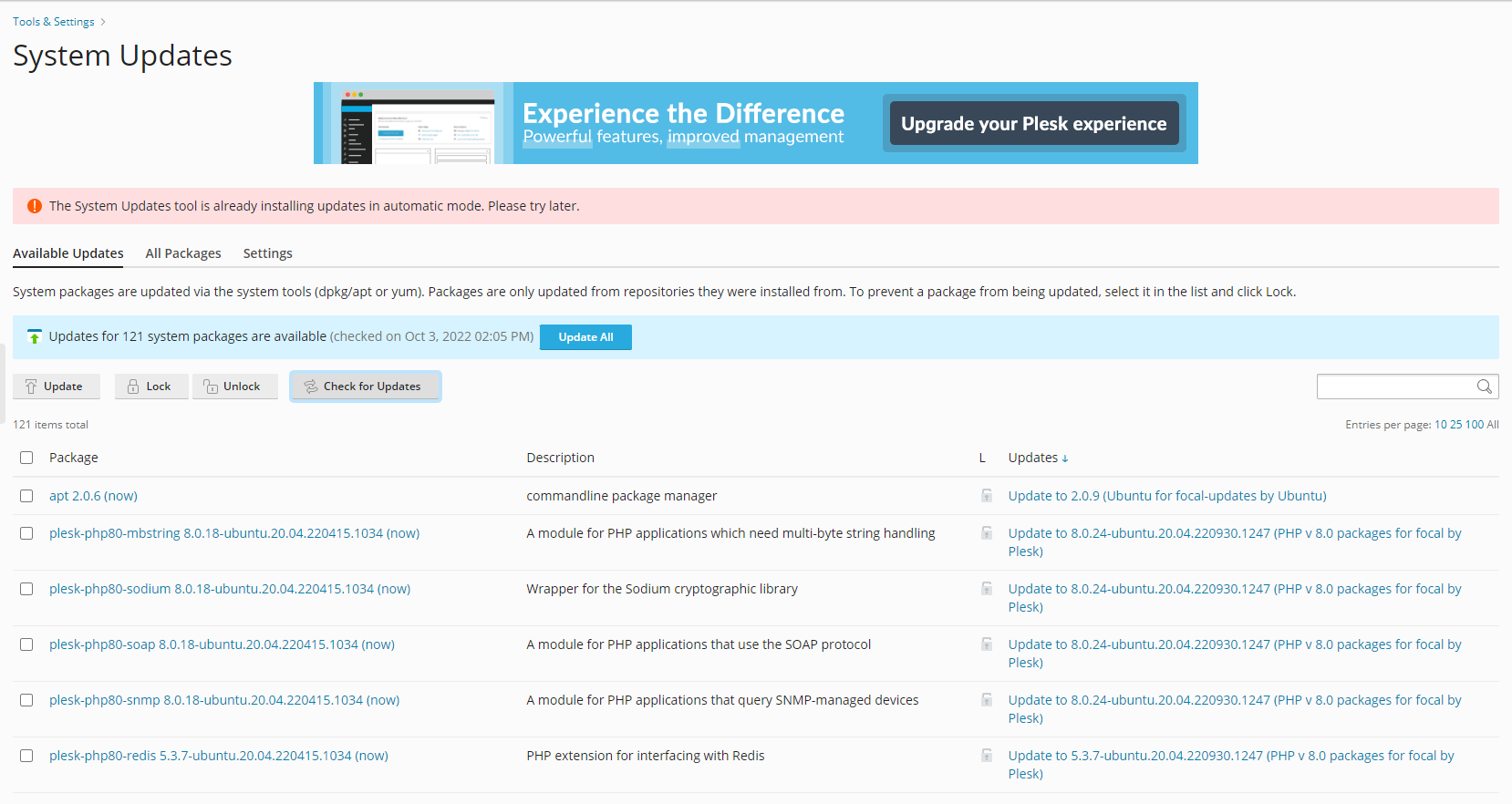
3. When trying to update plugins after going to Tools & Settings in the dashboard, it says system is already updating in automatic mode and its like 3 hours but still its showing that.

4. DNS not working - Updated "A" record and "CNAME" at cloudflare. Do I need to do the remaining below too?


1. Continuous SSL error - Using cloudflare SSL and already manually uploaded the certificates but still it will give error like to prevent SSL error use cloudflare certificate.
I selected preferred domain as www . Can that be an issue?
2. When visiting "Updates" from tools and settings, it asks me for username and password. I am putting the credentials that I use to log into plesk dashboard from DO but it says invalid here.
3. When trying to update plugins after going to Tools & Settings in the dashboard, it says system is already updating in automatic mode and its like 3 hours but still its showing that.
4. DNS not working - Updated "A" record and "CNAME" at cloudflare. Do I need to do the remaining below too?


