
A simple page viewer that views any url for x second and loads javascript.
Features
Download
Install
Since the interface is web based, you can run this on any console VPS. Start the program as a command line and access the interface using http://yourip:3002/. Check the command line options using -h to secure your interface with basic auth.
Source
Features
- Works on windows, linux, mac
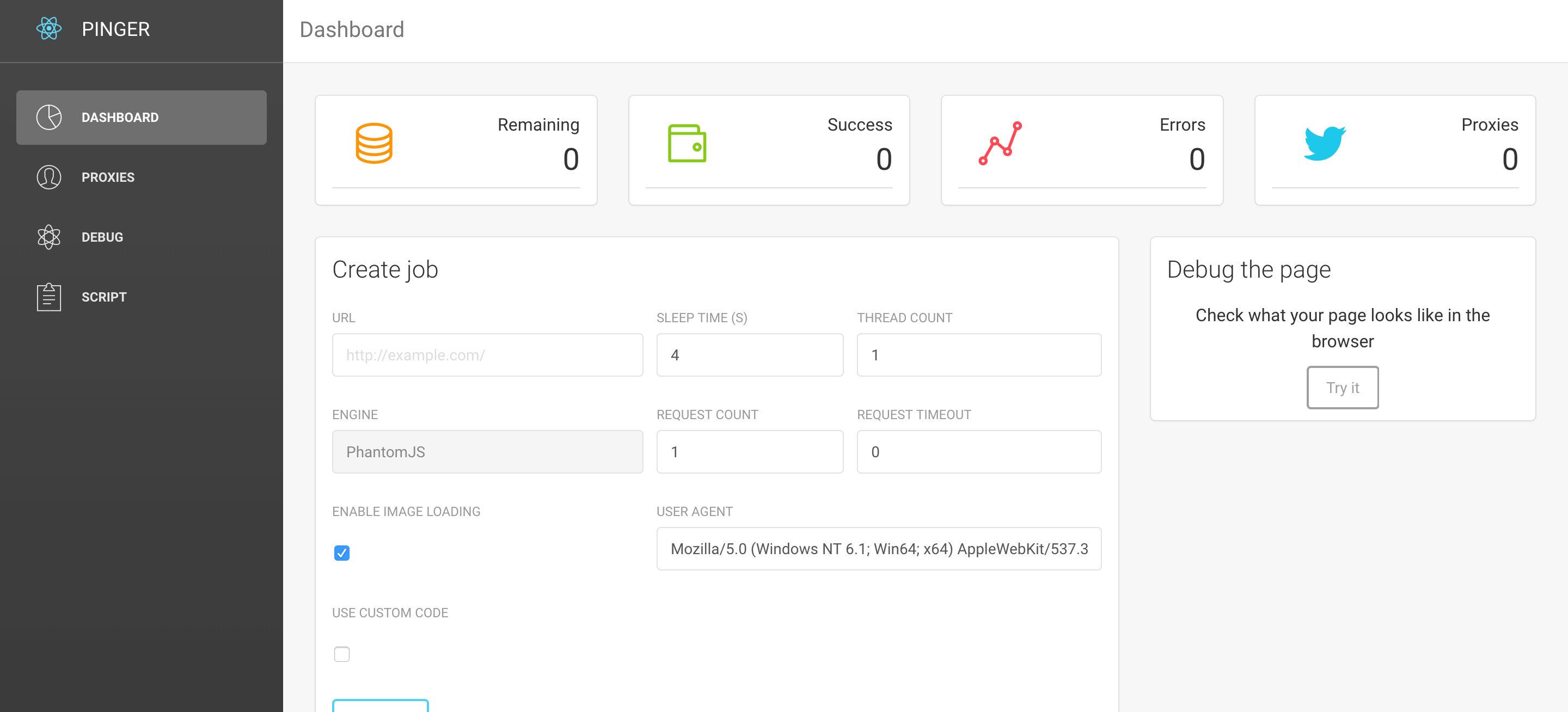
- Multi thread
- Render javascript
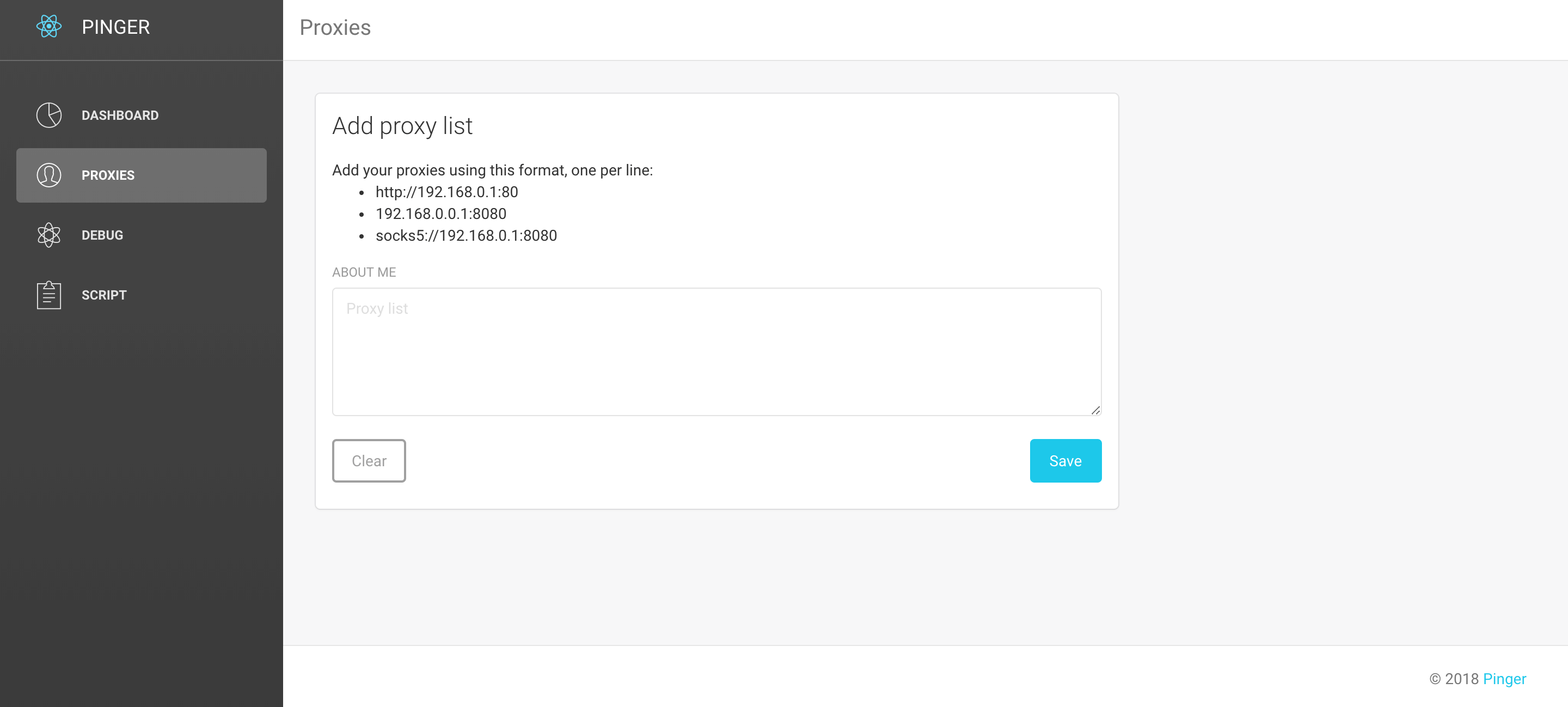
- Work with proxies (http or socks5)
- Auto update (mac and linux only)
- On/off image loading
- PhantomJS engine
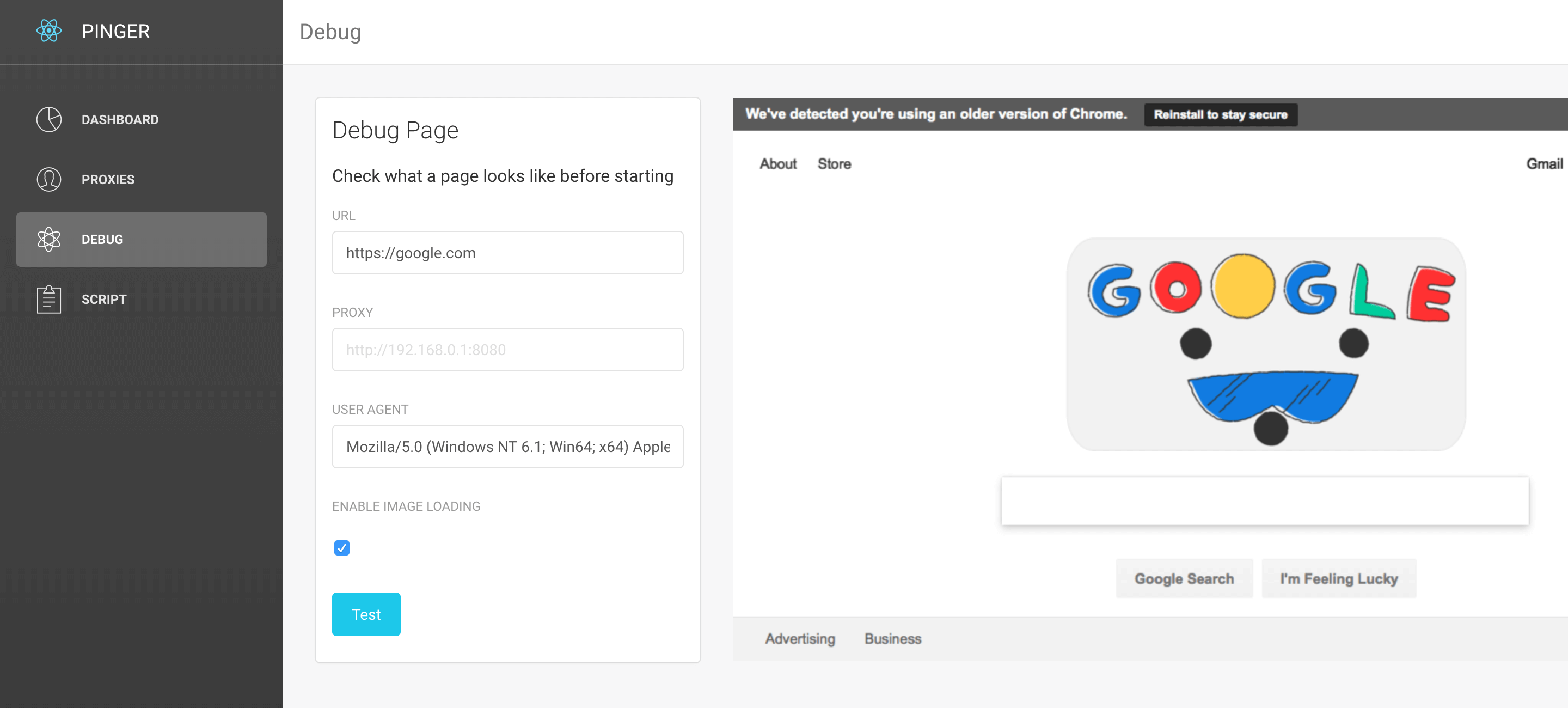
- Debug any page quickly
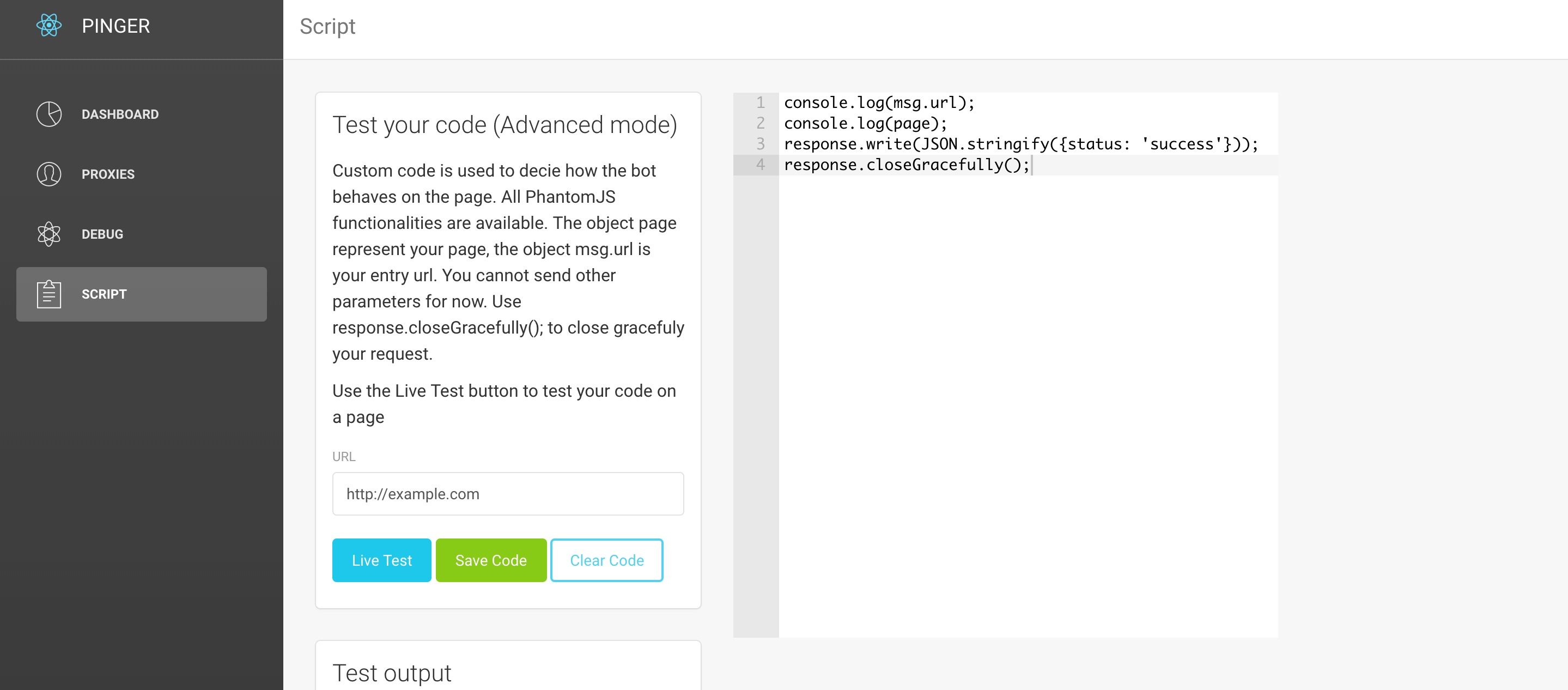
- Custom code possible
- Web interface, can be used on any VPS
Download
Code:
- Windows 32bit
https://s3-us-west-2.amazonaws.com/pierre-luc-gagnons/windows_386.zip
https://www.virustotal.com/#/file/c662df27238ef170b465481cf94badafe2e6e19c4158743f47314c318ba735e2/detection

- Windows 64bit
https://s3-us-west-2.amazonaws.com/pierre-luc-gagnons/windows_amd64.zip
https://www.virustotal.com/#/file/c3fde3ad8fac8d9d9ce2908501adfd81586be3f134be30803e0e1a25bd5885b8/detection

- Mac 32bit
https://github.com/pasdoy/pinger/releases/download/1.0.7/pinger_1.0.7_darwin_386.tar.gz
https://www.virustotal.com/#/url/f06553a299c2b3c3cf27d8588d6346c41eeef221e0ae76cad03aa22846729e21/detection

- Mac 64bit
https://github.com/pasdoy/pinger/releases/download/1.0.7/pinger_1.0.7_darwin_amd64.tar.gz
https://www.virustotal.com/#/url/4f3e5294065ceab5ff5fe19ff84f25c786884739d63fc3675edb32b762859e47/detection

- Linux 32bit
https://github.com/pasdoy/pinger/releases/download/1.0.7/pinger_1.0.7_linux_386.tar.gz
https://www.virustotal.com/#/url/bad38712ce512cd5099d1eb5e934e7df4d4b7d479c3a4c7f623b0c35d2dcc839/detection

- Linux 64bit
https://github.com/pasdoy/pinger/releases/download/1.0.7/pinger_1.0.7_linux_amd64.tar.gz
https://www.virustotal.com/#/url/e6a36f3669f45abe18231408718b9728dbf238d62d4161e4879dd37cdd8884bf/detection
Install
- Simply run the executable!
- On linux, you might have to install libfontconfig
Since the interface is web based, you can run this on any console VPS. Start the program as a command line and access the interface using http://yourip:3002/. Check the command line options using -h to secure your interface with basic auth.
Source
Code:
https://github.com/pasdoy/pinger