

GoodDogWoof
Newbie
- Sep 30, 2017
- 40
- 10
Hey BHW Folks,
I've got a quick question regarding hosting for a Woocommerce site.
I'm currently using the WordPress shared hosting from Dreamhost for a WordPress Site and WoopCommmerce Store.
I've been having issues with a "Fatal error: Allowed memory size of xxxxxxxx bytes exhausted (tried to allocate xxxxxxxxx bytes)"
This appears to occur in a different file every time it's refreshed
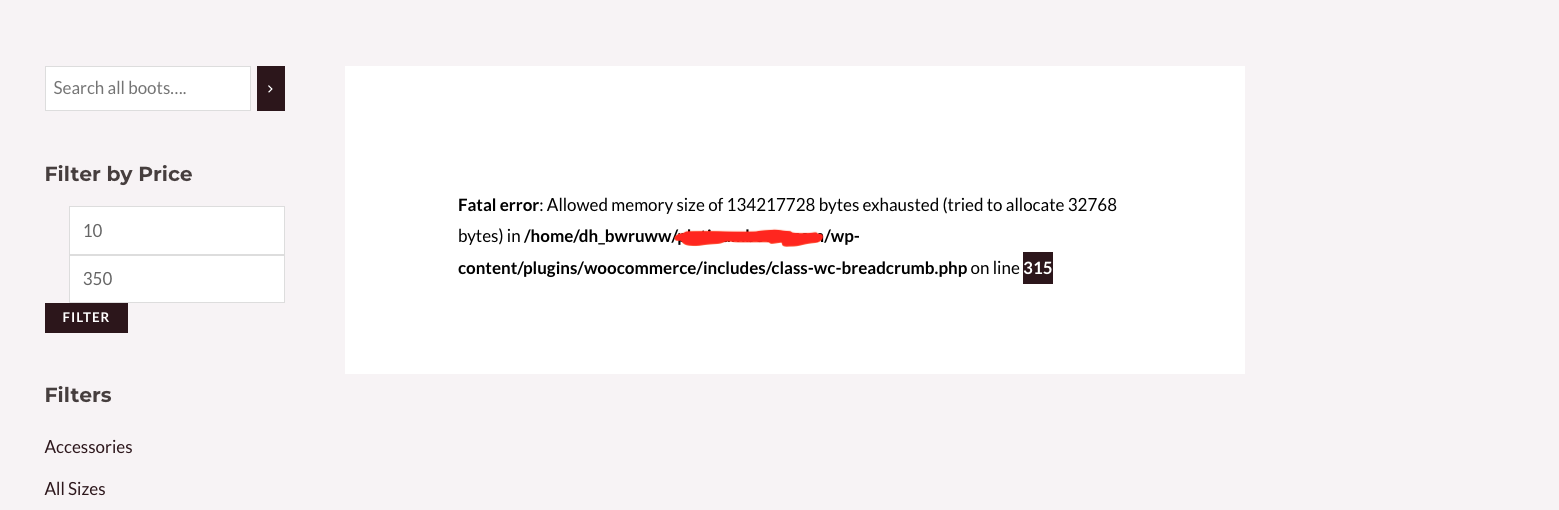
It's only affecting the woocomecrece store portion of the website.
I have gotten support to increase my allowed memory and it was temporarily resolved but the issue has reoccurred.
My question is, would migrating to a VPS (something I want to do for speed purposes anyway) resolve the issue?
Thanks
I've got a quick question regarding hosting for a Woocommerce site.
I'm currently using the WordPress shared hosting from Dreamhost for a WordPress Site and WoopCommmerce Store.
I've been having issues with a "Fatal error: Allowed memory size of xxxxxxxx bytes exhausted (tried to allocate xxxxxxxxx bytes)"
This appears to occur in a different file every time it's refreshed
It's only affecting the woocomecrece store portion of the website.
I have gotten support to increase my allowed memory and it was temporarily resolved but the issue has reoccurred.
My question is, would migrating to a VPS (something I want to do for speed purposes anyway) resolve the issue?
Thanks
