

- Nov 29, 2022
- 2,480
- 284
A set of basic tips for working with visuals to create effective creatives in the Nutra vertical that will help overcome banner blindness and attract the target audience. We'll also explore approaches to using text, where to find ideas, and where to source materials for creatives.
Color Scheme
Colors evoke associations and, consequently, emotions. Conduct a small GEO research before choosing a color palette for your creatives to avoid dubious or negative user reactions. For example, in India, white is associated with mourning.The most commonly used primary colors in advertising are red, green, and blue.
Red
Red can convey danger or urgency. It should be used sparingly, for example, to highlight specific pain points, such as joint pain.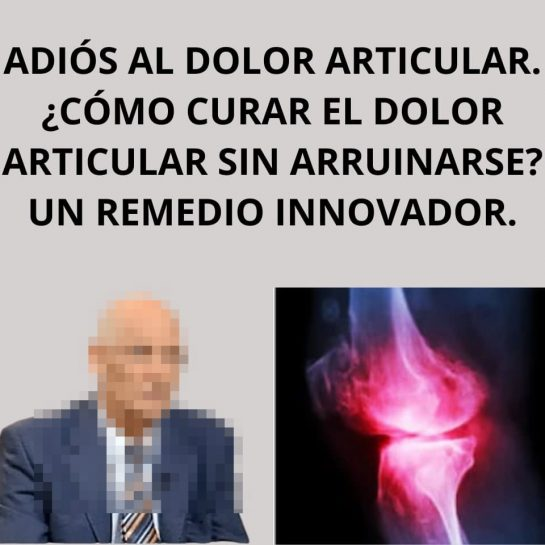
Green
Green is associated with nature, health, and well-being. It's often used in call-to-action elements, making it a popular choice for weight loss creatives.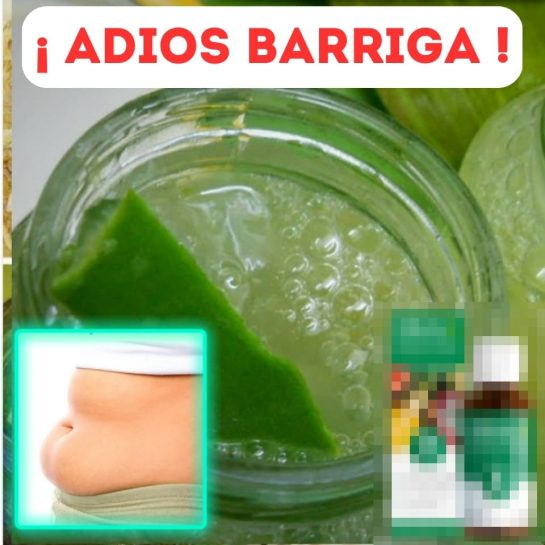
Blue
Blue represents calmness and stability. It builds trust among users and is equally favored by both men and women. Blue helps to focus attention without distracting from the core message, making it ideal for backgrounds, text, or highlighting specific elements in a creative.Additional Colors
- White: White symbolizes openness and neutrality, avoiding negative emotions. It contributes to a sense of lightness and tranquility.
- Black: Black is associated with authority, power, and premium quality. It’s often used in campaigns targeting a male audience.
- Yellow: Yellow promotes positivity and encourages communication. It can give objects an intellectual feel and evoke a sense of peace and calm.
- Orange: Orange adds optimism and vitality, creating a sense of harmony and inner balance.
Attention-Grabbing Elements
When adding a contrasting element to your image, ensure it is highly relevant and prominent, as it will naturally engage users.Arrow or Pointer
Adding a simple arrow to indicate "before/after" can make your creative more clickable. When users scroll through a page, they are more likely to notice an image with a pointer, as it piques their curiosity.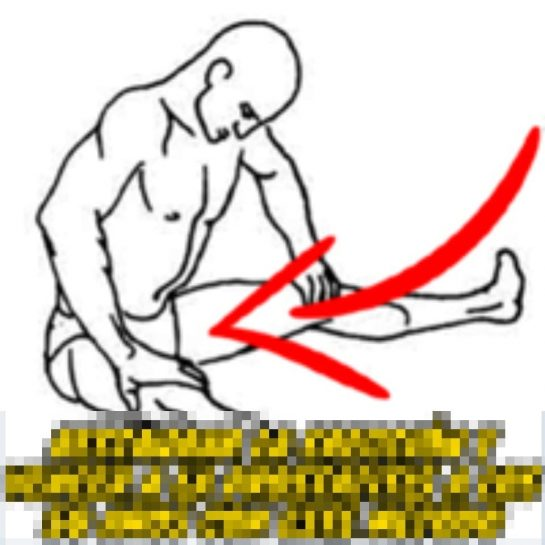
Highlighting Elements with a Frame
Using frames can also draw attention. Highlight the element that needs emphasis with a frame.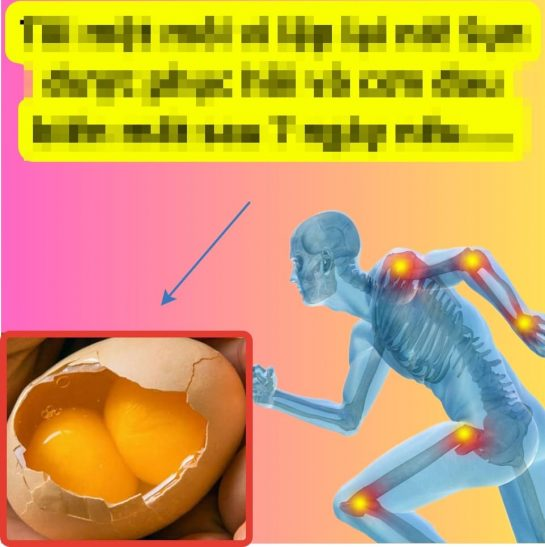
Play Button
A play button on a creative increases click-through rates.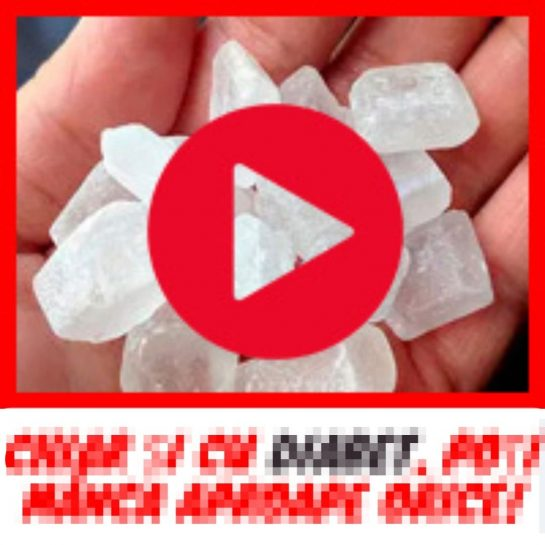
Button
Using a button on your creative calls users to action.
Text
Facebook's help center provides information on permitted and prohibited products for advertising. These materials can help you craft texts that won't trigger rejection. For example, explore Facebook's ad standards on health and wellness.Facebook recognizes texts written on creatives (on the images themselves), so experimentation may be necessary. Consider three approaches:
- If Facebook is currently allowing ads without rejections or policy issues, you can try using direct trigger words that refer to the problem. For instance, words like "weight loss," "wrinkles," "member," as well as disease names like "hypertension," "vision," etc.
- If ads are rejected or banned, consider veiling the text by substituting similar phrases. For example, "valgus" can be replaced with "bump," and "weight loss" with "losing excess weight," etc.
- You can use fonts that Facebook doesn’t recognize but are still readable by users. This also helps protect your creatives from spy services that search for text in images.
Ideas
To find ideas, consider these methods:- SPY Services: Use various spy tools to explore what works for others.
- Facebook Ads Library: Search for creatives in Facebook's ad library.
- Telegram Chats: Join creative-related Telegram groups.
- GEO Analysis: Analyze geographic data to tailor your approach.
- Landing Page Design: Draw inspiration from the content and design of your landing pages.
- Cross-Vertical Adaptation: Adapt strategies from other verticals.
- Neural Networks: Utilize AI to generate creative ideas or modify existing ones.
Sources
To find templates for your creatives, you can use the following resources:Stock Photos and Videos
- Shutterstock: A vast collection of photos, illustrations, and videos.
- Adobe Stock: A wide range of high-quality images and videos.
- Getty Images: Professional photos and videos.
- Pexels: Free high-quality photos and videos.
- Unsplash: Free high-resolution photos.
Icon and Illustration Libraries
- Flaticon: A large collection of free icons.
- Freepik: A mix of free and paid icons, illustrations, and vectors.
- Noun Project: A library of icons created by various designers.
- Free content stocks: Explore various free photo stocks, videos, icons, and vector graphics.
Social Networks and Search Engines
- Search Engine Results: Use search engines to find relevant images and videos.
- Facebook Groups: Join arbitrage communities on Facebook where you can share templates and ideas.
- Telegram Channels and Chats: Engage with others in the field through Telegram.
- Instagram and Pinterest: Browse these platforms for visual inspiration.


