

- Nov 29, 2022
- 2,484
- 284
Our detailed guide about working with Facebook Ad Library: https://www.blackhatworld.com/seo/facebook-ad-library-how-to-search-for-creatives-and-bundles.1465756/#post-16290563
Ad Library – Save Facebook TikTok – Foreplay
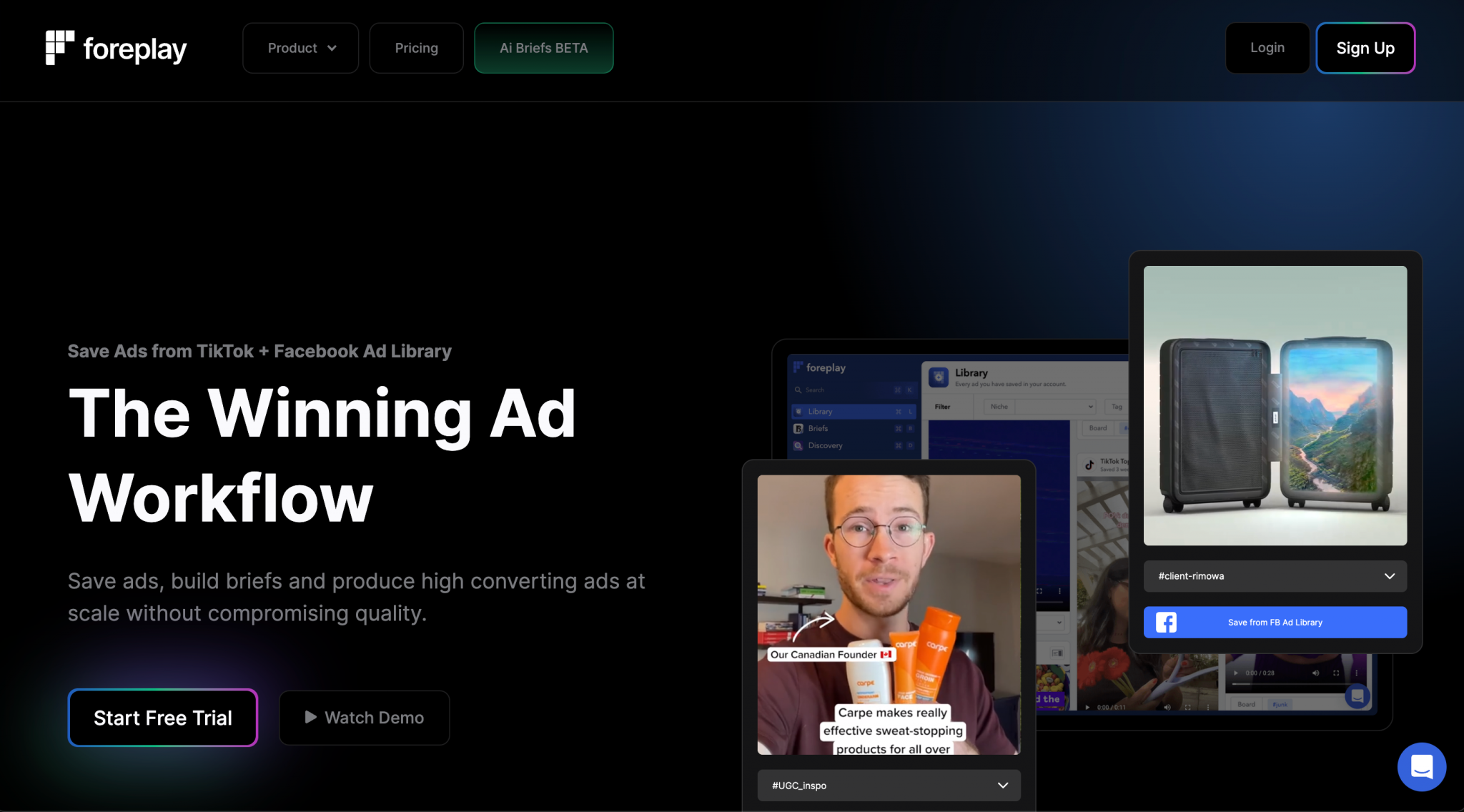
- Link to the website: https://foreplay.co
- Install the extension: https://chrome.google.com/webstore/...cebook/eaancnanphggbfliooildilcnjocggjm?hl=en
A plugin from the Foreplay service that allows you to save ads from TikTok Creative Center and Facebook Ad Library to your library in the service's personal account in 1 click.
Foreplay allows you to conveniently organize advertising creatives on boards, view detailed information on them, download or share with your team.
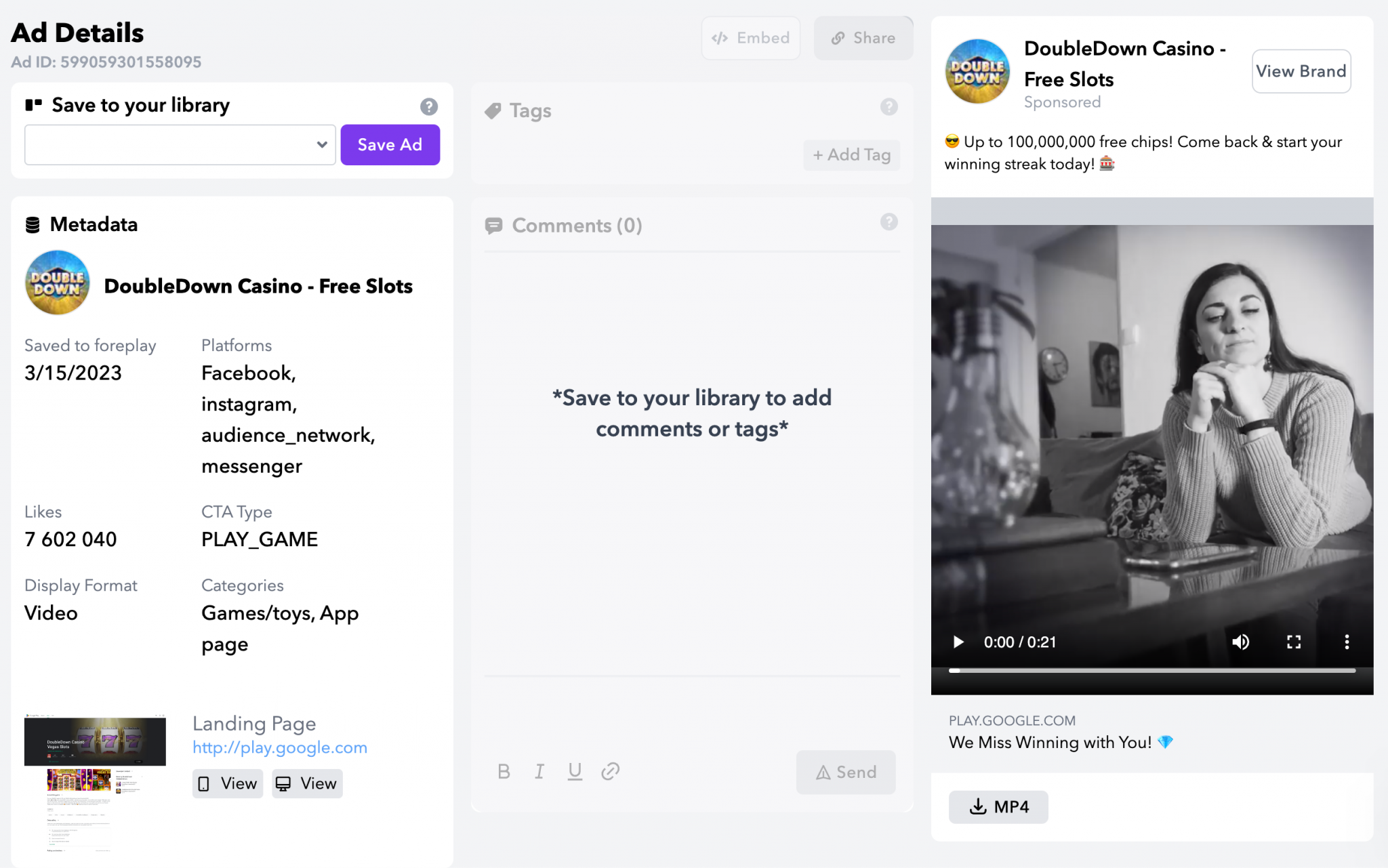
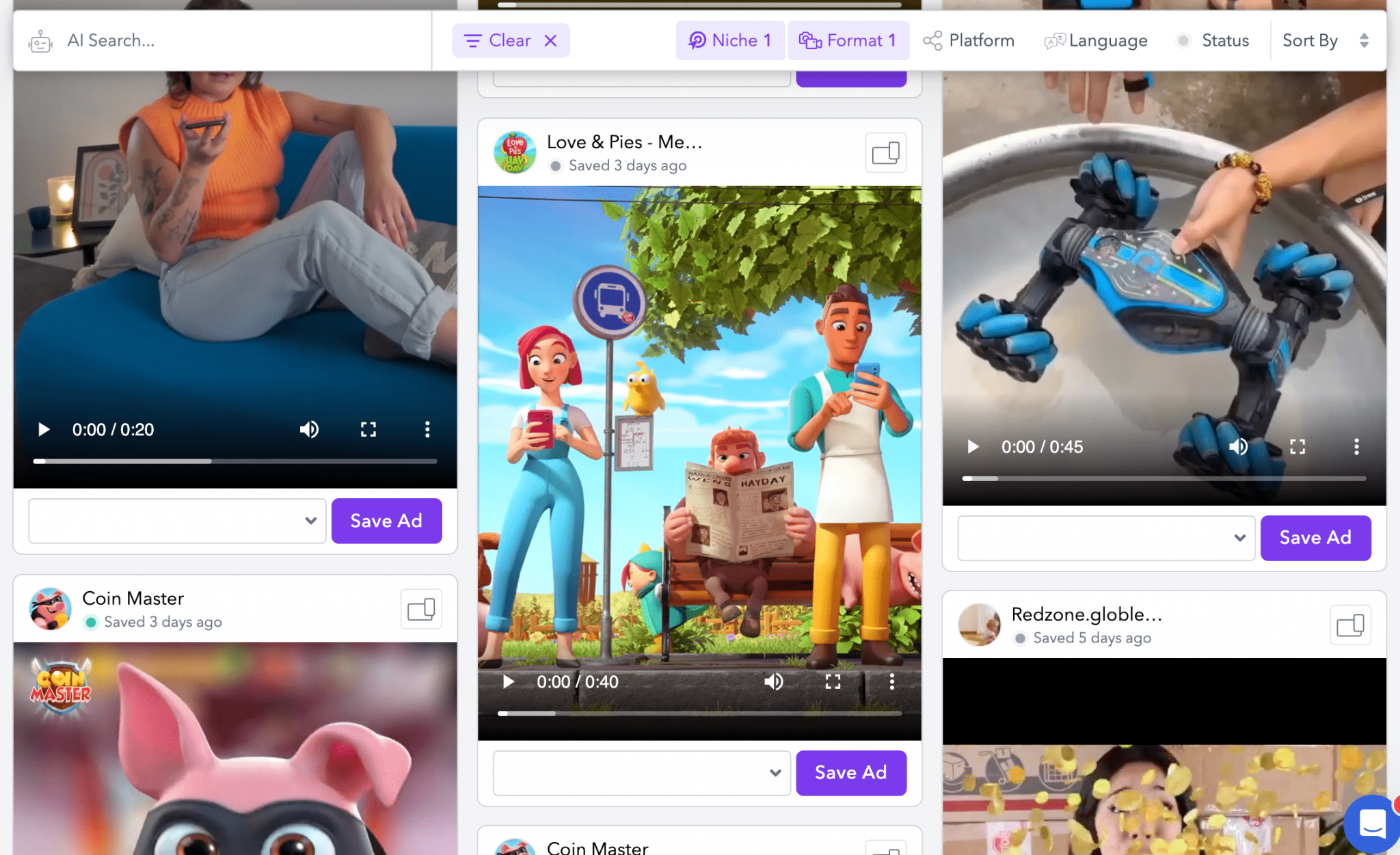
Interestingly, the service has a section with advertising creatives that other users have found. They can be sorted by niche, format, platform, language, status.
Tariff plans
The service is paid, but after registration, a trial is given for 7 days.- Solo – $49/month. Ideal for small brands and freelancers.
- Team – $99/month. Ideal for teams and agencies of any size. 2 users are included, each additional user costs $20 per month.
Main features
- Save and download ads from Facebook Ad Llibrary.
- Save and download ads from TikTok.
- Place advertising ideas on the boards.
- No expired links: saved ads are stored in the cloud and you have access forever.
- All types of ads are supported, including DCO and carousel.
- Save a copy of the ad, a screenshot of the landing page and much more!
- Mark your ads
- Filter by niche
- Filter by format
- Share creatives: create a link to share the board with anyone.
Additional features
- Discovery library with over 100,000 selected ads.
- Constructor of advertising briefings (beta).
AdLibraryHelper
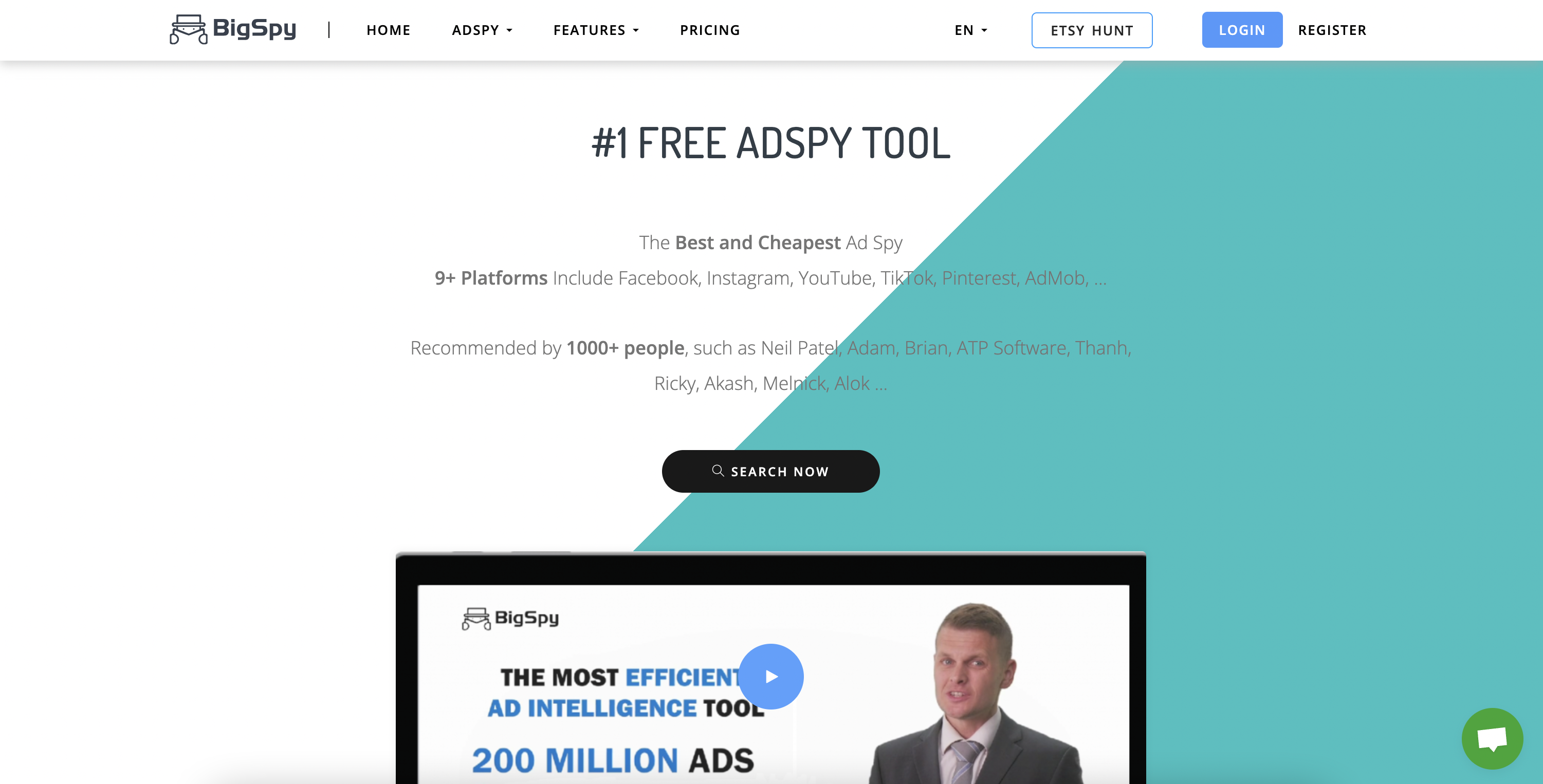
- Link to the website: https://bigspy.com
- Install the extension: https://chrome.google.com/webstore/detail/ad-library-ad-finder-adsp/ppbmlcfgohokdanfpeoanjcdclffjncg
The AdLibraryHelper plugin from the BigSpy spy service is a convenient and free tool for quick search in Facebook Ad Library. Allows you to search, view and save ads from any advertiser, even without going to the library.
Swipefiled
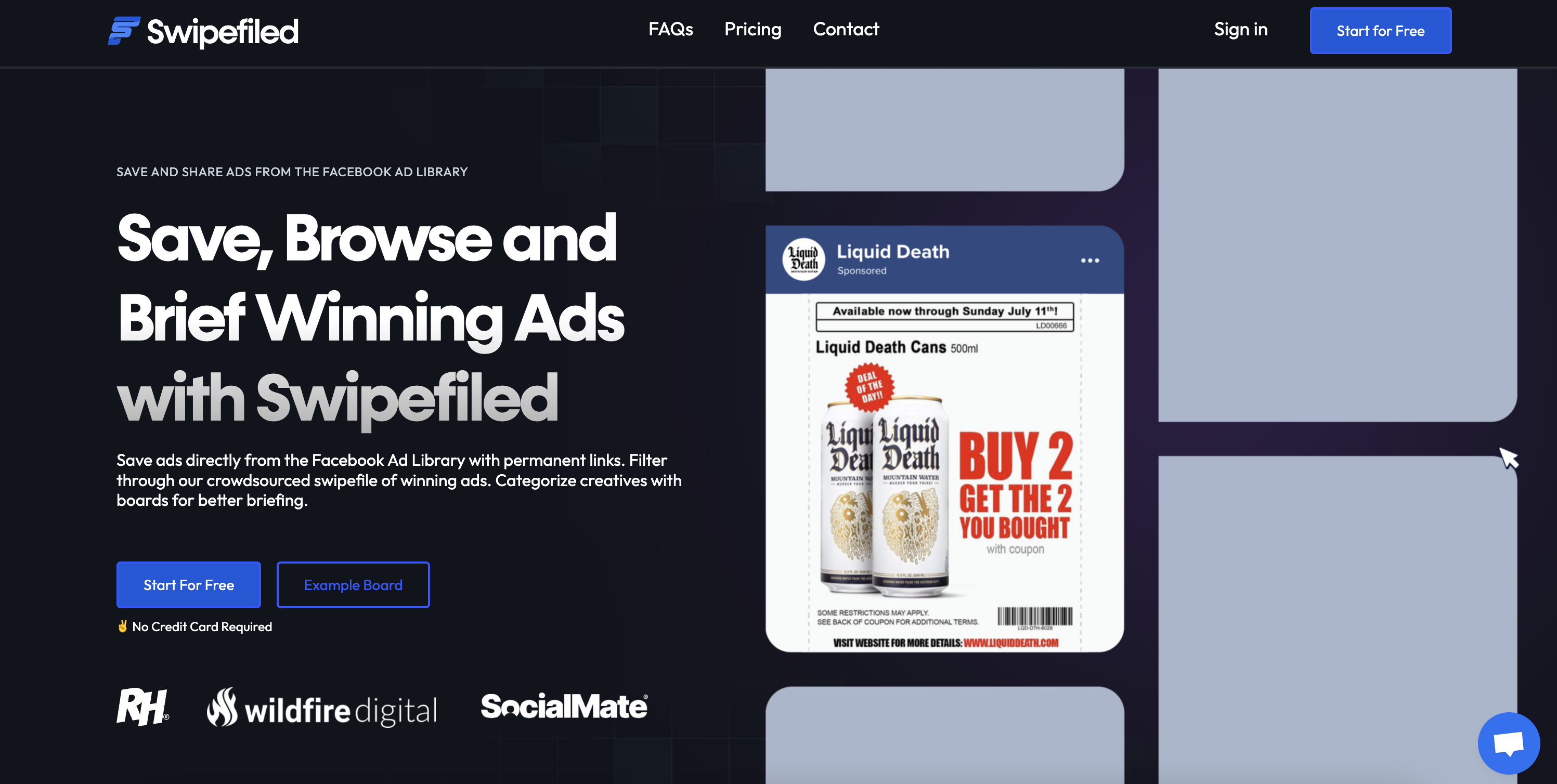
- Link to the website: https://swipefiled.com
- Install the extension: https://chrome.google.com/webstore/detail/save-share-facebook-ad-li/emfmfplkoehionhhpnkadeffhoeofemc
Browser extension from the Swipefiled service, which allows you to save ads from Facebook Ad Library to your library in your personal account in 1 click. The functionality is similar to the Foreplay service.
- Instagram Facebook Ads are saved from the Facebook ad library (FOREVER)
- Save useful metadata for each ad (ad copy, landing page, call to action, etc.)
- Automatic classification of all ads for convenient filtering
- Create public links with unlimited validity (unlike the Facebook ad library)
- Save Facebook ads on #Boards and create your own swipe files
- Share #Boards to inform your team about new ads or get feedback from your client
- Endlessly scroll through ads saved by other brilliant marketers to get inspired
- Search and find the perfect ad with extensive filtering capabilities
- Keyword search using artificial intelligence across the entire public library of ads
Tariff plans
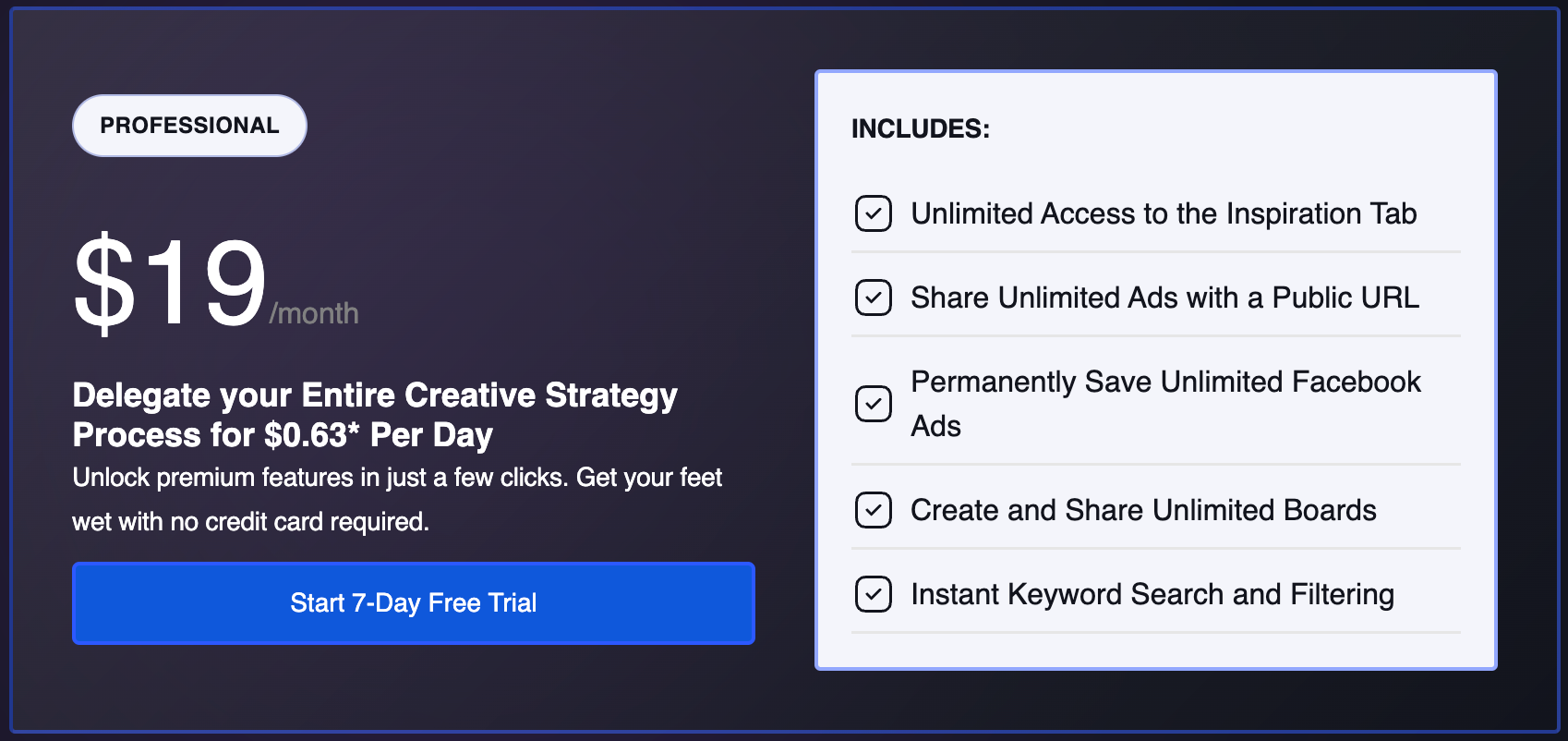
There are free and paid tariffs, after registration, a trial for the Professional tariff is given 7 days.- Personal - free
- Professional - $19/month
Facebook, Tiktok & Linkedin Ad downloader
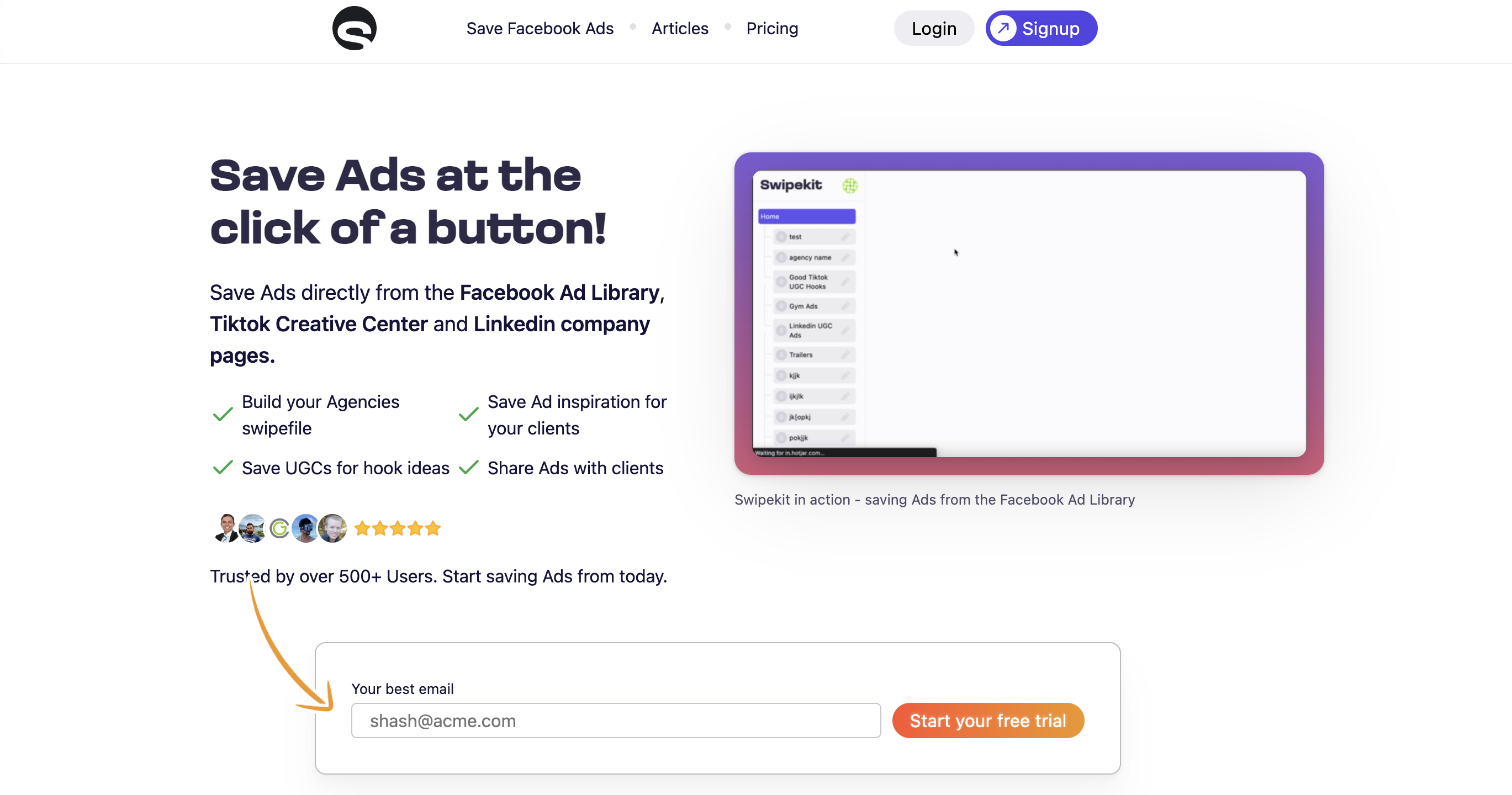
- Link to the website: https://swipekit.app
- Install the extension: https://chrome.google.com/webstore/detail/facebook-tiktok-linkedin/gojmmkhaiojimnnjhhilmhjmhdbdagod
Another organizer with minimal functionality for the ads found in Facebook Ad Library and TikTok Creative Center. Allows you to collect on different “boards”, assign tags, sort and download.
Tariff plans
- $30/month, there is a trial for 7 days.
Mazepool

- Install the extension: https://chrome.google.com/webstore/detail/mazepool-facebook-ads-lib/cafmigipilphondjhnglkjpmggbmgldf
A small add-on for Facebook Ad Library.
Main features
- Filter by the number of ads the page uses.
- Automatically scroll through and stop the ad library when the required number of ads is found.
Eboost Ad Spy
- Install the extension: https://chrome.google.com/webstore/detail/eboost-ad-spy/micnjbbjjfbffcjicglpgofplijaapfb
The plugin has not been updated for a long time, but some functions still work.
Eboost Ad Spy — allows you to find ads on Facebook of any brand or website with one click.
Just go to the URL of any website you are interested in. If the extension icon turns blue, it means that it has found the Facebook page. Just click the "Advertising" extension icon and it will open the brand's Facebook Ad Library ad. If the icon remains gray, it means that the page has not been found.
The extension also works on Facebook business pages in addition to websites. You can go directly to any Facebook page and click the extension to see related ads.