

amoon
Elite Member
- May 16, 2015
- 2,358
- 1,920
first go to--->https://albuq.cabq.gov/selfreg
if you face an IP restriction like me, ....
....

Just use a vpn - in my case i use Hola VPN for chrome, and choose US

Click in <My Account> and create a new one
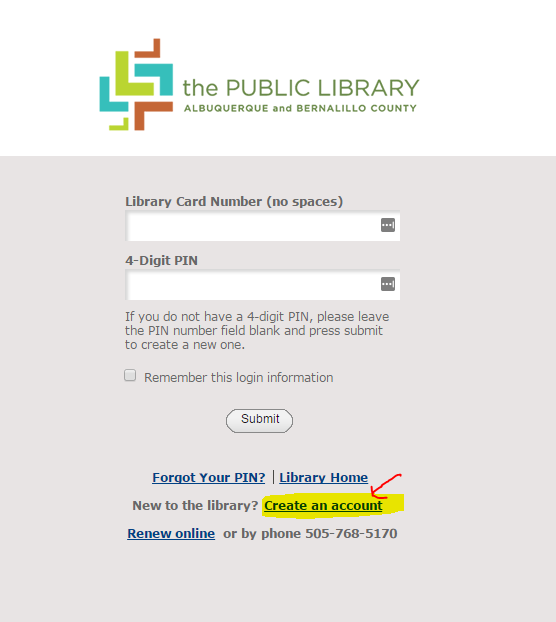
And...use the following information... (Required)

After submit , you will get a temporary ID :xxxxxxxx, use it to create a PIN in <My Account> area
for this case i used 0123 as PIN ,

after submitting this, the system will ask you to RE-setup new PIN

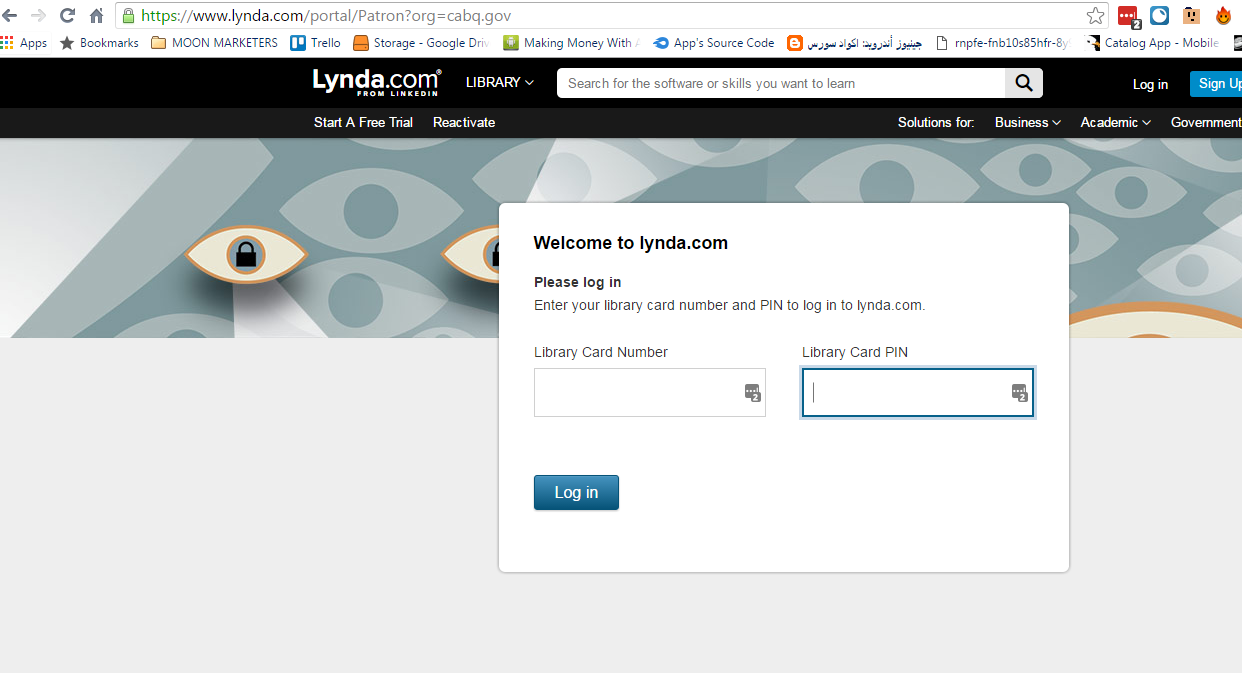
NOW , we can access LYNDA from this link --->https://www.lynda.com/portal/Patron?org=cabq.gov
Use your ID and PIN ....
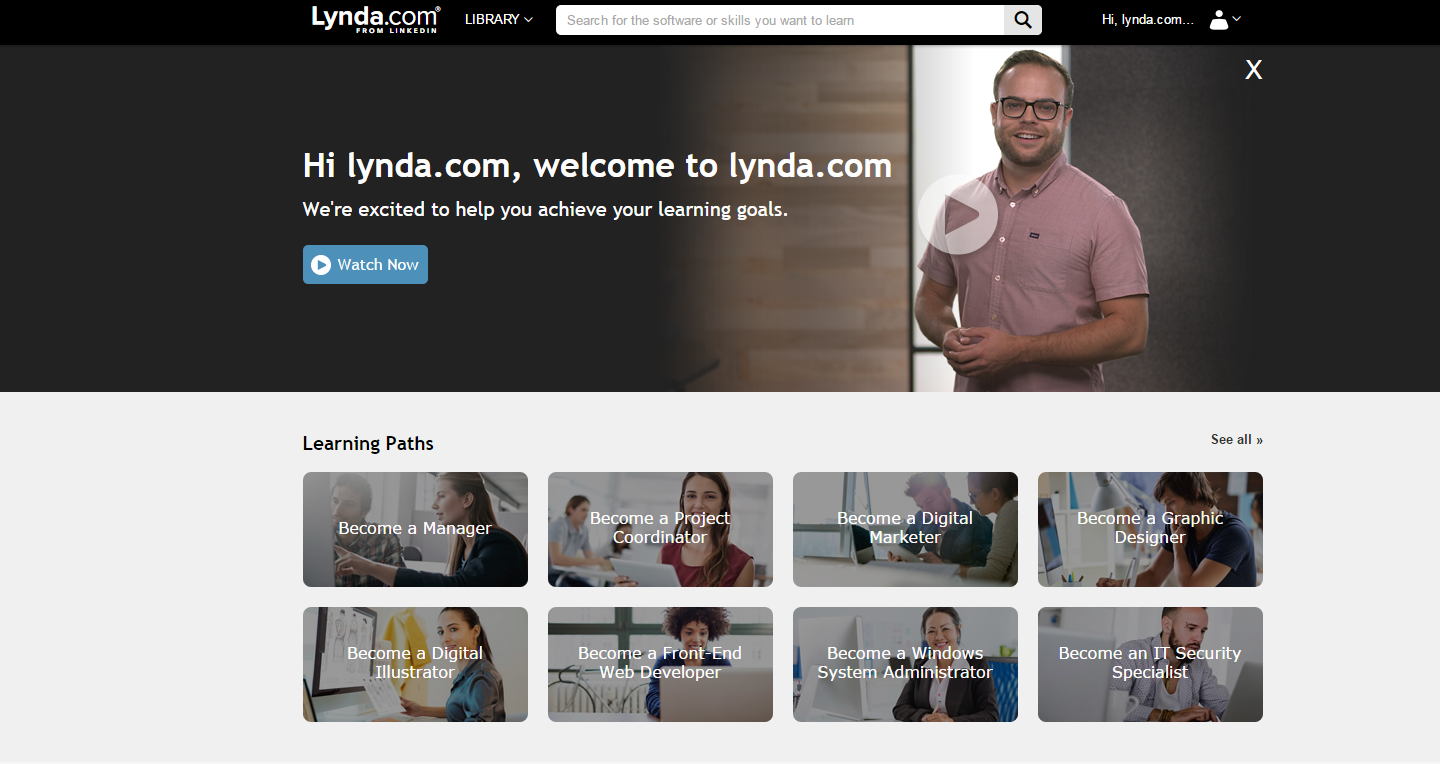
confirm your email, and...
if you face an IP restriction like me,
....
Just use a vpn - in my case i use Hola VPN for chrome, and choose US
Click in <My Account> and create a new one
And...use the following information
... (Required)
After submit , you will get a temporary ID :xxxxxxxx, use it to create a PIN in <My Account> area
for this case i used 0123 as PIN ,
after submitting this, the system will ask you to RE-setup new PIN
NOW , we can access LYNDA from this link --->https://www.lynda.com/portal/Patron?org=cabq.gov
Use your ID and PIN ....
confirm your email, and...


