Permanently Closed Marketplace Sales Thread

Status
Not open for further replies.
I've bought it but it gives me a [Timed out] when logging to my adWords account since my adWords account was made on another time zone. I don't see anywhere on your sales page that I need a US adWords account for this to work. How can I make this to work? Where can I buy a US account or how can I make one?

catardat,

In the FAQ it gives you the AdWords instructions. It should be US.

not used for a week or 2, I ran UNF and it downloaded update, now running 2.0.2.19 and the 'can't get download link' error is back, feeling frustrated :( remind me how we can rectify this please..

tonymu,

Can you PM me your registration e-mail? This happened with another user, and, for whatever reason, they did the uninstall/install trick and it worked.
 
Juts purchased the software

hope to get good benefits from it

will leave a review soon.

Thanks
 
I tried a couple of different adwords accounts and I always get error saying "while logging in to the account xxx, a security verification screen was reached.." then I login into account and nothing - I can use keyword planner there NP.
 
SEOJoker.com,

Can you PM me your registration e-mail? Thanks.
 
Is anyone else having issues with getting the monthly search volume for the keywords from keyword planner? Even importing the CSV's exports does not import the search volume into UNF. Is it just me?
 
I have just pm'd you

catardat,

In the FAQ it gives you the AdWords instructions. It should be US.


tonymu,

Can you PM me your registration e-mail? This happened with another user, and, for whatever reason, they did the uninstall/install trick and it worked.
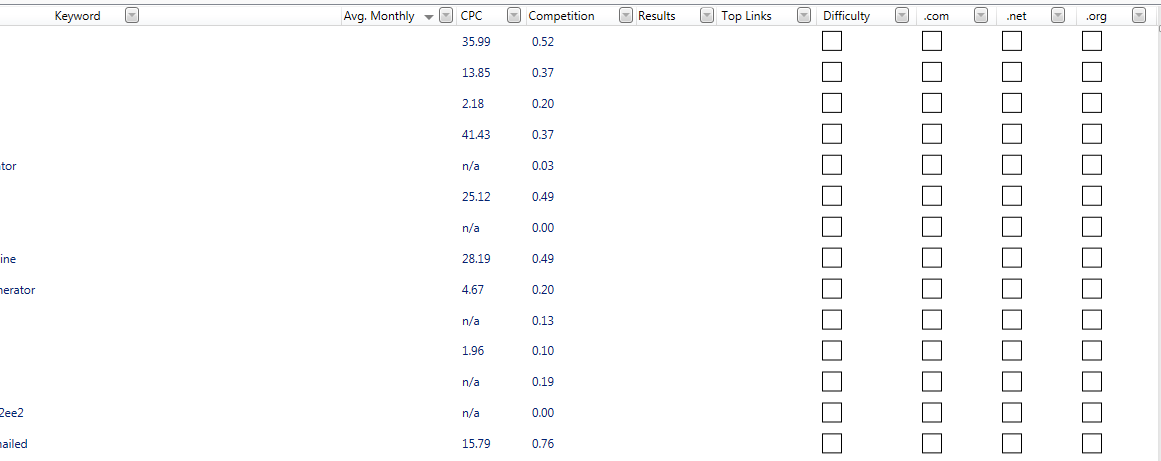
 
Is anyone else having issues with getting the monthly search volume for the keywords from keyword planner? Even importing the CSV's exports does not import the search volume into UNF. Is it just me?


Yes having the same problem.
Monthly search volume is not showing.

Can u please check this problem and get it fixed as soon as possible.

8EC5MUv


Thank you
 
Hi Everyone,

Please update to version 2.0.2.20. Issue is corrected.
 
Easiest way to request a license reset is through the helped so link in my signature.
 
What is the required syntax of proxies? I have problems with the standard IP : port : login : pwd (without spaces) syntax.
Thanks
 
If there are stored keywords in keyword planner, UNF (in its current state) seems to search within those keywords. If you log into GKP, got to Keyword Planner, and clear out any saved searches, this will get rid of the [malformed GKT] error. We are adding in functionality to drop saved searches in the next build.

Hey Hango,
I'm also getting [malformed GKT] error.
Can you please let me know where are saved keywords located in the GKP so that I can delete them?
 
What is the required syntax of proxies? I have problems with the standard IP : port : login : pwd (without spaces) syntax.
Thanks

vah1de,

For private proxies with authentication, please use Windows Notepad and enter them in the following format, one proxy per line:
IP:PORT:USERNAME:PASSWORD
For public proxies or proxies without authentication, please use:
IP:PORT
Then save the file as .txt and use the Import from .txt button available under the Proxies tab. Please also use the Test button to test them prior to using them.

Hey Hango,
I'm also getting [malformed GKT] error.
Can you please let me know where are saved keywords located in the GKP so that I can delete them?

fab145,

is this error coming up in the most recent build? 2.0.2.20? It shouldn't be an issue with the newest versions.

Ill have to take a look and see what the steps are. Not near a computer now, but I will try to be in the next 24 hours.
 
fab145,

is this error coming up in the most recent build? 2.0.2.20? It shouldn't be an issue with the newest versions.

Ill have to take a look and see what the steps are. Not near a computer now, but I will try to be in the next 24 hours.
Yes, the error is coming up in the most recent build (2.02.20).
 
Last edited:
fab145,

When you're in Google Adwords, look on the right side of the GKP tool. It should say "Your Plan" in a grey box. This is where keywords are stored for later use. Delete your keywords from there and try using the software again.
 
i requested license reset last week, but no respond.

ppaccount,

I reset all of the submissions I received through my support page last week. You would have received an email back from [email protected]. Try logging in with your email. It should be reset. If not, you can PM me and I'll take care of it right away.
 
Status
Not open for further replies.
Back
Top