WordPress Admin Login Problem!

Local SEO Store

Elite Member
Jr. VIP
Joined
Jun 26, 2024
Messages
1,693
Reaction score
161
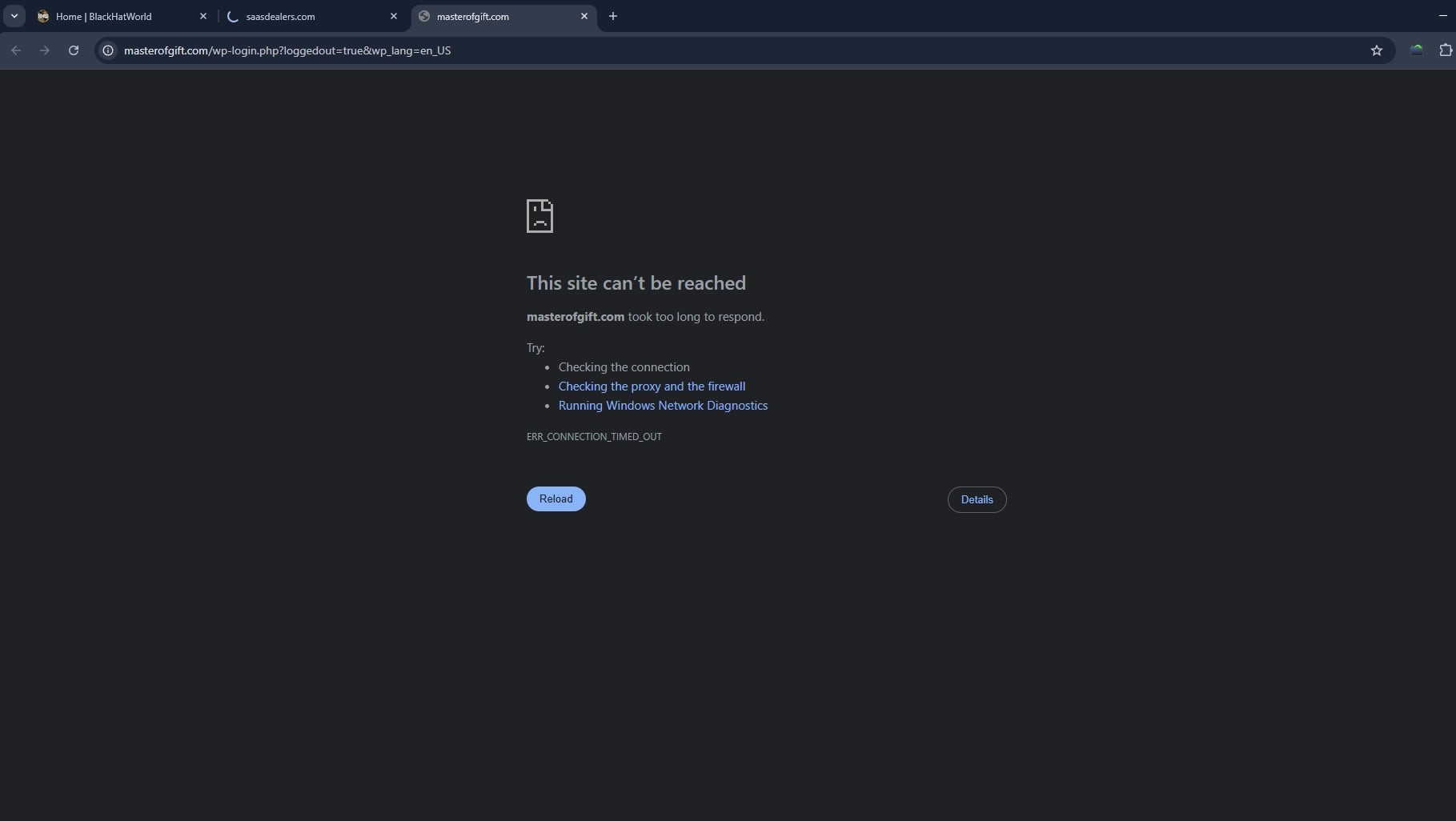
Why can't I access my website, even though my colleague can access the admin login? I’m using broadband internet from a local ISP. I asked them if there was any issue with the internet, but they denied it.


What can I do now? I’ve attached a screenshot for your reference. Please provide any suggestions or solutions.
8692c6c8-6e24-41bd-a92e-c478f0893fa5.jpg
 
Why can't I access my website, even though my colleague can access the admin login? I’m using broadband internet from a local ISP. I asked them if there was any issue with the internet, but they denied it.


What can I do now? I’ve attached a screenshot for your reference. Please provide any suggestions or solutions.

View attachment 452678
Try using a VPN. If you're already on a VPN, connect directly without a VPN and see if it works.
 
Why can't I access my website, even though my colleague can access the admin login? I’m using broadband internet from a local ISP. I asked them if there was any issue with the internet, but they denied it.


What can I do now? I’ve attached a screenshot for your reference. Please provide any suggestions or solutions.

View attachment 452678
it's likely a local issue on your end. Here’s what you can try:
  1. Clear your browser cache or try a different browser.
  2. Restart your modem/router.
  3. Flush DNS: Open Command Prompt and run ipconfig /flushdns.
  4. Try accessing with a VPN or mobile hotspot.
  5. Check if your IP is blocked by the server firewall. Ask your hosting provider to whitelist your IP.
 
1750316151976.png


it's perfectly working in my internet so change network and try again

Clear browser Cache
Check whether your ip address is banned or blocked by firewall in your hosting side

I thought your internet IP address is blocked so try to clear it by contacting your hosting provider
 
Yes it's look like your up address is blocked it's some times happened

Do hard cache and cookies removed and try with VPN with another country it's work then
 
It appears that you are experiencing a local DNS or ISP routing problem. The site is fine since your coworker can view it. To get around any ISP-level limitations, try cleaning your DNS (ipconfig /flushdns on Windows), moving to Google DNS (8.8.8.8), or utilizing a VPN. Clear the cache in your browser as well. If that works, please let us know!
 
Might be your IP getting blocked by a firewall or security plugin. First, try in incognito or another network (mobile tether) to confirm. If it works there, check your host’s firewall or any Wordfence/Sucuri rules your ISP IP could’ve tripped a block. You can whitelist your IP in phpMyAdmin by adding it to the wp_options table under allowed_ips, or temporarily disable security plugins via FTP. Finally, clear any local DNS or browser cache. That usually does the trick.
 
Back
Top