

wkcalvin
Power Member
- Aug 15, 2012
- 788
- 177
I installed Hello Elementor, then imported a header from library, it’s desktop layout like picture one.

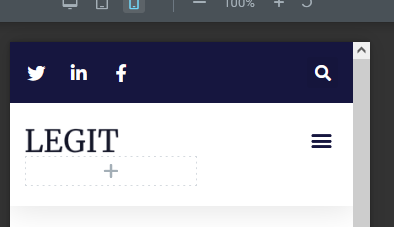
And it’s mobile layout like picture two.
I want to show telephone and email on mobile, but whatever I tried, it still only showing social and search
Any hints to fix this problem, thanks
And it’s mobile layout like picture two.
I want to show telephone and email on mobile, but whatever I tried, it still only showing social and search
- What factors determine mobile will show which column ?
- I tried hide social and search for mobile in responsive and even I delete these 2, Header become blank, still not show the telephone and email ?
Any hints to fix this problem, thanks


