Hey, I wanted to take the premium plan but I have few doubts:
1. Do you plan to launch android based profiles anytime soon?
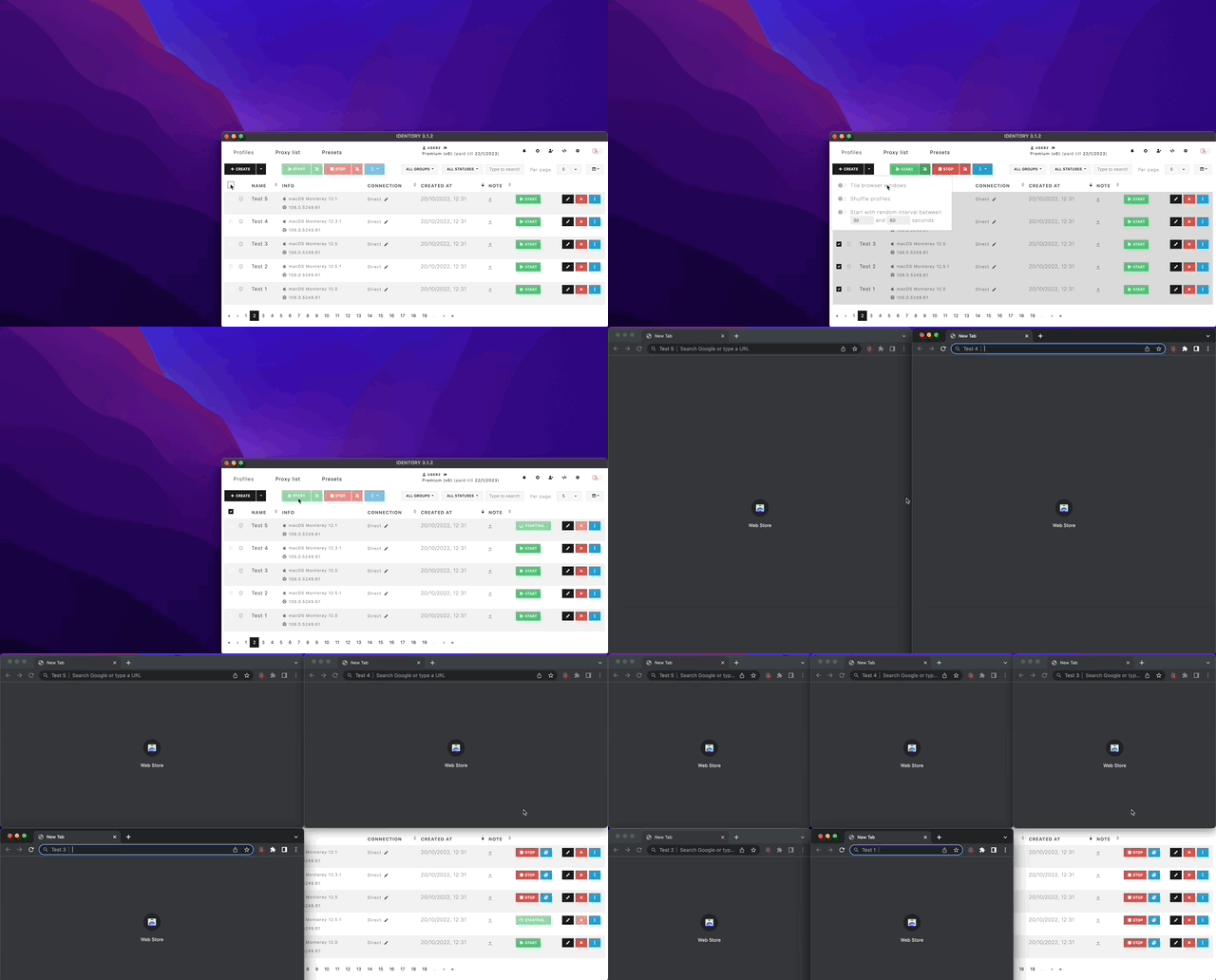
2. What does 'Advance start and stop option' and 'Presets' mean in Premium Plan?
3. Can we get 'Consistent' in Pixelscan using identory even after keeping ' Canvas, WebGL, Client Rects' as 'Noise'?
(I am asking this because in the other tools I have tried, whenever I keep Canvas and WebGL in 'Noise' mode, pixelscan shows that I am masking my fingerprint and using automation framework)
4. If I run MacOs, Ipad, iOS based profile on a windows laptop, will it show 'Hardware inconsistency' in iphey?
5. Does it has option to change DNS Settings based on the IP being used automatically? or do I need to change it manually?
6. I understand that these profiles are stored locally in my PC. Can I transfer these profiles to other PC?
7. Do you have a fingerprint database from where I can fetch values while creating browser profiles? or Do I need to manually set random config values while creating it?
Hello!
1) We don't plan to launch Android based profiles anytime soon.
2) You can read about "Advanced start & stop options"
here.
Presets - practically the same as default profile settings (Settings -> Default profile), only you can create many different presets and then when you create a new profile (or you use the Mass generator to create profiles), you can select a preset with one click and all settings will be set. You can also set proxy, name, group, status, etc.
3) Yes, you will get "Consistent" when you turn on all noises (Audio, Canvas, WebGL, Client Rects). But at the moment we do not recommend enabling Audio and Client Rects noises for working with sites and services, they should only be enabled for anonymous web surfing.
4) It will be consistent on Iphey in all cases. But for desktop profiles we recommend to use the platform corresponding to your main system.
5) It depends on the proxy, in most cases you won't need to configure it manually, but for some not so good proxies you will need to configure DNS manually and IDENTORY has this feature.
6) You can export all or part of the profiles manually, copy the files to another device and then import them on it. But in the near future there will be peer-to-peer synchronization which will make this process much easier.
7) In fact, with IDENTORY, there is no such need to compose the fingerprint yourself. You can configure the default profile in detail and a consistent fingerprint will be created for you every time. But nevertheless it is also possible to specify all the parameters yourself, all the information you can see in the
documentation.