python Selenium help

BlackxHat

Power Member
Joined
Oct 6, 2009
Messages
729
Reaction score
89
I am trying to learn selenium. I have a list of draft videos in my youtube and im trying to click one of them so can edit it but i get the error

ElementNotInteractableException: Message: element not interactable


this is what i tried to click button
Code:
xxx = driver.find_elements_by_css_selector("paper-ripple.circle.style-scope.ytcp-icon-button")
rr = (xxx[1]).click()

I tried implicitly_wait(5) but i still cant click on any of the buttons to edit the video
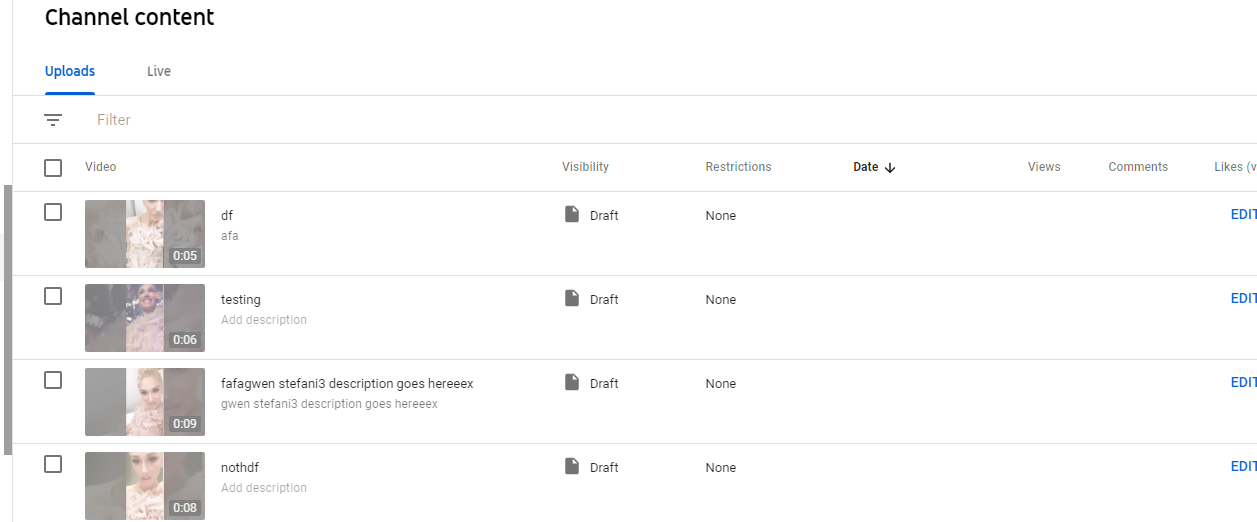
bMNz8Ed


if you want to test, you can upload this 3 second video here to your channel and see do it please
Code:
https://streamable.com/xre3tj
 
Element not interactable means there's some kind of overlay or popup on the element you want to click. In the image you attached, why are the videos faded? Try using xpath.
 
Try to find a unique selector for the element (like xpath) and use:

Python:
from selenium.webdriver.support import expected_conditions
from selenium.webdriver.support.ui import WebDriverWait
xxx = WebDriverWait(driver, 5).until(expected_conditions.element_to_be_clickable((By.XPATH, "unique-xpath")))
xxx.click()
 
Are you trying to click on the video icon or on the EDIT button?

Also, if you can't click on the button, (a lazy alternative) you can look to see if that button is actually a link. Then you can scrape the href and access it separately.
 
Are you trying to click on the video icon or on the EDIT button?

Also, if you can't click on the button, (a lazy alternative) you can look to see if that button is actually a link. Then you can scrape the href and access it separately.

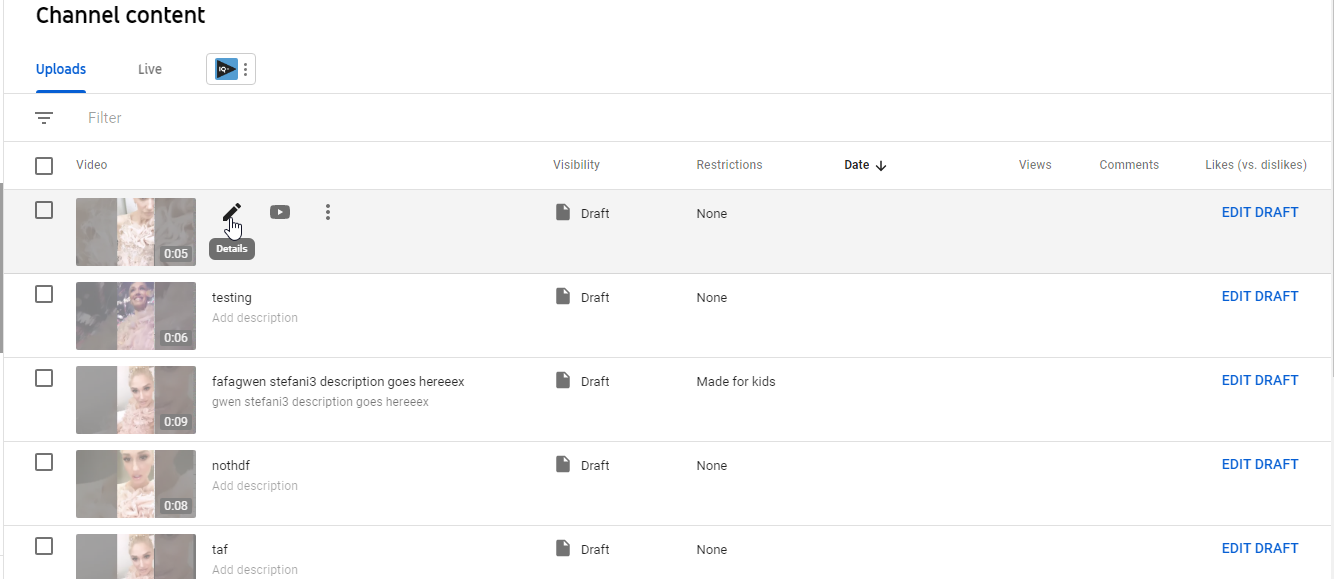
theres like 3 ways to click it. i've been trying to click on the 'details' button, which only shows up if you hover over it. you can also click on the thumbnails or you can click on 'EDIT DRAFT'

A5UIp06
 
i've been trying to click on this button, which only shows up if you hover over it.

I think this is the problem.

That HTML element might be inserted inside the DOM once you hove it. So if you don't hover is not loaded (not sure, but check with dev tools to see the DOM behavior).

Under this condition, you can create an if statement to check if the element exists then click, if not exist then click on other button (like EDIT DRAFT).
 
Don't use xpath, it will reduce your speed and memory usage.

Doesn't css selector start with an #?
 
Back
Top