

FBM
Power Member
- Apr 4, 2017
- 613
- 714
Hi guys,
I hope everyone is well?
Here are some backlinks to start your week off right.
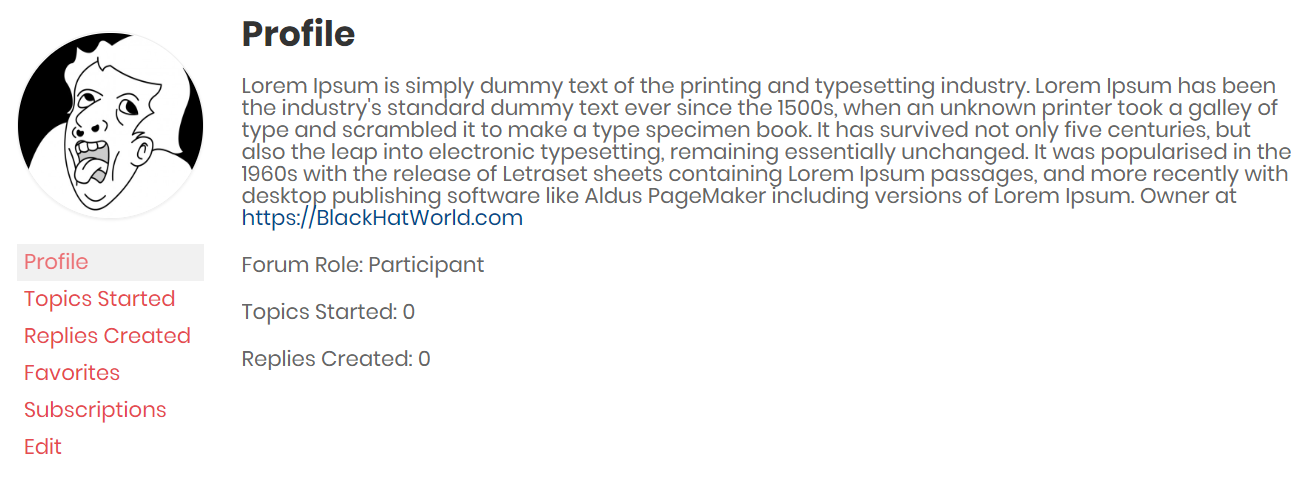
ThimPress.com - DR 70
1. Register at
2. Next, go to the URL below but edit the USERNAME to whatever you picked
3. Click Edit and put your content in the bio, along with your link.
4. You will need to use <a> to add your link.
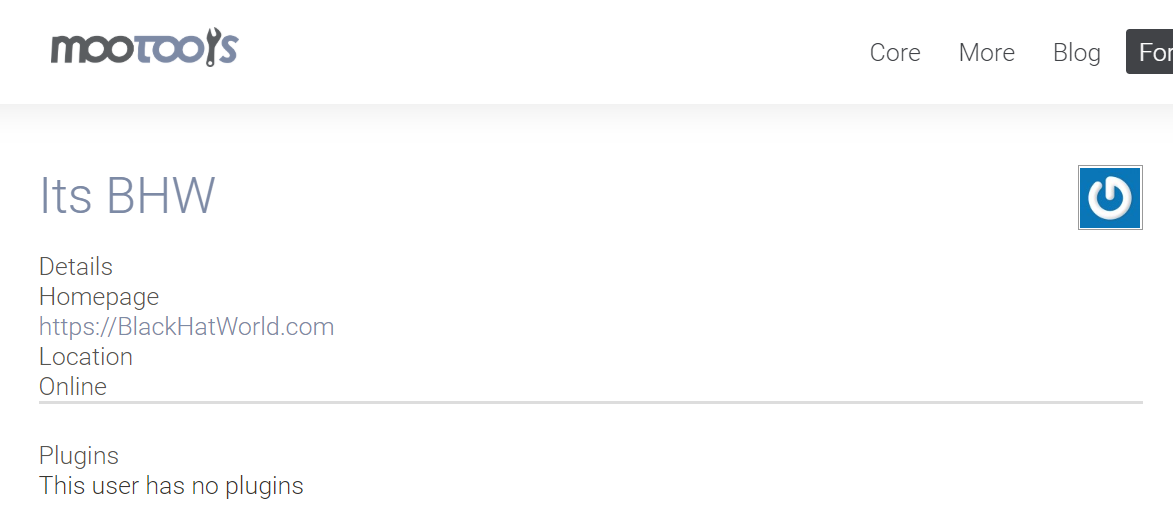
MooTools.net - DR 69
1. Register at:
2. Fill out all the details, including your website.
3. For the Security Question, the answer is "Mootools" lol
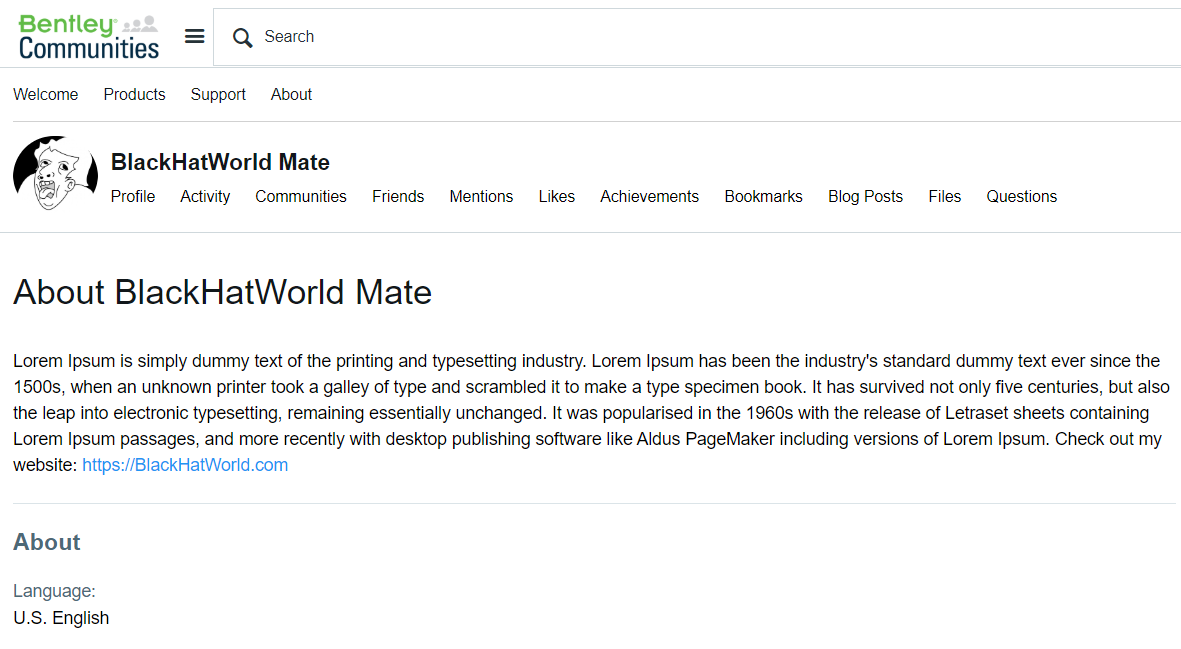
Bentley.com (communities) - DR 68
1. Register at:
2. Fill out all the details and confirm your email.
3. Next go to:
4. Complete your profile and put your content in the bio, along with your link.
Silverstripe.org - DR 66
1. Register at:
2. Fill out all the details and make sure to tick the boxes next to the URL and other details you want to be public.
3. Click your avatar to view your profile.

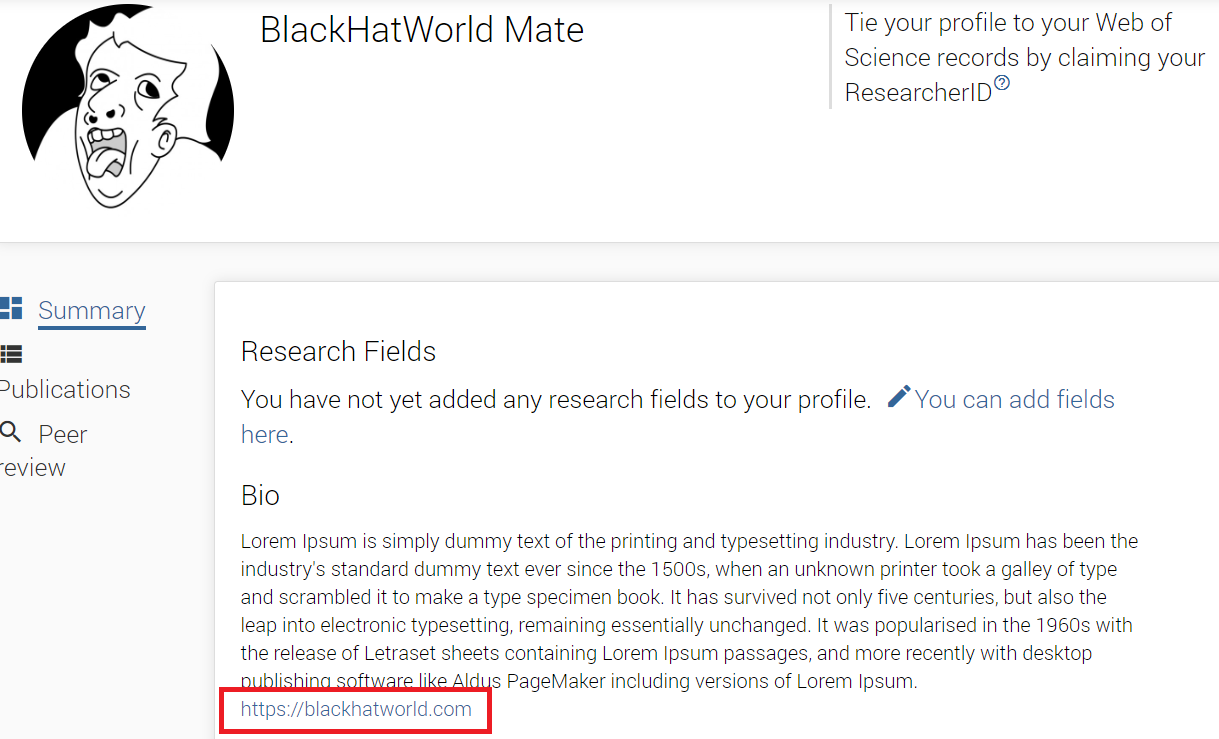
Publons.com - DR 67
1. Register at:
2. Fill out all the details and confirm your email.
3. To edit profile go to:
4. Complete your profile and put your content in the bio, along with your link.
 Stay safe guys!
I hope everyone is well?
Here are some backlinks to start your week off right.
ThimPress.com - DR 70
1. Register at
Code:
https://thimpress.com/wp-login.php?action=register2. Next, go to the URL below but edit the USERNAME to whatever you picked
Code:
https://thimpress.com/forums/users/USERNAME/3. Click Edit and put your content in the bio, along with your link.
4. You will need to use <a> to add your link.
MooTools.net - DR 69
1. Register at:
Code:
https://mootools.net/forge/signup2. Fill out all the details, including your website.
3. For the Security Question, the answer is "Mootools" lol
Bentley.com (communities) - DR 68
1. Register at:
Code:
https://ims.bentley.com/IMS/Registration2. Fill out all the details and confirm your email.
3. Next go to:
Code:
https://communities.bentley.com/4. Complete your profile and put your content in the bio, along with your link.
Silverstripe.org - DR 66
1. Register at:
Code:
https://www.silverstripe.org/ForumMemberProfile/register2. Fill out all the details and make sure to tick the boxes next to the URL and other details you want to be public.
3. Click your avatar to view your profile.
Publons.com - DR 67
1. Register at:
Code:
https://publons.com/account/register/2. Fill out all the details and confirm your email.
3. To edit profile go to:
Code:
https://publons.com/dashboard/settings/profile/4. Complete your profile and put your content in the bio, along with your link.


